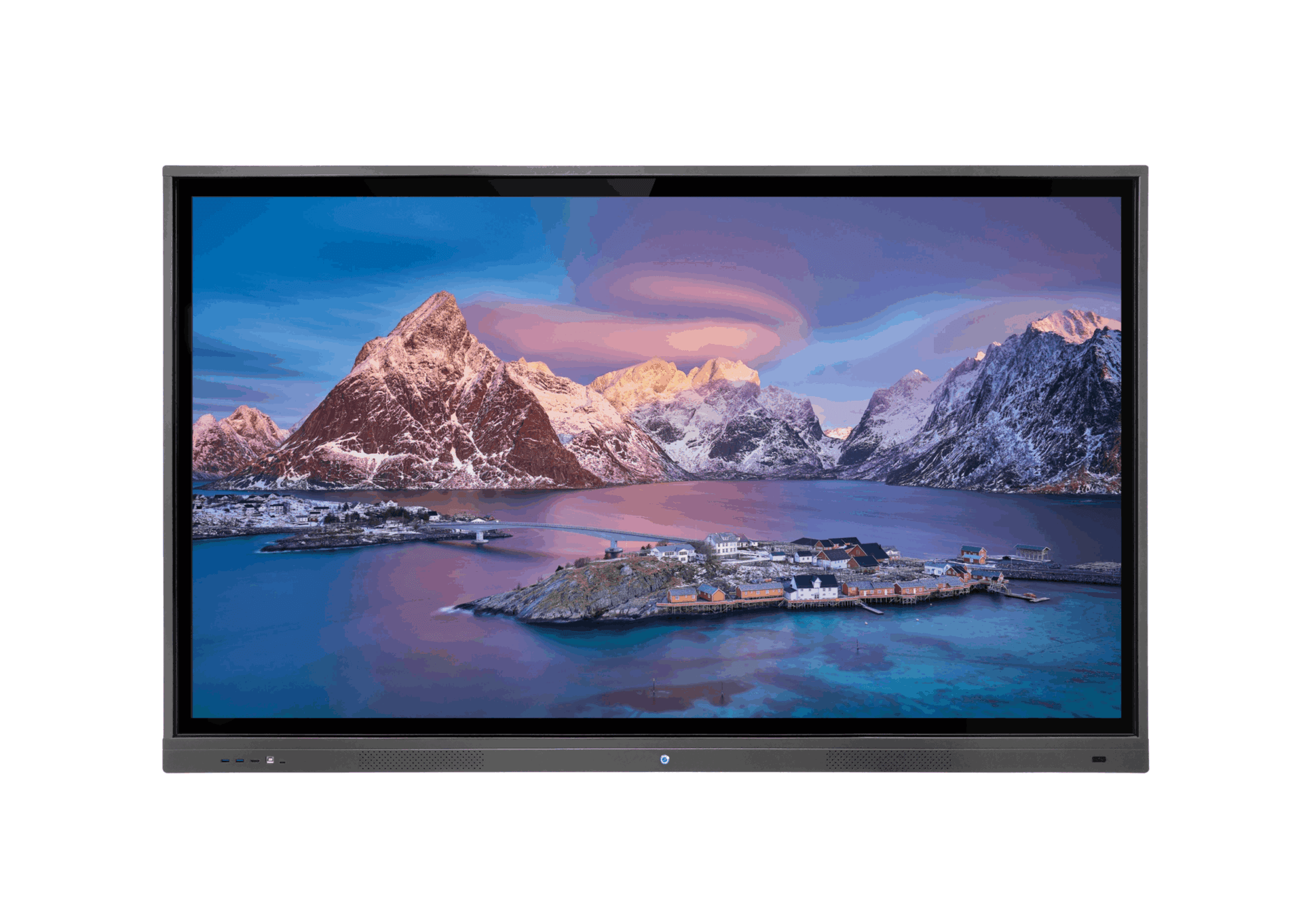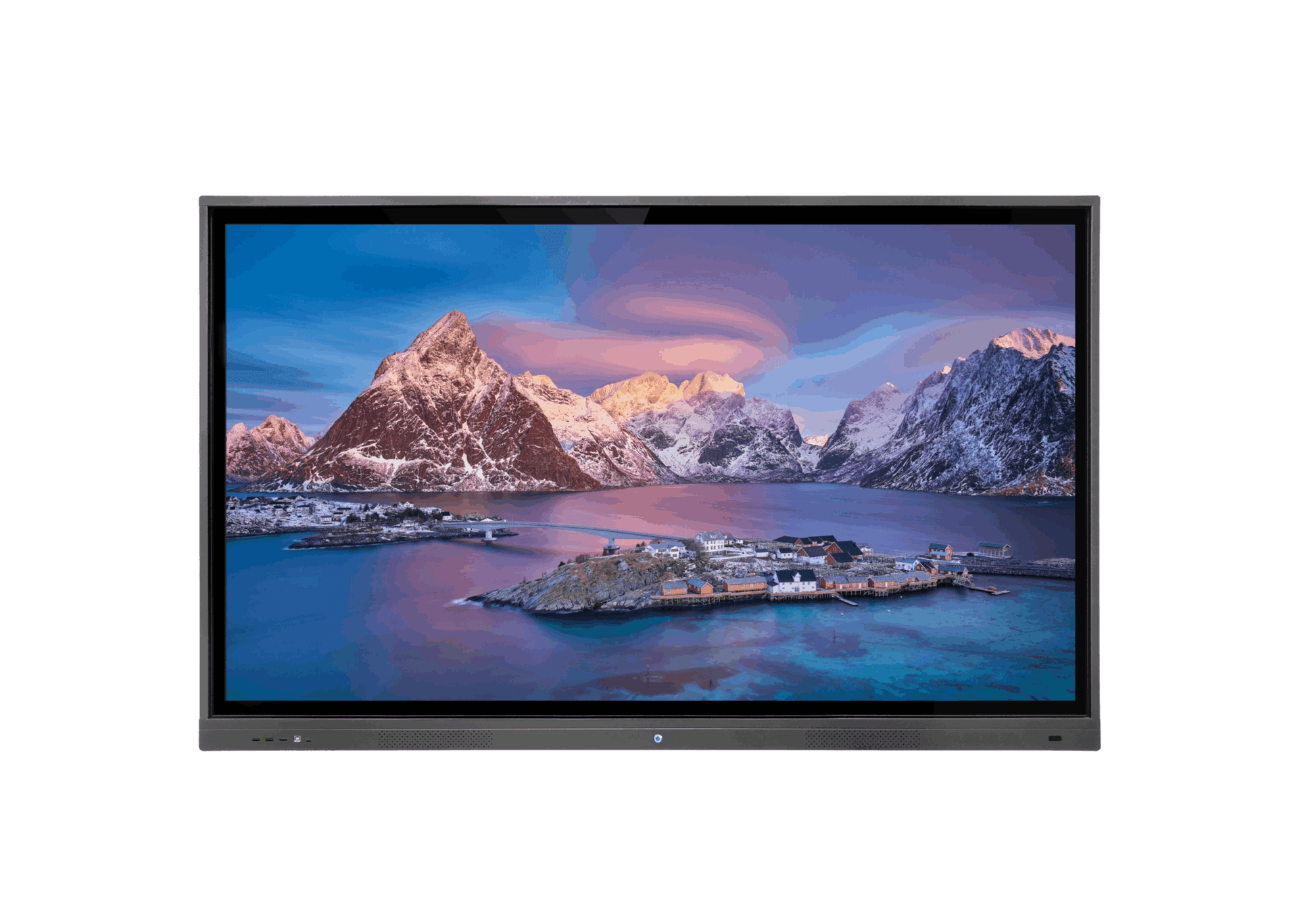
Interactive touch displays are an important addition to professional multimedia solutions.
They are available in different sizes for training classrooms and meeting rooms, with 4K resolution and built-in speakers.
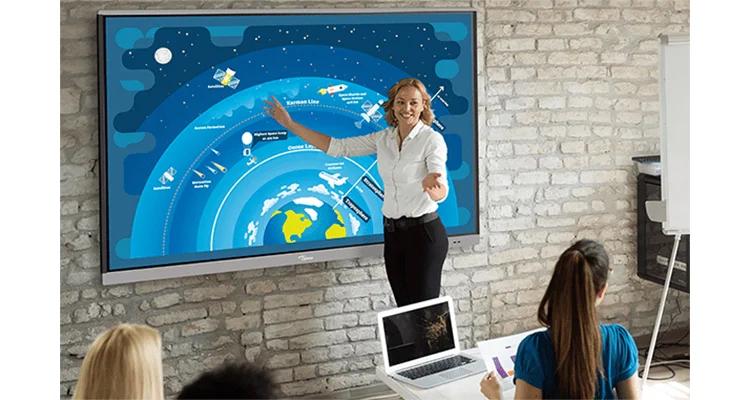
Interactive touch displays are a powerful visual tool for presenting content, films and drawing directly on screen.
Available sizes
The source lists the following display sizes:
- 65 inches — 140 × 80 cm
- 75 inches — 166 × 93 cm
- 86 inches — 191 × 107 cm
Uses
- Connect the touch display to a Windows desktop or laptop. Use a stylus or finger to operate software by touch, including multiple fingers simultaneously.
- Switch to drawing mode and select templates and line types, including thickness and colour. Draw virtually on the display using a finger or the plastic stylus supplied with the screen.
- Switch to Android mode and search Google for required topics.
- Receive images and video from a mobile phone.
Operation and installation
- Displays can be wall-mounted. Because of their weight, ensure that the wall is a solid built wall rather than drywall; reinforce drywall if necessary.
- A mobile trolley can be ordered so the display can move safely and conveniently between classrooms.
Summary
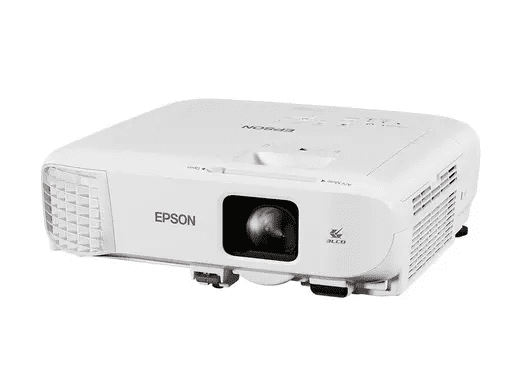
Interactive touch displays can ultimately replace a projector and screen in some settings. Their sizes suit learning classrooms and meeting rooms.
- Designed for up to 30,000 hours of operation according to the source
- No lamp wear or replacement as with traditional projectors
- Convenient and user-friendly for presentations, films, learning and training
Contact us for quotations and orders.