Map the seats and the camera position
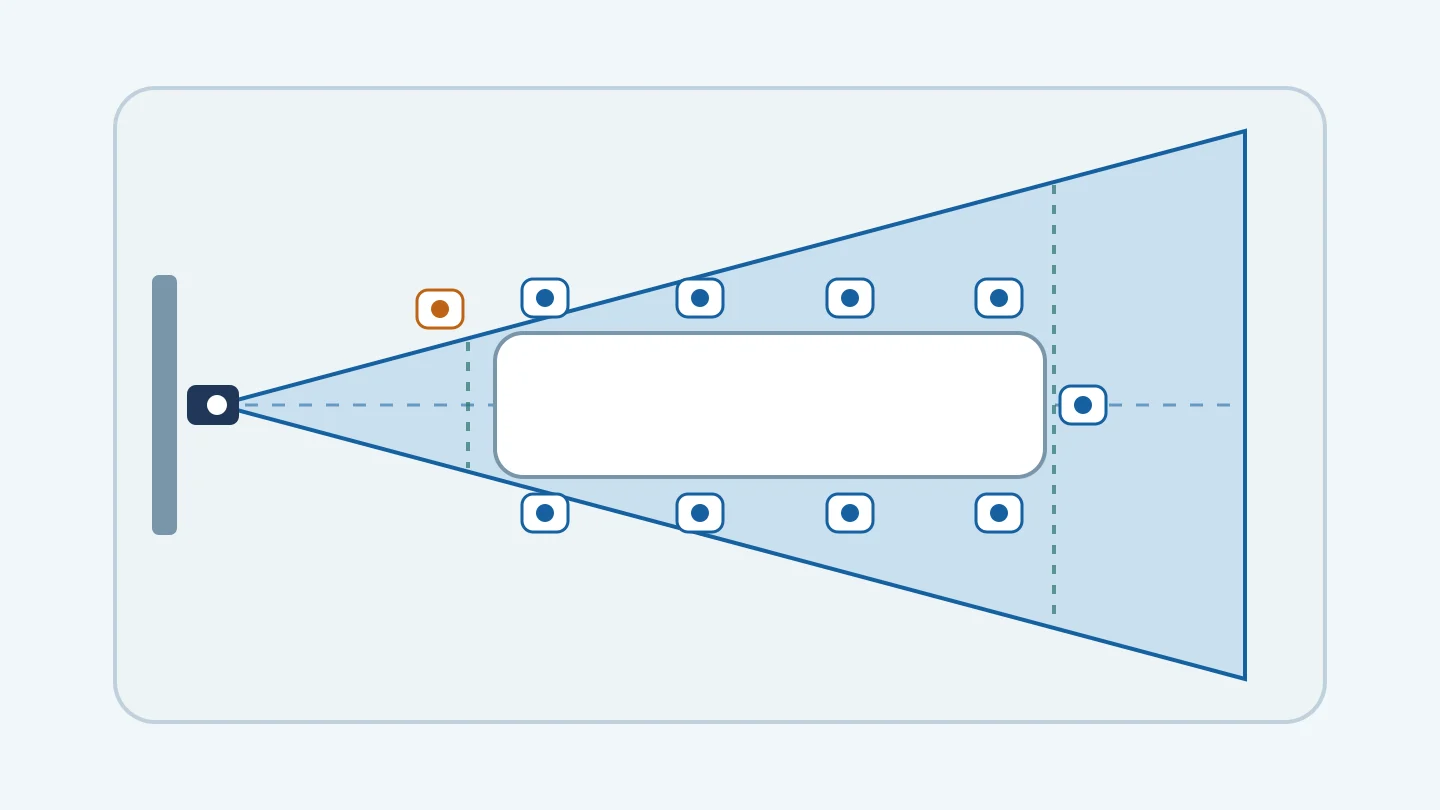
Start with a simple plan view. Mark the display, table and lens. Add permanent seats, chairs brought in for guests and the place where a presenter stands. For each point, record its forward distance from the lens and its offset to the left or right of the camera axis. Measure to the actual seating positions, allowing for the gap between people and the edge of the table.
Look for obstructions such as open laptops, the lower edge of the display, a door or a person seated in front of another speaker. A sightline that works for a central chair may miss a corner seat. In a room with a whiteboard, check whether presenters face the camera as they write and which other positions must stay visible.
Calculate horizontal field of view
Horizontal field of view, or HFOV, describes how wide an angle the lens sees from a fixed position. In a simple geometric model for a straight camera, coverage width at a given depth equals twice the distance multiplied by the tangent of half the horizontal angle. Measure depth forward along the camera axis. The diagonal distance to an off-centre chair is a different measurement. If the datasheet only lists diagonal field of view, request the horizontal specification before estimating width.
For example, a 90-degree horizontal field of view has a theoretical width of about four metres at a distance of two metres. That width leaves open the question of whether a face at the edge remains clear. Distortion correction, digital cropping and the output aspect ratio can change what actually appears. Check the margin when someone moves in their chair or the camera switches to automatic group framing.
In a room with a long table, calculate coverage at a minimum of two depths. The seats close to the camera at either side may require a wide angle. People at the far end will then be smaller in the same view. That trade-off is worth testing with both a group shot and a single speaker in a demonstration.
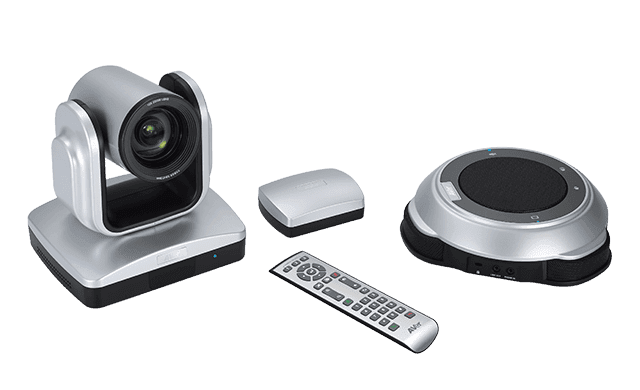
Wide camera, PTZ or video bar
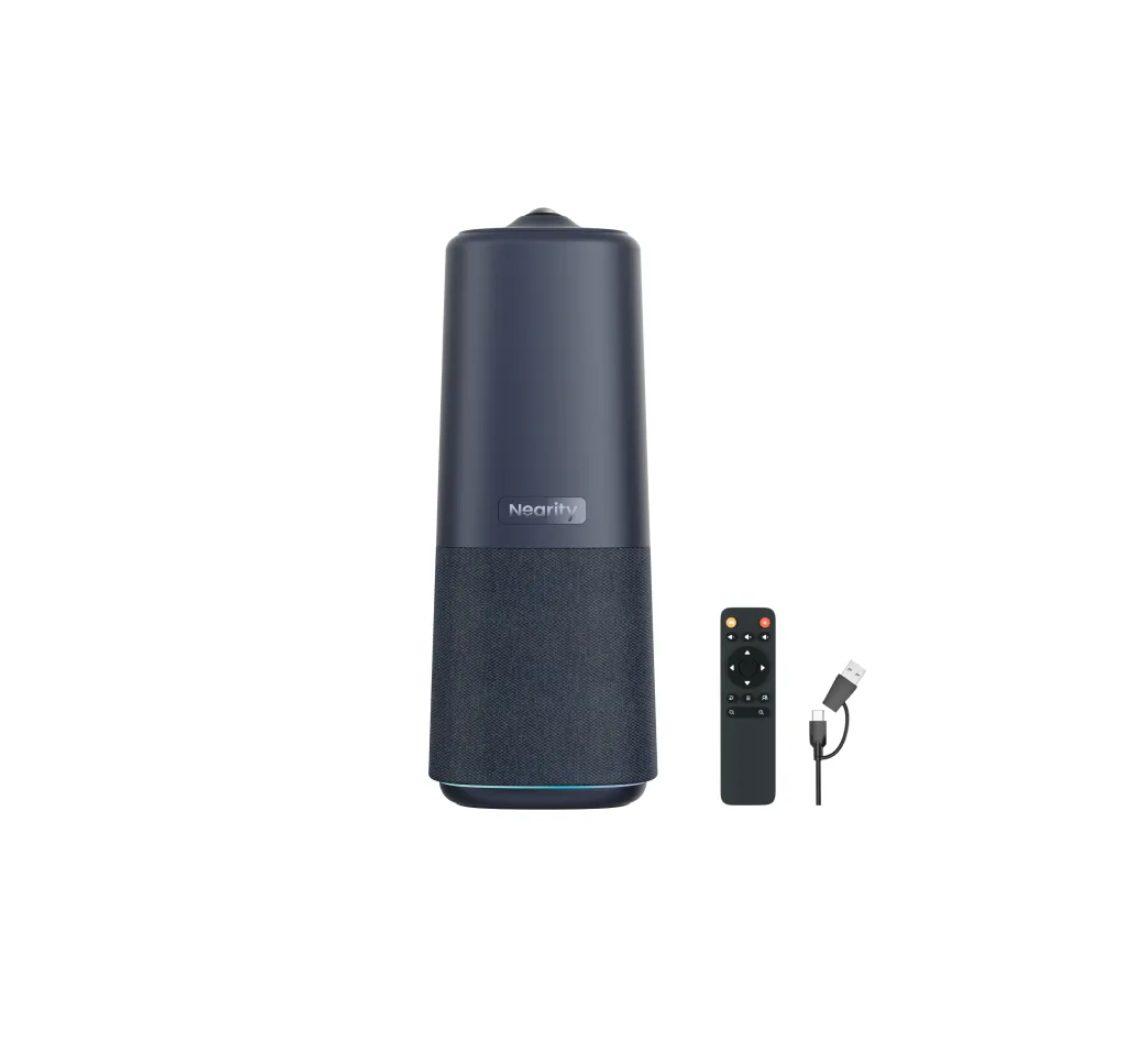
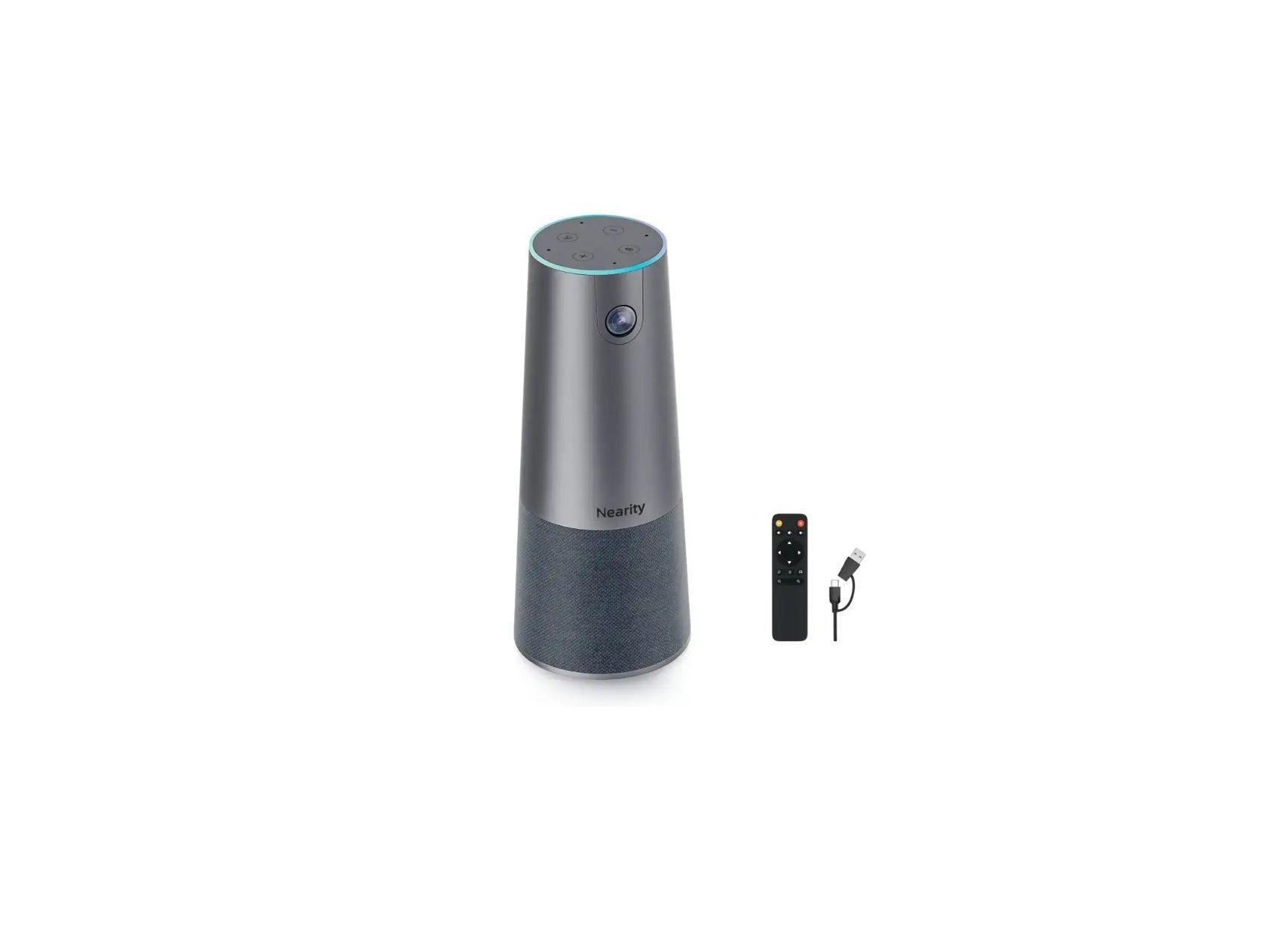
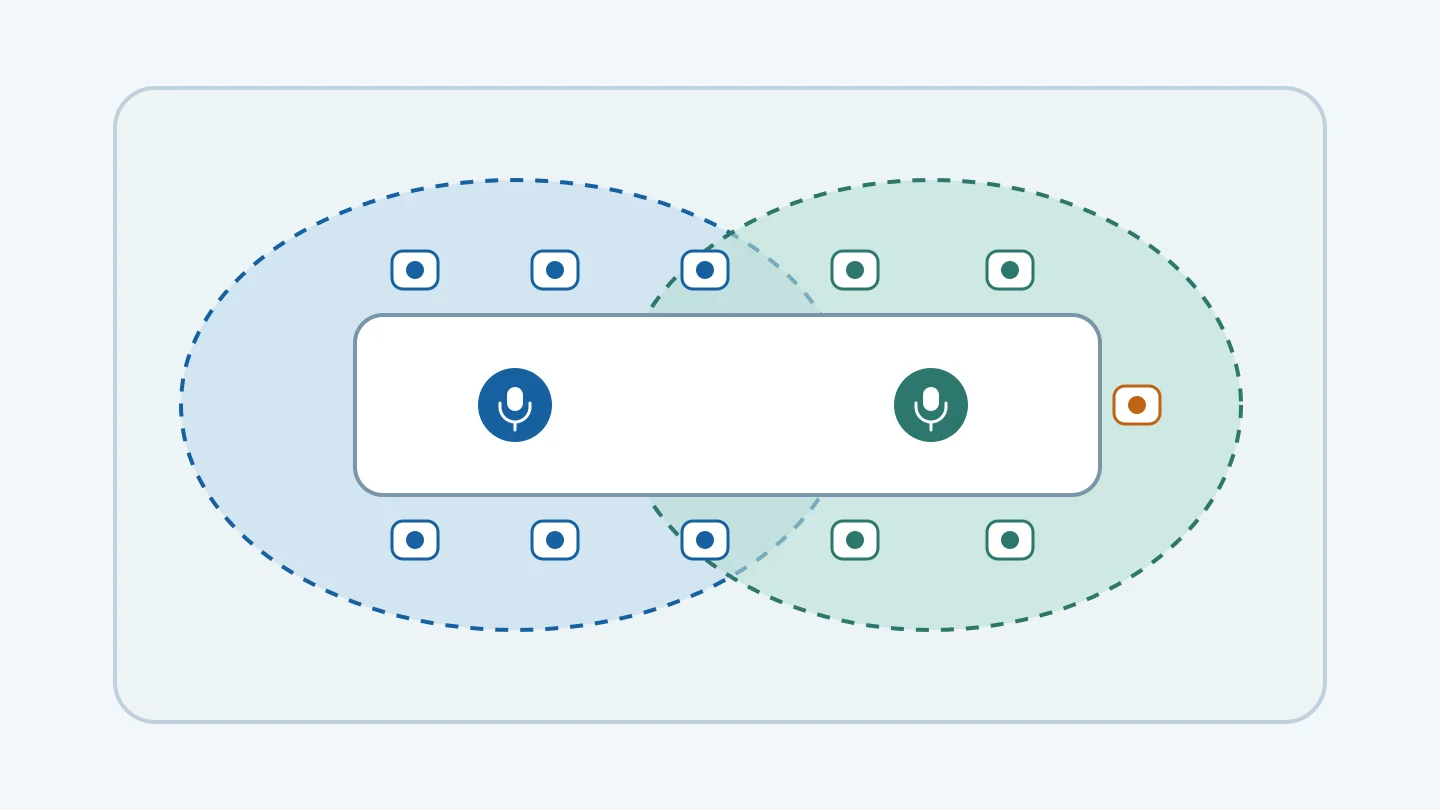
A video bar integrates camera, microphones and speakers according to the model. It can suit a room where seats are fairly close to the display and the installation should be simple to operate. Assess video and microphone coverage independently. A person who is visible may still be difficult to hear on the call.
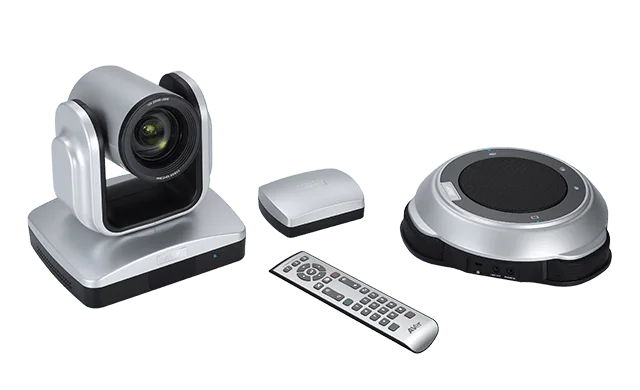
A PTZ camera offers pan, tilt and zoom. Confirm whether the zoom uses optics, cropping or a combination, and look at what detail remains after zooming in. If the room switches between a whiteboard, table and presenter, set presets and time how quickly a user can return to the wide shot.
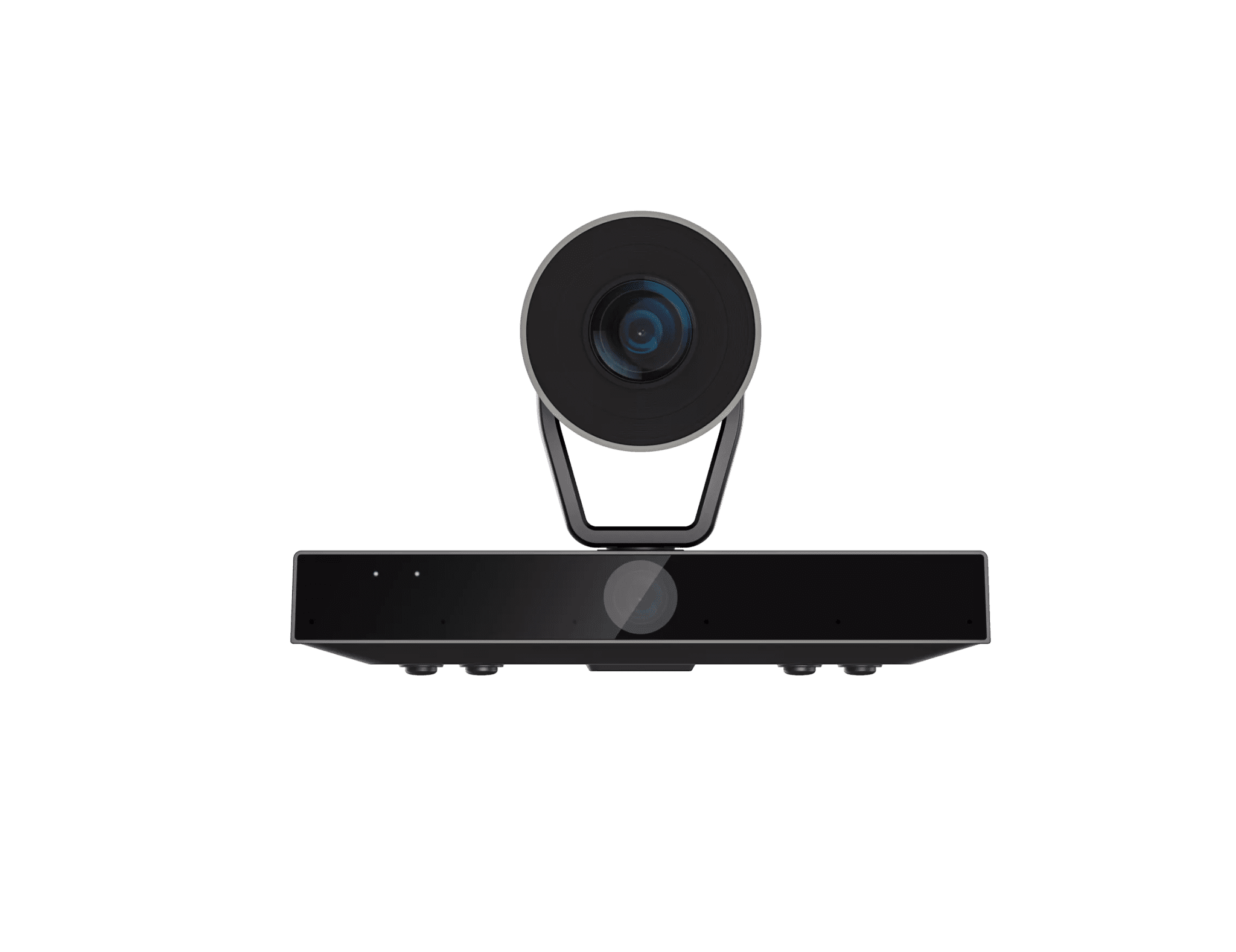
Multiple cameras can help cover deep rooms, seating in more than one row or discussions where the presenter leaves the table. Decide what the remote attendee receives, who changes views and whether there is a practical manual override. For divisible spaces, test what each meeting sees when the partition is closed.
Height, lighting and infrastructure
A position close to seated eye level supports more natural eye contact. Check whether an above-screen position makes people appear to look down when they watch remote participants. If mounted below the screen, make sure open laptops will leave the lens clear. Test with people seated in the room.
Inspect the room at normal meeting times. A bright window behind participants can leave faces dark if exposure favours the background. Try the installed lights and check that faces, the back wall and shared materials remain visible. Confirm that users can operate blinds or other room light controls before relying on the camera's automatic correction.
Record connection type, cable path, power and access for maintenance. In a bring-your-own-device setup, verify that the guest connection exposes the intended camera and audio devices. In a dedicated room system, check documented compatibility for the model and platform, including control features and software updates.
Test automatic framing in a real call
Group framing, active speaker tracking and whiteboard capture serve different purposes. A fast discussion may be easier to follow from a stable group shot. A long explanation at the board may benefit from tracking. Describe what remote viewers should see in each situation.
Run a short call with a late arrival, a change of speaker and two people talking near each other. Watch whether the picture changes when it should, whether unrelated movement sends it to the wrong seat and whether the operator can lock a view manually. Make the most frequent room use the default and give users brief instructions for switching modes.
Accept the installation from the remote side
Start a call on the platform the room will actually use. Ask a remote participant watching on a typical screen to identify cropped people and faces that are difficult to read. Check near side seats, far central seats and the presenter area. Test first in a normal call and again while content is shared, when the remote audience may see the room in a smaller tile.
Next, switch from the room source to a guest computer if that is part of the design. Join a call, select the camera, disconnect and reconnect the laptop, and record any step that needs manual intervention. Save the outcome by platform, device model and software version. Give every failure an owner and a retest date.
What to include in a procurement brief
A useful brief contains a seating plan, measured lens distances, normal lighting, camera scenarios, supported platforms and acceptance conditions. Ask the supplier to show a comparable space or to demonstrate the equipment in your room. Before approval, establish whether the price includes the mount, cables, any required extenders, installation and post-installation support.
Specify an observable result alongside any requested camera angle. For example, all designated positions must remain visible in the group view, a user must be able to show a standing presenter and the room must recover when a guest laptop is disconnected. Those requirements can be compared across proposals and checked on the day of handover.
Two rooms with the same seat count
A wide, shallow room calls for early checks of the seats nearest either side of the camera. An equally populated long room may need more attention to the far speaker and to returning quickly to a group view. Test both through an ordinary video call and record whether the host has to intervene to get the intended view.
Frequently asked questions
When is PTZ worth using?
It helps when the same camera must cover a long table, a presenter position and a wide overview. Confirm how presets can be recalled by the people who actually use the room.
Does 4K solve distant framing?
Check the remote feed. Optical reach, lighting and the conferencing codec all affect the detail available at the far seat.
How should automatic framing be tested?
Move between seats, stand near the display and ask the remote participant whether the view changes appropriately.