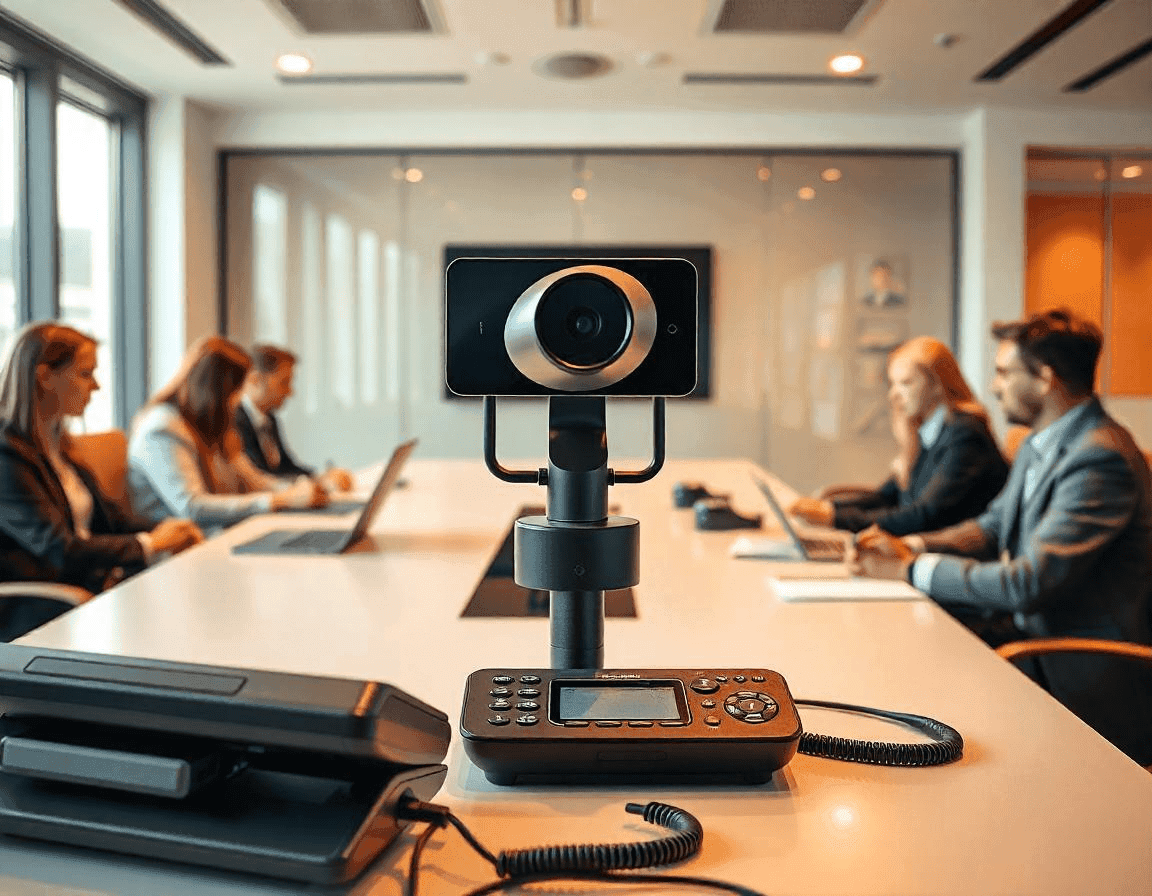
Who speaks from where, and what changes during a meeting?
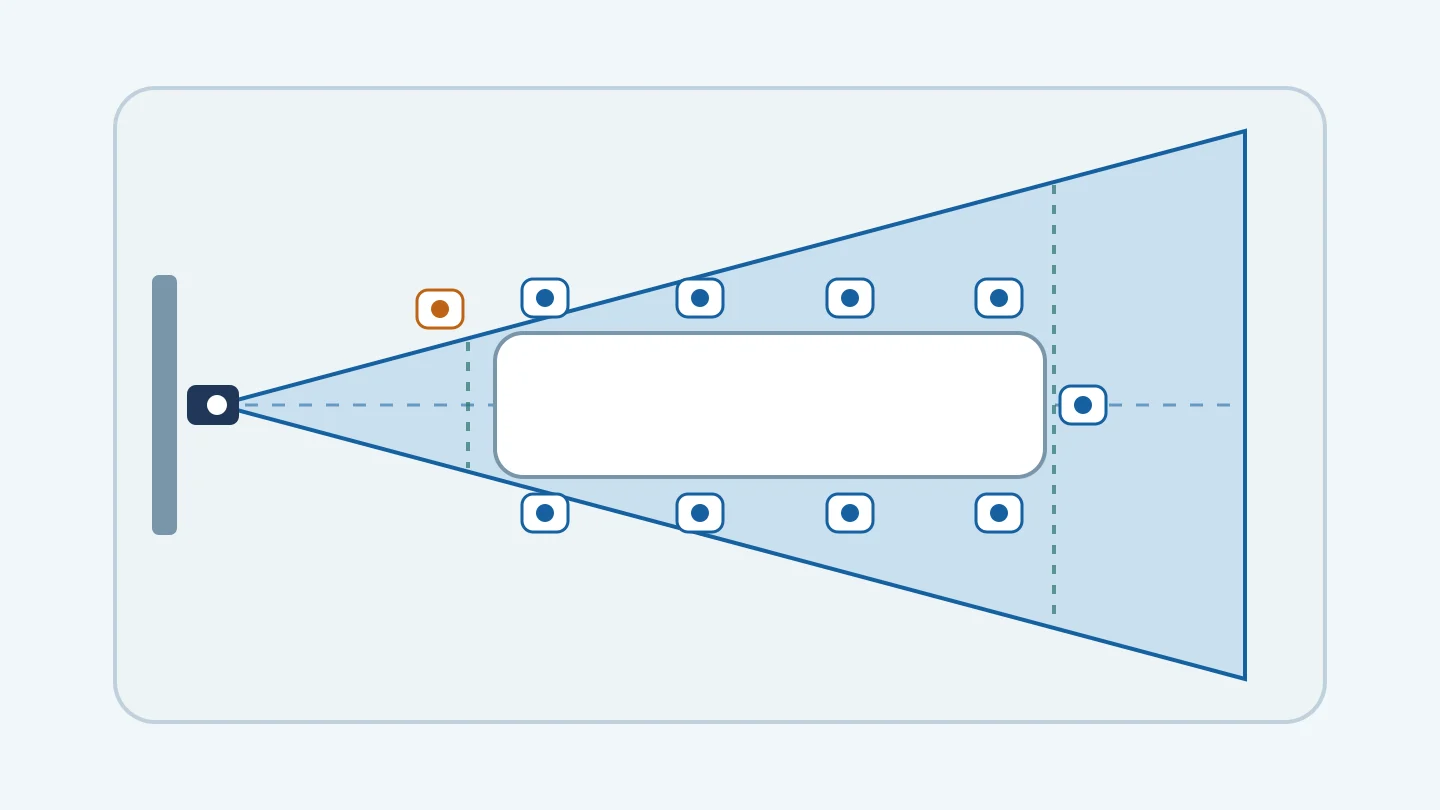
Draw the table and seating layout. Mark regular seats, overflow chairs, a presenter at the board and participants who may turn toward the display while speaking. If the tables move between meetings, record each common layout. Use the resulting map to compare microphone types by where speech actually needs to be intelligible.
On the same plan, mark speakers, HVAC outlets, doors and noisy equipment. Take account of an open notebook computer blocking a table microphone and any conversation that carries from adjoining space. Record a brief sentence from a centre seat and the far corner with the room equipment running. This can reveal whether distance, background noise or reflections dominate.
A microphone close to the speaker or a clear table
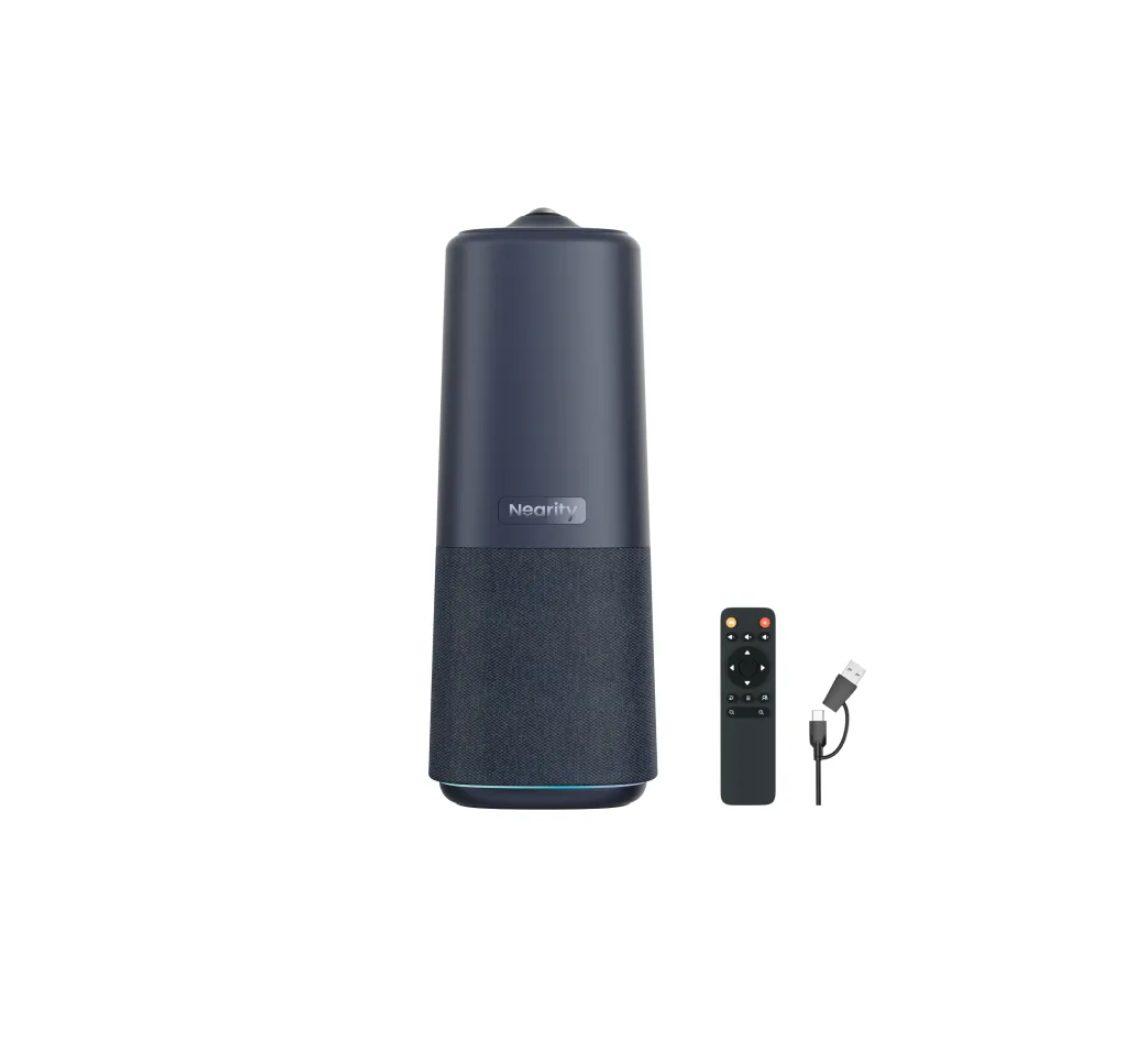
A tabletop microphone can provide consistent pickup when seats remain close to it. It can be easy to locate and mute. It is also exposed to typing, cups and laptops that cover or displace it. Before specifying one, confirm how its cable will run without taking away power outlets, seating space or safe circulation.
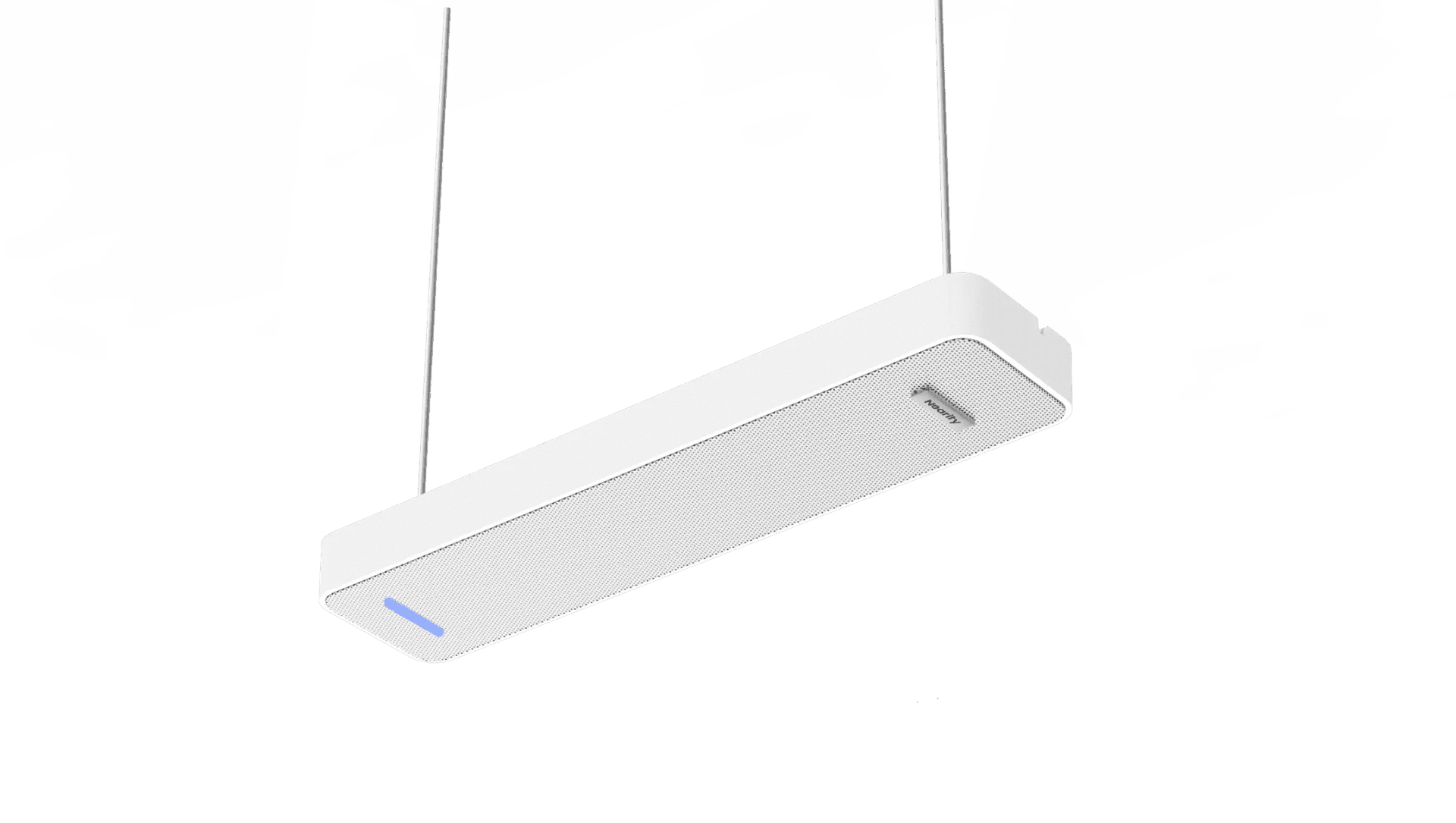
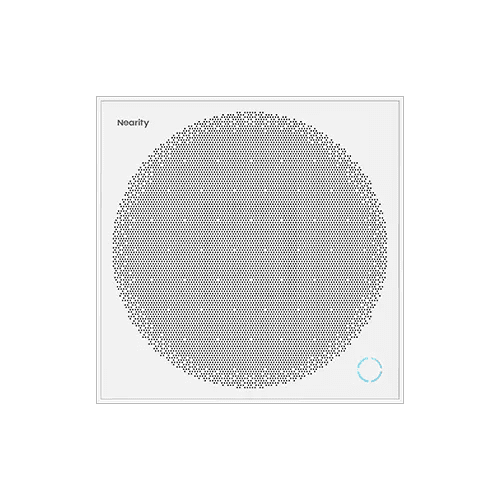
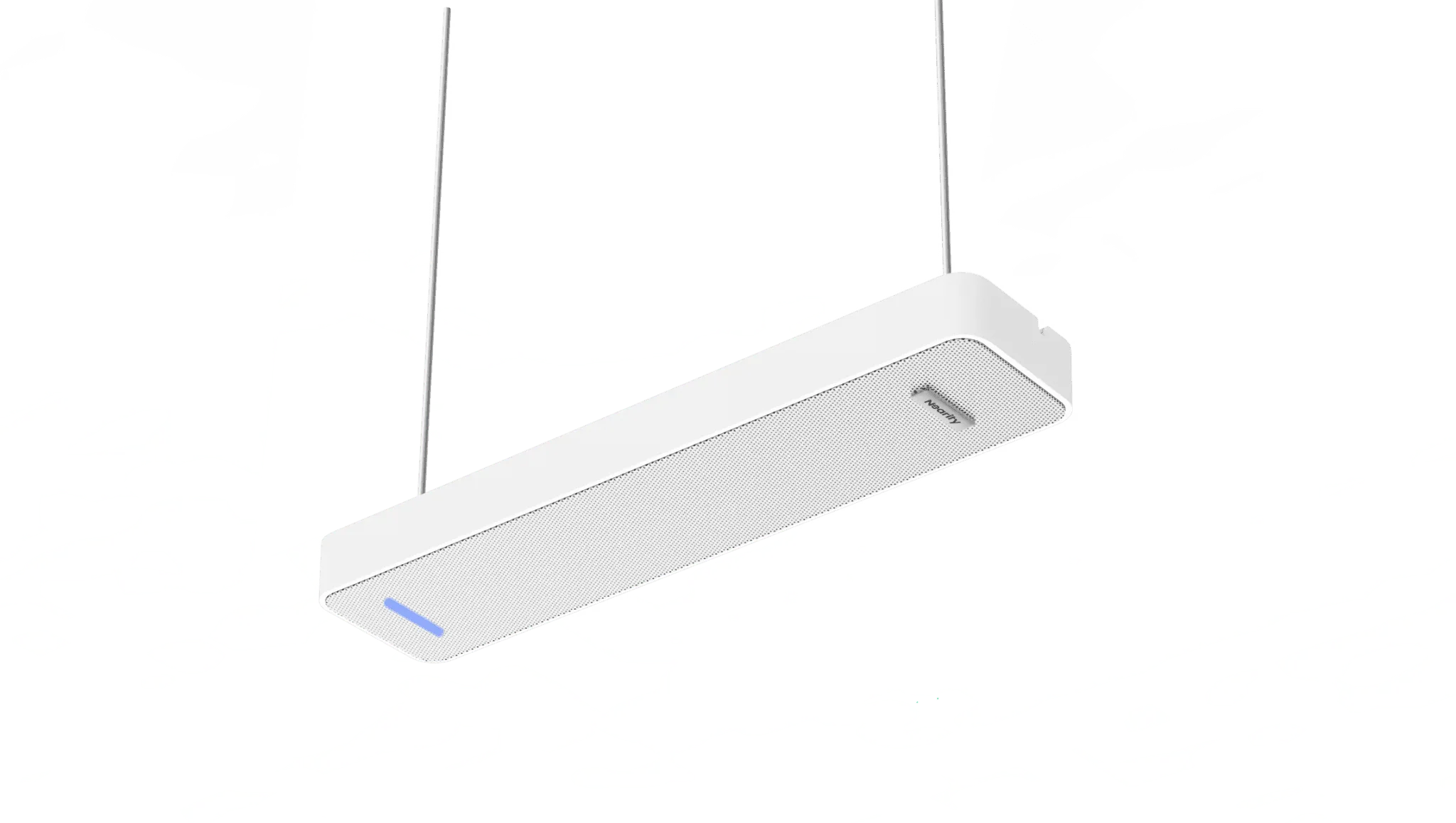
A ceiling microphone keeps the table clear and may suit a room whose furniture changes. Match mounting height, pickup zones and clearance from air vents to the exact product instructions. Plan safe service access, the network or power connection and a record of configuration. In a room with glass walls or a high ceiling, ask for a speech demonstration to assess reflections.
A video bar normally places its microphones at the front. This can work when people sit within an effective pickup area. A distant seat or a presenter facing the board may call for expansion hardware where the model supports it. Ask for a demonstration from the actual seats alongside any stated room size category.
Define coverage you can verify
Choose test positions: near a loudspeaker, the far seat, the end of a row and the presenter area. Read sentences of similar length in a natural voice at each point. Ask the remote participant to record lost words and any need to change listening volume when the speaker changes. Repeat with the talker facing the display and then facing the other people in the room.
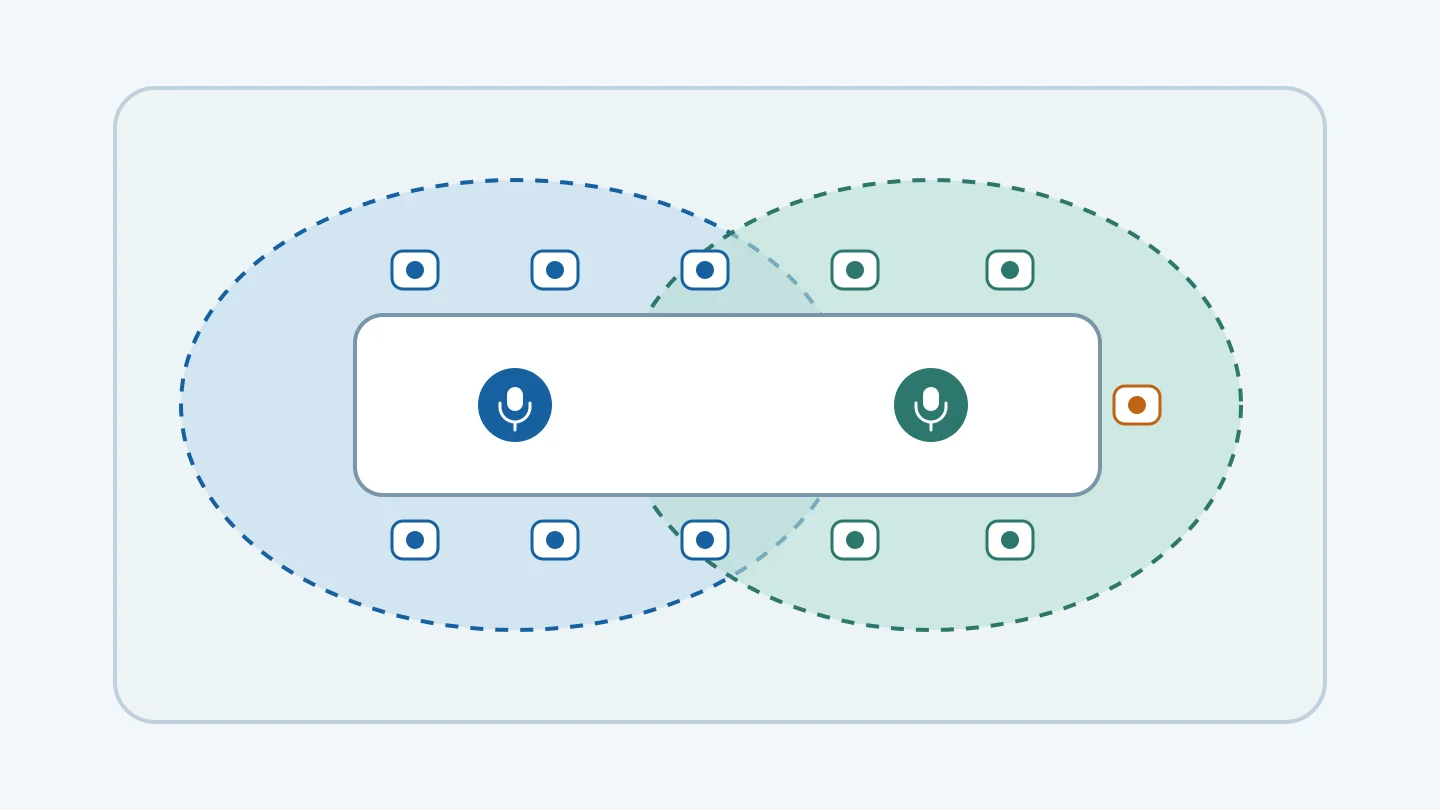
If multiple microphones are used, document which seats each device is intended to cover. Test the transition between coverage regions and listen for a jump in level. Manufacturer coverage figures depend on placement, the acoustic environment and system configuration.
With movable furniture, test two representative layouts. For a divisible room, test what each side hears with the partition closed and then with both sides combined. Agree which configuration will be active in each mode and who updates it when the layout changes.
Echo, room acoustics and signal routing
Echo in a call can occur when the remote voice comes from the room loudspeakers and travels back through a microphone. Acoustic echo cancellation, or AEC, uses a reference representing the sound played in the room to reduce that return. Design loudspeakers, microphones and audio processing together. Verify that each intended platform and configuration gives the echo canceller the reference required by its documentation.
Treat ventilation noise and reverberation from hard surfaces as separate issues during diagnosis. Listen with the room quiet and with normal equipment running. A change of placement or acoustic treatment may improve intelligibility before the processing settings are adjusted. In a normal call using the room's microphone and speakers, avoid a second audio path from a laptop in the same room.
Example from a room with a long table
Suppose the room hosts team meetings and hybrid calls, with a display at the front of a long table. During a trial, the remote attendee hears two people near the display clearly but struggles to understand a speaker at the back. Briefly test whether ventilation noise is a factor, then retest under normal operating conditions. If the difference is small and distance remains a concern, demonstrate a closer microphone or an additional ceiling coverage zone.
After adjusting placement, have a presenter near the display and then a person at the far seat each read two sentences. Ask a remote attendee whether the transition sounds natural and whether they hear their own voice returning. This tests both the area that failed and whether the adjustment preserves coverage where it already worked.
Accept the installation before regular use
Run a meeting from the room system or a guest laptop, according to the installed workflow. Test joining, muting and unmuting, speech in both directions and sharing a video with sound. Ask remote attendees to rate intelligibility and perceived distance. Verify in the room that the remote voice can be understood from every seat without changing the volume mid-call.
Complete one disconnect and reconnect cycle. When using a guest device, check whether its operating system changes the selected microphone or speaker after reconnecting. Keep a short handover record with the connection diagram, default mode, mute indication, system versions and service contact. Repeat critical scenarios after a significant update or furniture rearrangement.
What to send a supplier for an accurate proposal
Include a measured floor plan, ceiling height, concurrent participant count, infrastructure photos, meeting platform and details of existing loudspeakers. Explain whether the primary need is remote discussion, recording, training or changes between different layouts. Ask for pricing that covers installation, acceptance testing and a written handover so that competing proposals can be compared on the same scope.
When a targeted upgrade is enough
For an existing room, map the seats where speech is already clear. If one position fails, try a permitted microphone position change or remove an obstruction and repeat the tests at both ends of the table. If poor coverage is widespread, demonstrate additional pickup zones and confirm support in the installed hardware. If users mainly struggle with device selection, verify the default audio mode and practise joining a call before replacing equipment.
Retain the demonstration results by seat and date, including HVAC and meeting platform settings. After a layout change, repeat the original test conditions to decide whether placement, tuning or hardware needs adjustment.
Frequently asked questions
What makes a quotation more accurate?
Send room dimensions, the seating plan, table material, ceiling height, ventilation positions and information about the current audio system.
When is a built-in microphone enough?
When its usable pickup reaches every seat in normal conditions. Test the far seats before adding devices.
How do you test speech from two directions?
Ask two people to alternate and then briefly overlap. Check whether the remote feed loses either voice.