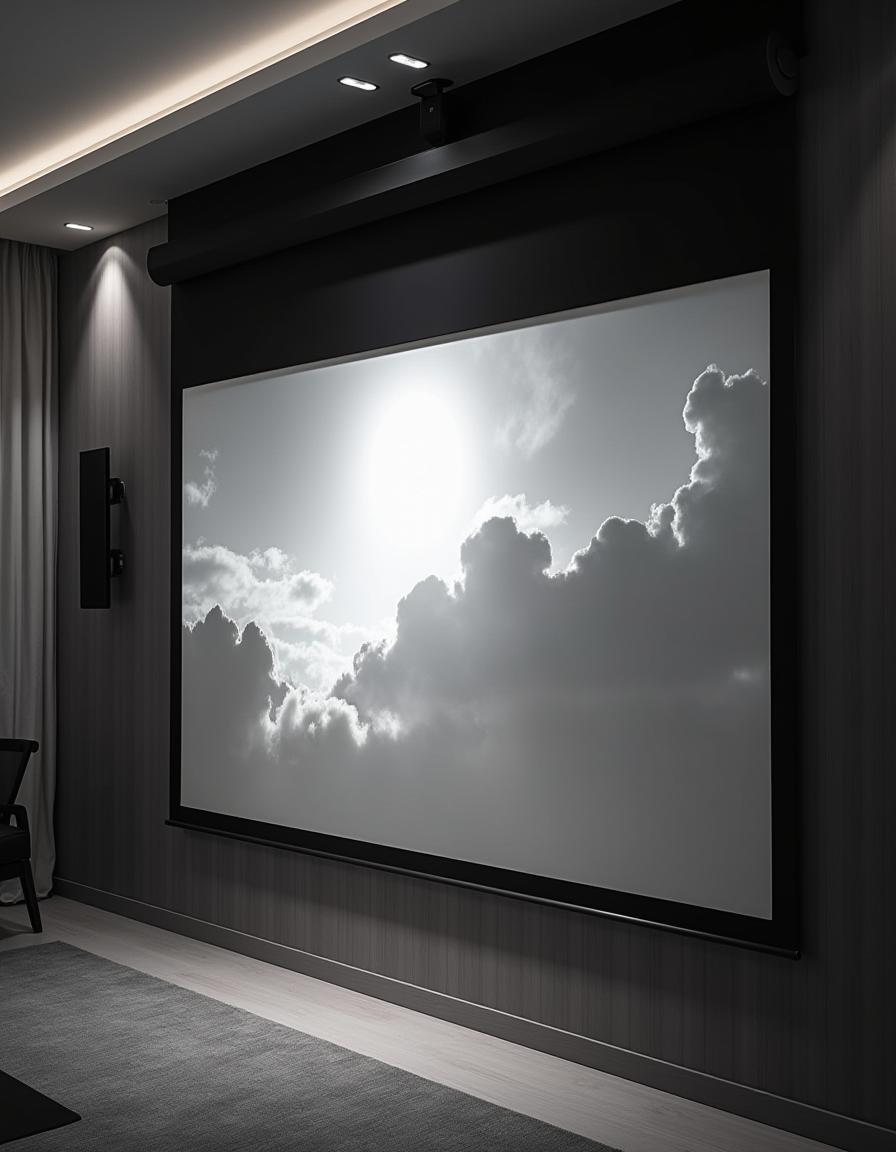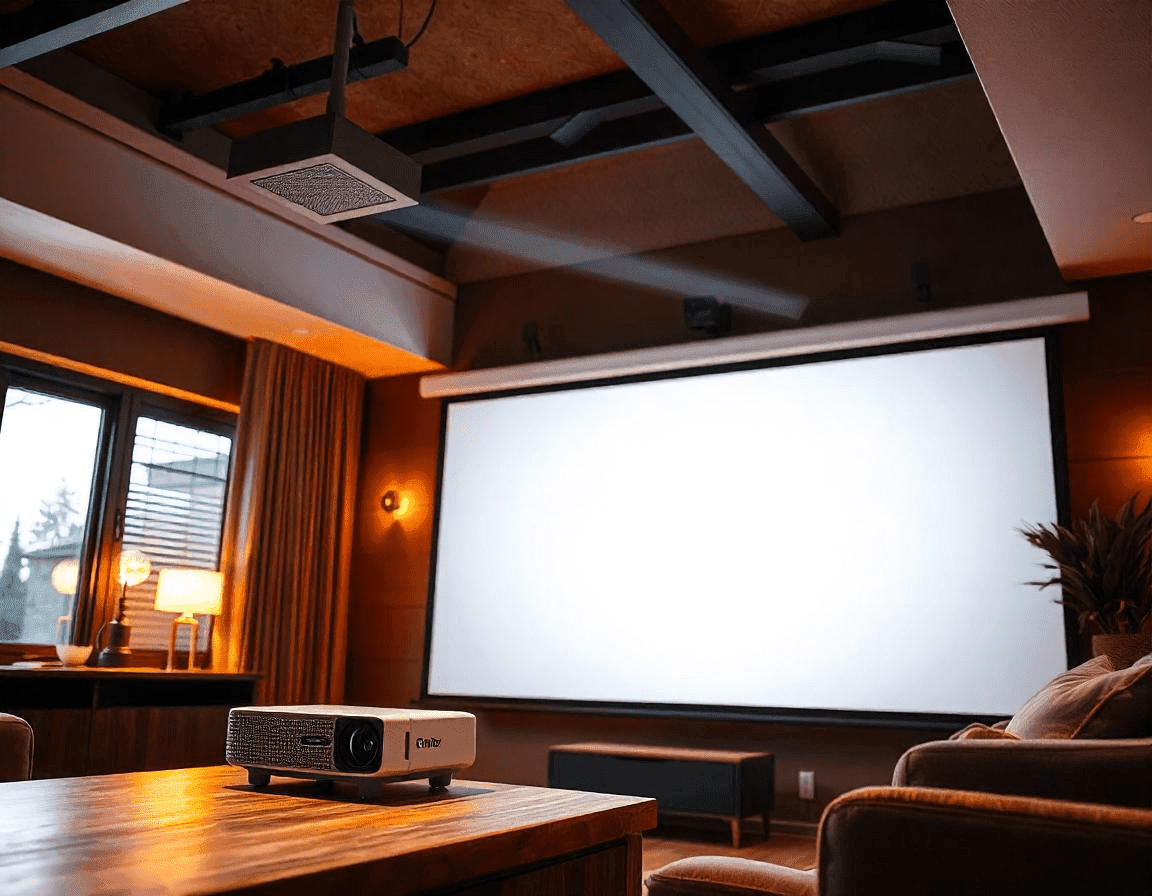
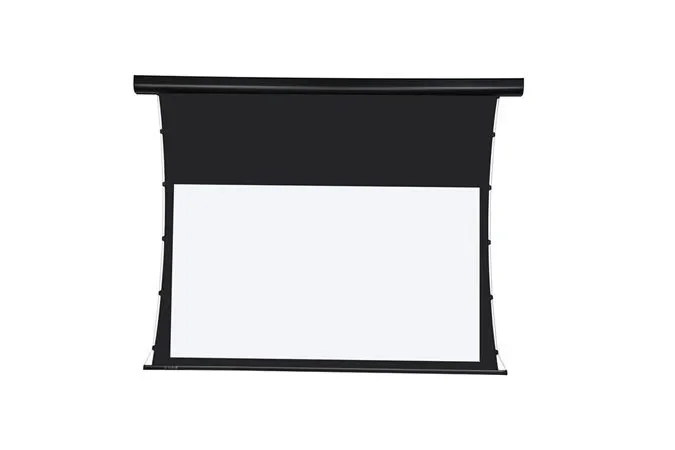
Document the issue before adjusting the screen
Lower the screen to its regular stop and make a wide photograph with projection off. Inspect the surface from the front, then move a little to the side to see whether shadows reveal a wave, fold or bulge. Note whether the housing looks straight, the bar appears level and each edge reaches the same depth. You can complete these first checks without pulling on the fabric. If there is new scraping, one edge stops prematurely or anything rubs in the opening, avoid repeated cycling and request a service inspection.
Take a photograph from the normal seat. An effect visible only from an extreme angle in side lighting may be less relevant to use. Find a slide or scene that exposes the problem, such as a thin presentation grid or a subtitle near the bottom. Record the location and whether it appeared from day one, developed after long storage or changes with room lighting or air movement.
Record the model and whether it is a non-tensioned roll-down, a tab-tensioned one or another mechanism. Note how long it was open and which stop was used. A wave visible only after deployment tells a technician something different from a permanent crease in the same location. Those details can help distinguish storage memory, an operating position and a mounting or mechanism issue.
Run two tests to separate the material from the image
First display a grid with straight horizontal and vertical lines. Use the built-in projector pattern if available, then compare from a video source. A local change in a line that coincides with a visible wave calls for a surface check. A picture with a top wider than the bottom can indicate projector angle when the screen plane is flat. Keep the starting settings before increasing digital geometry correction.
Next inspect the untreated fabric in gentle side light without projection. Check whether the outline of the physical wave remains. If a suitable flat surface is available and can be used without changing the installation, compare the same grid there. If the distortion persists on both surfaces, examine projector placement, geometry settings and source output. If it remains only on the fabric, record what happens during ordinary deployment and retraction.
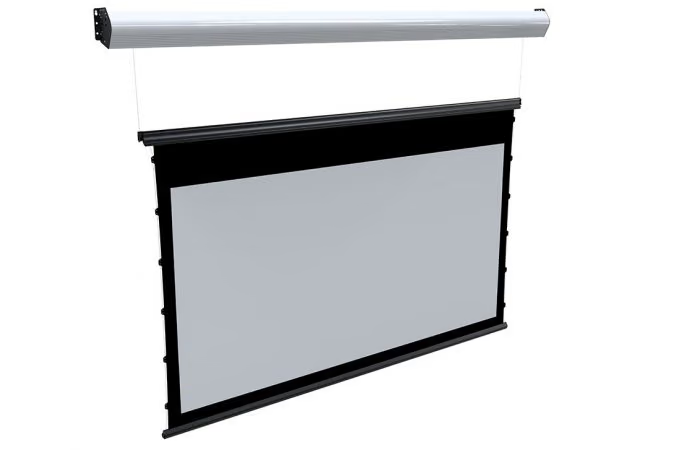
Consider the working stop and side tension
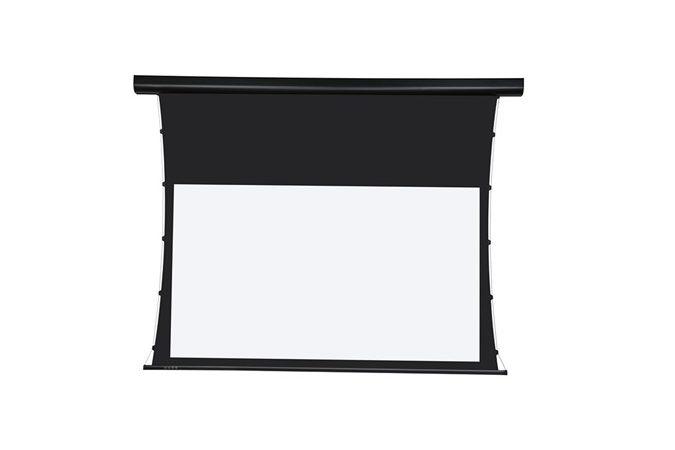
A tab-tension screen is designed to use its side tension in a specified deployment range. At another height, the force may differ. Documentation for one of Elite Screens' models warns that reducing the factory full drop can produce waves. Check the exact model's instructions and compare the saved position with the installed design. If someone raised the lower stop to clear furniture or a whiteboard, ask the installer whether the arrangement can still use the supported screen travel.
A housing installed out of level or a cover that stops one edge can change how the material hangs. Look for a clear difference between the sides or a visibly slack tensioning cord without pulling the fabric or opening the housing. Slight lines associated with roll storage can act differently from a permanent fold caused by rubbing. Refer to the fabric-specific instructions, especially with coated, grey or directional materials.
If a mark looks like a crease but might be dirt, identify the screen material and approved cleaning method before applying anything. Rolling a wet screen can create additional problems. Avoid heat, force or unapproved cleaning products. Keep observations consistent rather than trying several remedies at once.
Worked example: a bottom wave after a stop was raised
Suppose staff shortened the deployment to lift the bottom edge above a speaker. Since then, a wave near the right side bends the subtitle line. Photograph the screen without projection and then with a grid at the existing projector position. Ask the installer what the previous stop was and what the model permits. If furniture now obstructs the previous stop, do not drive the screen into it. Consider relocating the obstacle, mounting position or content area with the installer.
If an approved revised position returns the grid to straight lines, record that stop as the checked working height. If the grid is straight but subtitles remain clipped, inspect the player's format, overscan and the content aspect. This prevents blaming the fabric for a remaining source issue. If the shape remains visible with projection off, hand over a front photograph and a side view with the exact sequence that reproduces it.
Decide when to collect evidence or contact service
A repeated defect within the active image can affect everyday use. Give service staff the model, surface size, installation date, side tension photos and stop setting. Note whether the projector was replaced, whether the screen was moved or whether any cleaning occurred. If there is rubbing or catching, keep the mechanism in a safe condition described by the manual and arrange a qualified inspection. Accessing a motor, mains connection or housing mounted in a ceiling should be left to suitable personnel.
Identify the intended content too. A classroom may require straight lines in tables, while home use with ultra-short-throw optics can make small departures from a plane more obvious. Include both an ordinary example and a grid so the supplier can judge the issue in its normal context. Prefer images showing the same lighting and projector settings rather than photographs from different rooms.
Compare room conditions before concluding the fabric is deformed
If the appearance changes near an air outlet, compare the same projected test before and after normal HVAC operation. Moving air can make a large fabric surface appear temporarily wavy. Keep the drop and camera angle unchanged. This can distinguish a room condition from a shape that persists through more than one lighting or airflow state.
Roll-down screen wave questions
What if the effect appears only with the projector on?
Display a known grid and inspect the screen in side light with projection off. If the distortion changes between sources or persists on another flat surface, investigate the projector and input before the screen.
Should I pull on the fabric to straighten it?
Do not pull on the material or adjust tension beyond the procedure for the exact product. Record the tensioner type and where the problem appears, then request model-specific guidance.
What should I photograph for the service team?
Take a front view of the blank lowered screen, a projected grid, a side view and the model label. If the issue occurs during movement, make a short video of normal operation without forcing the stop.
Related guides and references
- Tab-tensioned roll-down screens
- Plan a recessed screen and its working drop
- Separate projector alignment from keystone adjustment
- Coordinate an inspection with the AV service lab
- Elite Screens example of full-drop and tension guidance
- Elite Screens guidance on roll storage marks
- Epson checks for irregular image geometry and surface flatness