Identify the moments that need an image
Review the running order and mark the periods that cannot continue easily without the display. During a talk, a speaker may be able to carry on while the slides are recovered. Results announcements, timed film cues and on-screen schedules can be less forgiving. Agree how much interruption is acceptable in each segment and what the audience should see while the technical team responds. This decision separates a spare computer from a full alternate display path.
Collect files before rehearsal with the necessary fonts, audio and playable local versions of any video. Keep a copy on the backup machine instead of relying solely on a cloud link. If a session can continue without animation, export and check a PDF as an alternative to the slide deck. Assign one person to keep both copies current when changes arrive. Keep sensitive files only on the systems permitted to hold them.
Prepare a hold slide that can be made visible without the primary source. A controlled blank or title slide keeps private desktops, notifications and fault messages out of the audience's view. Check where the hold content is stored and what remains when the source drops. Some projectors offer a no-signal screen, while other rooms rely on a separate input or a function on the presentation switcher.
Match the fallback to the failed component
A file or computer failure calls for a simple first step: use a loaded, connected and tested backup source, with assigned people to select the input and advance the content. If both machines feed one switch and one output cable, they offer protection against a failed laptop but still share a route. Write down those shared components so staff understand which problem the backup actually solves.
For failure in the video route, consider a secondary input, a tested direct bypass or spare installed cable. Check whether the mixer will still get audio when you move to that path. A spare computer connected only to a display can show a clip silently if the mixer remains set to the primary source. Verify aspect and input format so that names and graphics remain visible on the alternative display device.
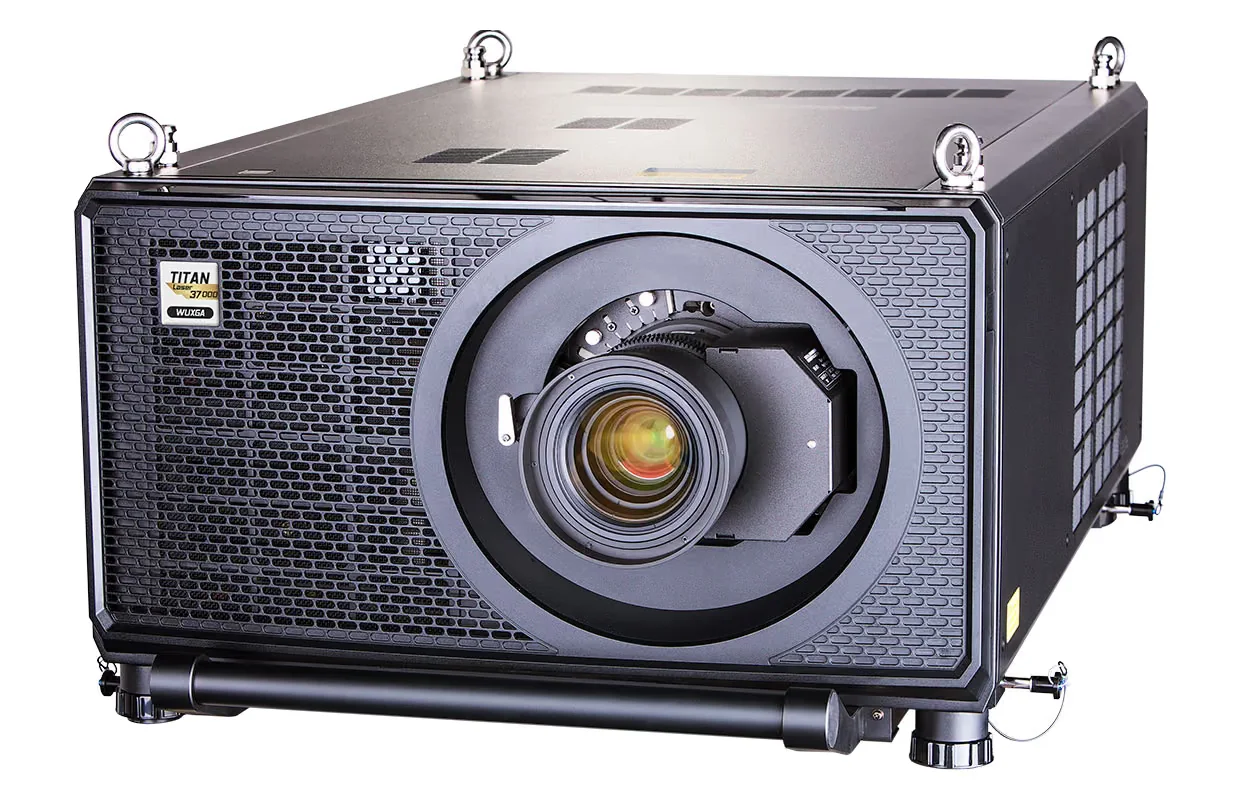
A projector fault calls for a display alternative if the event cannot accept darkness. Prepare that unit beforehand, validate lens and screen positions and check readability from the farthest intended seat. If a smaller screen is an acceptable compromise, choose alternate slides or text sizes that still work on it. Coordinate electrical support with qualified venue personnel and understand whether both routes share a point whose loss would affect both.
Rehearse the transition and time the recovery
Connect primary and spare sources through the tested format before the rehearsal. Begin with a slide, then run a clip that contains audio. Simulate a planned source fault in a controlled way. Time how long the operator takes to put up the hold image or backup source. Have somebody report what appears in the audience area and on the operator preview, and whether sound returns with the picture.
Repeat the exercise for a defined route failure using the controls approved for the equipment. Confirm that the operator can select the backup input without searching through menus under pressure. If any switching is automatic, test the conditions that cause a change and what happens when the preferred signal returns. A flaky source can trigger repeated transitions. Agree a manual return policy if the original source must be confirmed in preview first.
Identify three functions, even if fewer people fill them: the person who calls the change, the person who switches and the person who can bridge the interruption on stage. Agree short prompts, such as “switch to backup” and “picture and sound confirmed”. The speaker should not need to troubleshoot input names from the front while technical controls are assigned elsewhere.
Worked example with three presenters and a guest laptop
Suppose a conference uses operator-loaded slides for two presenters and allows the final presenter to drive a guest laptop. During rehearsal, put a tested copy of that presentation on the spare source. Confirm fonts, audio, video, slide order and speaker notes if used. Add the guest machine to a separate input and switch with an audience hold slide active. Confirm that the presenter sees enough information to continue from the same point when a change is called.
If the guest device freezes, the operator puts up the hold slide and restores the presentation from the appropriate slide on the spare source. If the same fault occurs on backup, try the prepared alternate route or display. Record three intervals: delay before the change is called, time until a stable picture, and time until audio is in place. If the total is too long for the agreed running order, revise routing or the guest workflow while there is time.
Leave a practical guide at the control position
Keep a short guide with input names, port numbers, base output format and the first action when there is no signal. Include how to activate the hold slide, whom to notify and when to return to the main source. Store the tested spare cable, projector remote and current presentation copy where staff can get to them. Check batteries and input labels before each event rather than only when the room is commissioned. After a fault, record what failed and which action restored the image.
If different operators run different events, ask someone unfamiliar with the installation to follow the written guide during rehearsal. They may find labels that do not match, a button with no cue, or a hidden assumption about when to use preview. Add a photograph of the controls and specify which checks must be repeated before every event and which only apply when infrastructure changes.
Test a late revision too. Load a corrected deck in both positions, mark the filename and revision time, then switch to the copy. A technically stable backup can still present outdated figures or the wrong speaker order if the revision process covers only the primary machine.
Venue projection fallback questions
Is a spare laptop enough?
It helps recover a failed source when the replacement is already loaded and tested. A fault in a projector, switch or shared output path requires an alternate route or display if continuity is essential.
What if the backup picture appears without sound?
Check where audio goes during the switch. Verify the mixer input, the backup computer's output selection and whether audio travels with the intended video signal. Rehearse with spoken words and music rather than with silent slides alone.
When should the operator return to the primary source?
Return after confirming it in preview and at a suitable moment in the show. If the backup is stable, it can remain in use until the planned transition point.