
Define which startup symptom you need to reproduce
A projector that appears to be off can be in one of several states. There may be no light, sound or response. There may be a standby indicator but no reaction to power commands. A fan may start briefly and the system may then shut down. In another case the lens is lit but a blanking function or a missing signal leaves the screen dark. Record what happens and in which order before replacing equipment.
Stand at a normal viewing distance and look at the indicator panel without looking into the lens. For a ceiling unit, use the remote or take a photo of the lights from the floor if they are visible. Have an installer access connectors at height. A light that is hard to see from one angle is not enough to conclude there is no mains supply. When other equipment in the room stops at the same time, check whether they share an external supply or control system.
Check the external power path first
If you can reach the outlet safely, try a working outlet suitable for the projector. Verify an accessible outlet or power strip with an item known to work, subject to the site's procedures. In a room with an AV cabinet, a display on the controller does not prove that the particular projector outlet is powered. Tell the service team if a wall switch, UPS or managed power controller is part of the room.
After the manufacturer-prescribed shutdown and cooldown, check that both ends of the power lead are properly seated and that it is the type approved for the model. Where the projector uses an external supply, check it against the manufacturer's specified unit. A plug that fits can still belong to an incompatible supply. If there are signs of damage, repeated breaker trips, a burning smell or visible heat damage, stop using the equipment and involve the appropriate service professional. Repeating the same startup attempt in those conditions will not improve the evidence.
Compare local power and remote control
If you can see a standby light, try the projector's own power button when it is safely accessible. For a ceiling installation, a known working remote or a room controller with a verified operating preset can provide an alternative. If local power works and the remote does not, check the batteries, receiver direction and model-specific remote settings. Where a room control screen is the only device that cannot start the projector, document that distinction. The control path may need attention.
If the remote works and the local button does not, check for a control-panel lock in the manual. In a school or shared venue this can be an intentional setting. Avoid undocumented button sequences or passwords that may discard an installer's configuration. Record whether the local controls and the room control behave differently under the same conditions.
Read indicators against the exact model manual
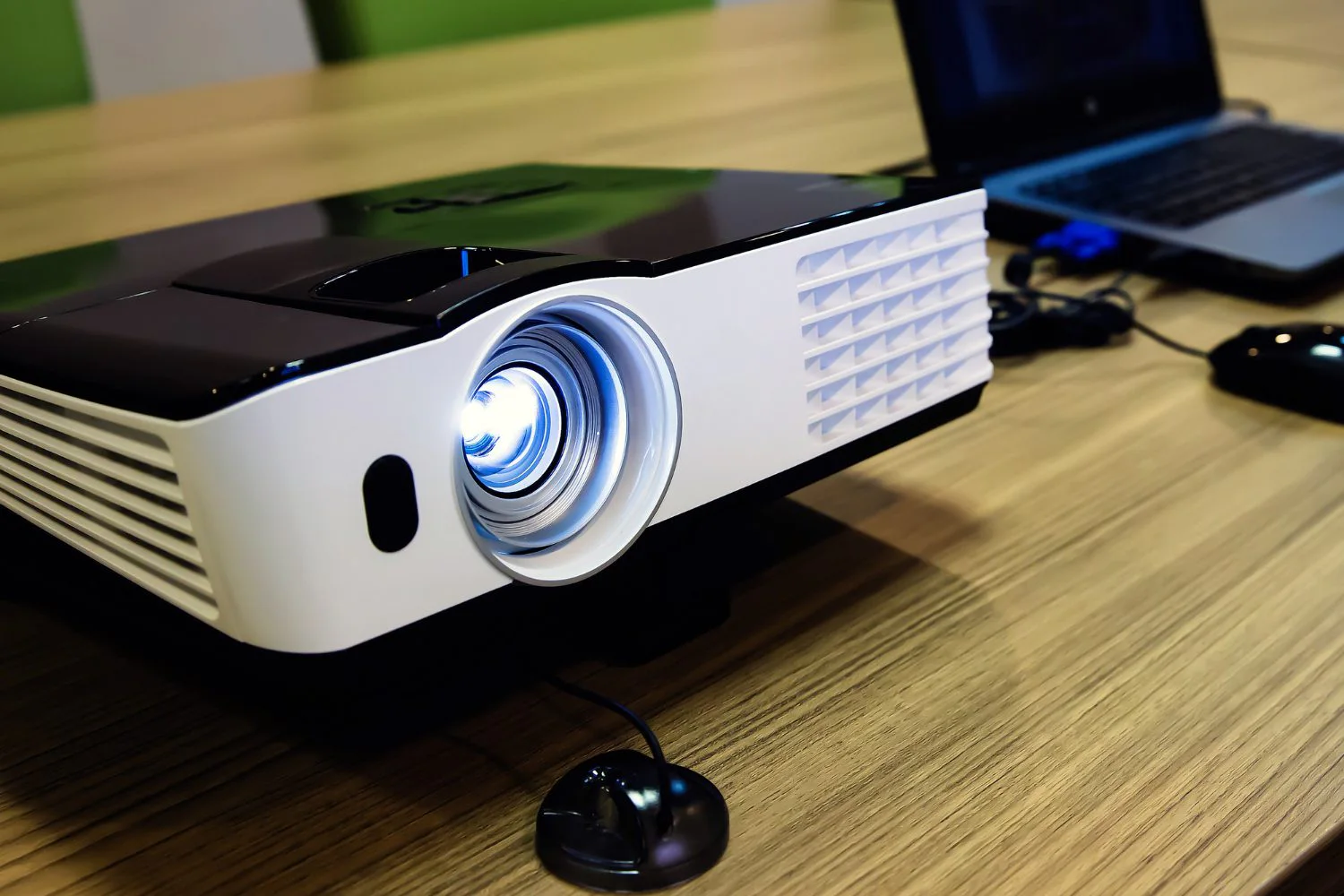
Identify which indicator you are looking at. It may report power, status, temperature or the light source. Note its colour at rest and after the power command, whether it flashes or stays steady and whether another light turns on at the same time. A short video shows a changing sequence better than a description from memory. Indicator colours have different meanings on different models, including from one series to another.
If the projector shuts down after a few minutes, record the operating delay, room temperature, any displayed message and fan behaviour. If the model manual identifies an overtemperature condition, avoid repeatedly attempting to restart. Check from outside whether a recently added object blocks vents, whether the space is unusually warm and whether the manual offers an accessible maintenance check. Let the unit follow its normal cooling procedure. If the problem returns, pass the estimated delay and a video of the lights to service.
Check whether the projector is running with a blank picture
Use the menu command and look for an internal display. If the unit has a status light, normal fan behaviour and an internal menu, investigate picture mute, input selection and source output next. In a large venue also confirm that the projection surface is in position. A motorized screen that remains retracted can obscure what the projector is doing. If the menu is absent despite signs of operation, note whether any light appears on the screen and what the indicators show. The distinction is more useful than reporting that the device is simply dead.
Some projectors enter standby after a period without a signal. Some configurations also allow a connected player or switcher to affect power through HDMI control. When the projector shuts down only after one repeatable action by the source and shows no fault indication, check the applicable model and system settings. An abrupt stop with a warning light or smell belongs in a different diagnostic path.
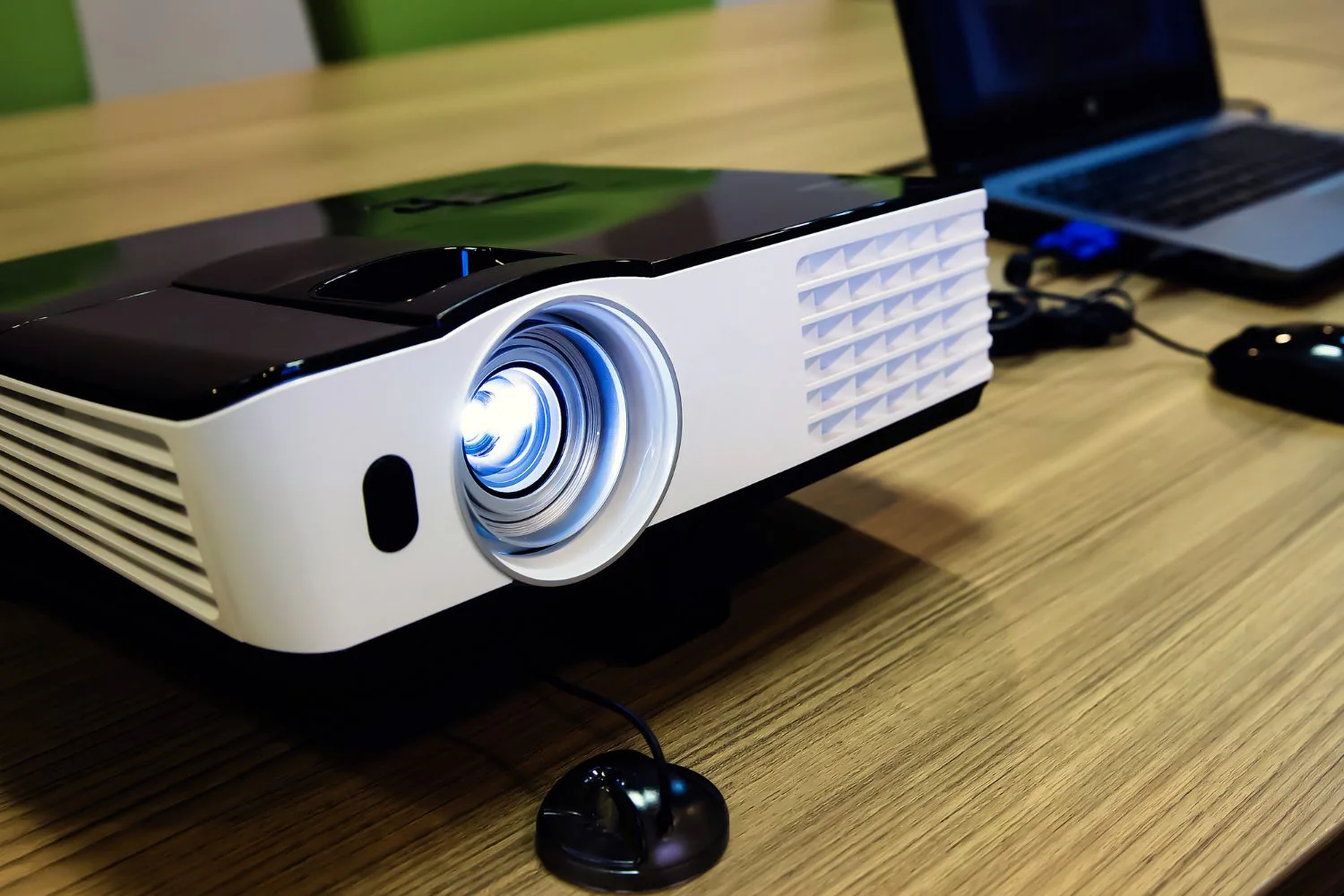
Worked example from a classroom with a wall controller
A teacher presses Power on the wall, the screen lowers and the projector does not show an image. Facilities staff see the standby lamp and can start the projector using its remote. This shows that the projector has some power and can start from another control route. Before requesting a light source replacement, they record what happens to the standby lamp on each control attempt and compare whether the wall controller is targeting the intended room preset. A known working remote sequence can support classes temporarily while the control path is checked.
In another room, the projector starts cold but shuts down after roughly fifteen minutes even when it was started using the original remote. Documenting the environment and the warning sequence matters more than comparing wall and remote controls in this case. To someone entering a class both look like a blank screen. The observations lead to different next steps.
Prepare a useful repair handover
Record the full model and installation type. Mention whether external power was confirmed and which local and remote controls responded. Include the light sequence, the delay from the power button to the shutdown and the last thing the unit was doing. For intermittent trouble, record whether it follows the time of day, the length of a session or a particular room operation.
Ask the repair centre if it needs an external adapter or a remote, and whether it can reproduce the failure at a bench. With ceiling equipment you may need to arrange another display or an on-site visit before removing anything. Have qualified staff handle access to electrical installations and equipment at height. A concise handover specifying whether the fault can be repeated with an isolated projector prevents removing a machine that is only affected by the room.
Questions about a projector that will not turn on
Does a flashing light prove that the lamp has failed?
Check the label of the indicator and the table for the exact model. A similar colour can mean standby on one projector and a fault on another. Laser and LED equipment also differs from equipment with a replaceable lamp. A photo of the model identification and a video of the indicators are a better starting point.
The fan turns but there is no light. What can I check?
Compare the behaviour with the normal cooldown period and the status chart. If the unit stabilizes and the manual allows, try bringing up the menu. Report whether the fan keeps running, whether a light flashes and whether any internal menu appears.
Can I open the unit to check a fuse?
Leave internal diagnostics to service. Follow the model instructions before disconnecting or moving equipment and report what you found from the external checks. Covers that are not designated for user maintenance can expose dangerous electrical sections.