Describe the noise and its timing
Listen for steady airflow, a gradual increase in speed, rubbing, clicking or vibration. Compare with earlier operation of the same projector in the same room. Fan activity at high output or during cooldown can be expected. A new mechanical sound that starts in one operating state gives service staff something they can investigate. A recording by itself usually cannot identify the component responsible.
Record from the seat where the issue was noticed and note whether it starts at once, rises gradually or accompanies a change of input or picture mode. If the site has similar projectors, check that you are comparing equivalent light output and room conditions. A sound that travels through a shelf or reverberates near one seat is also an installation observation. Comparing named settings and listening positions gives more information than comparing loudness with a different projector model.
Inspect the area around the projector
Check whether objects have been added near vents or whether the projector has been moved into furniture or closer to the ceiling. Look for recent mounting accessories and a change in the HVAC programme. Find the intake and exhaust positions in the exact manual and inspect from outside. Let a qualified installer handle access at height or adjustments to a mount.
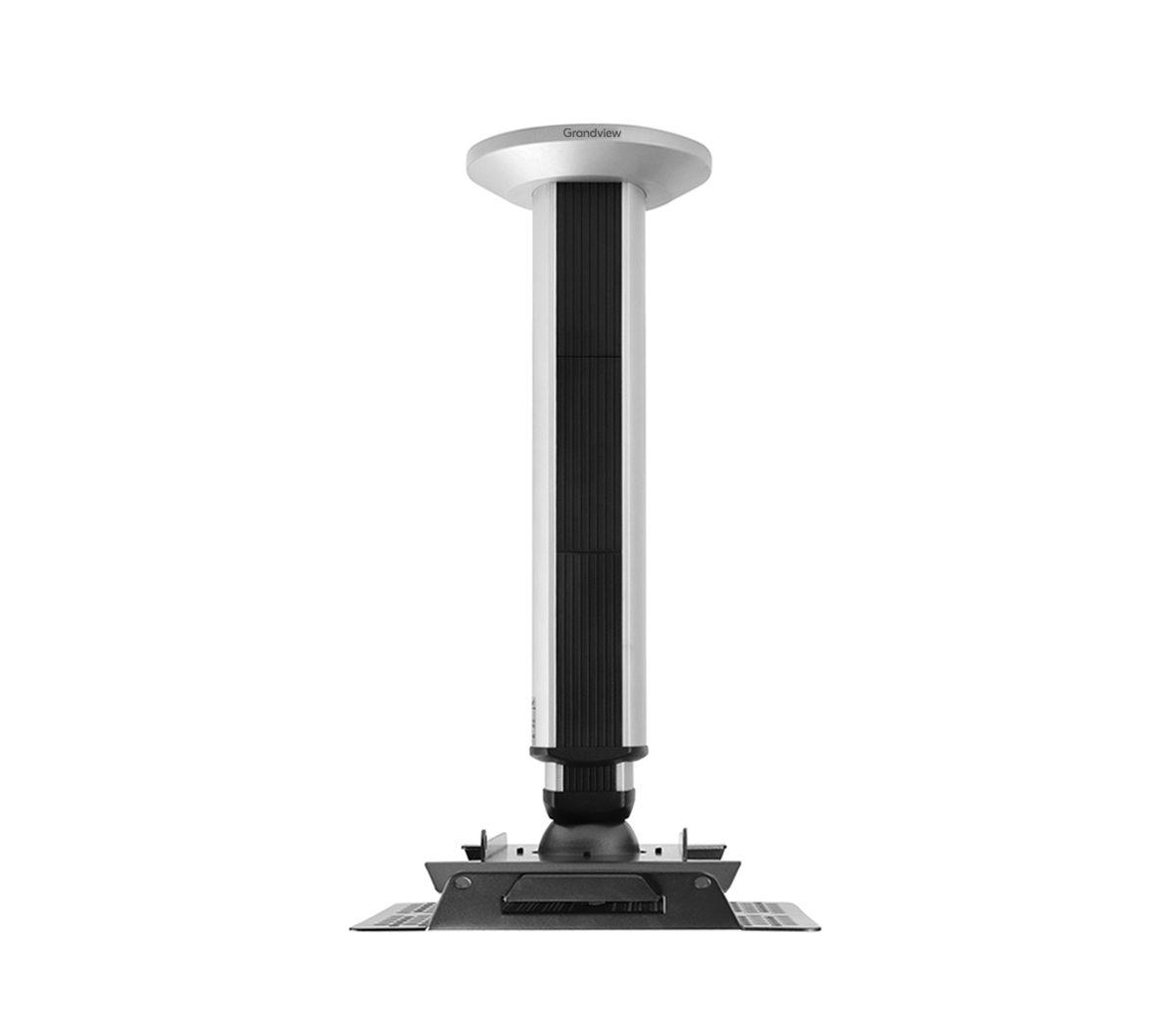
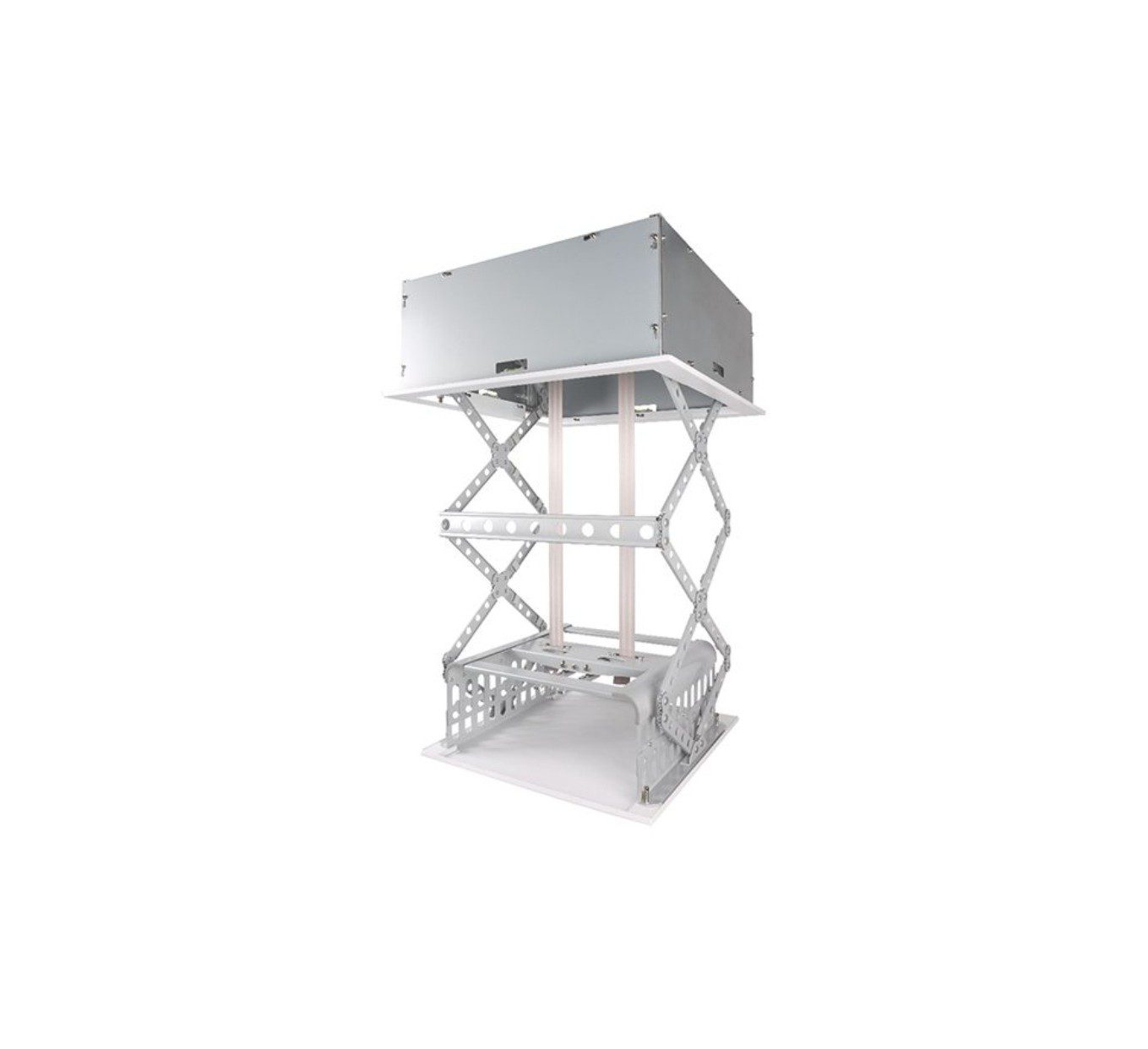
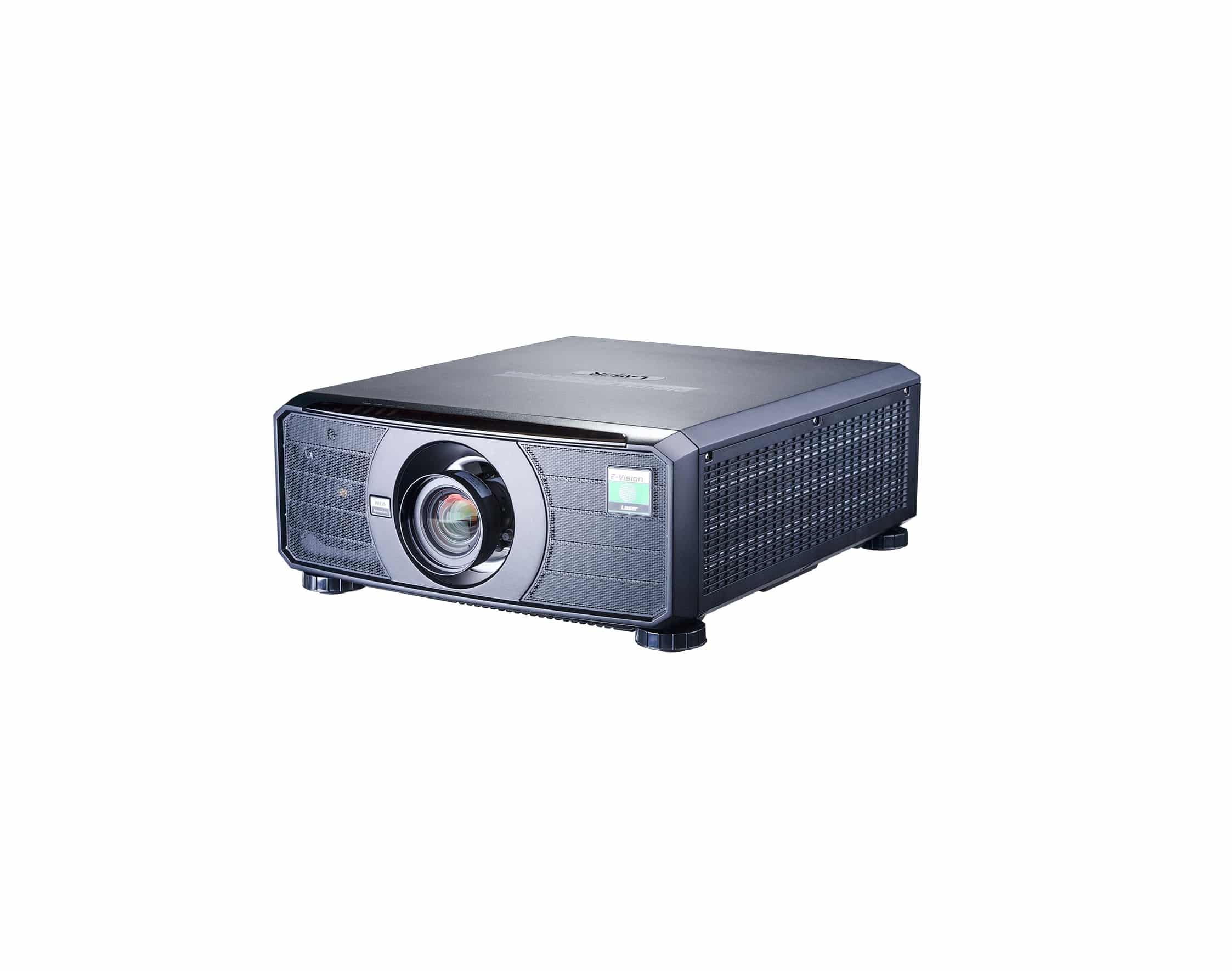
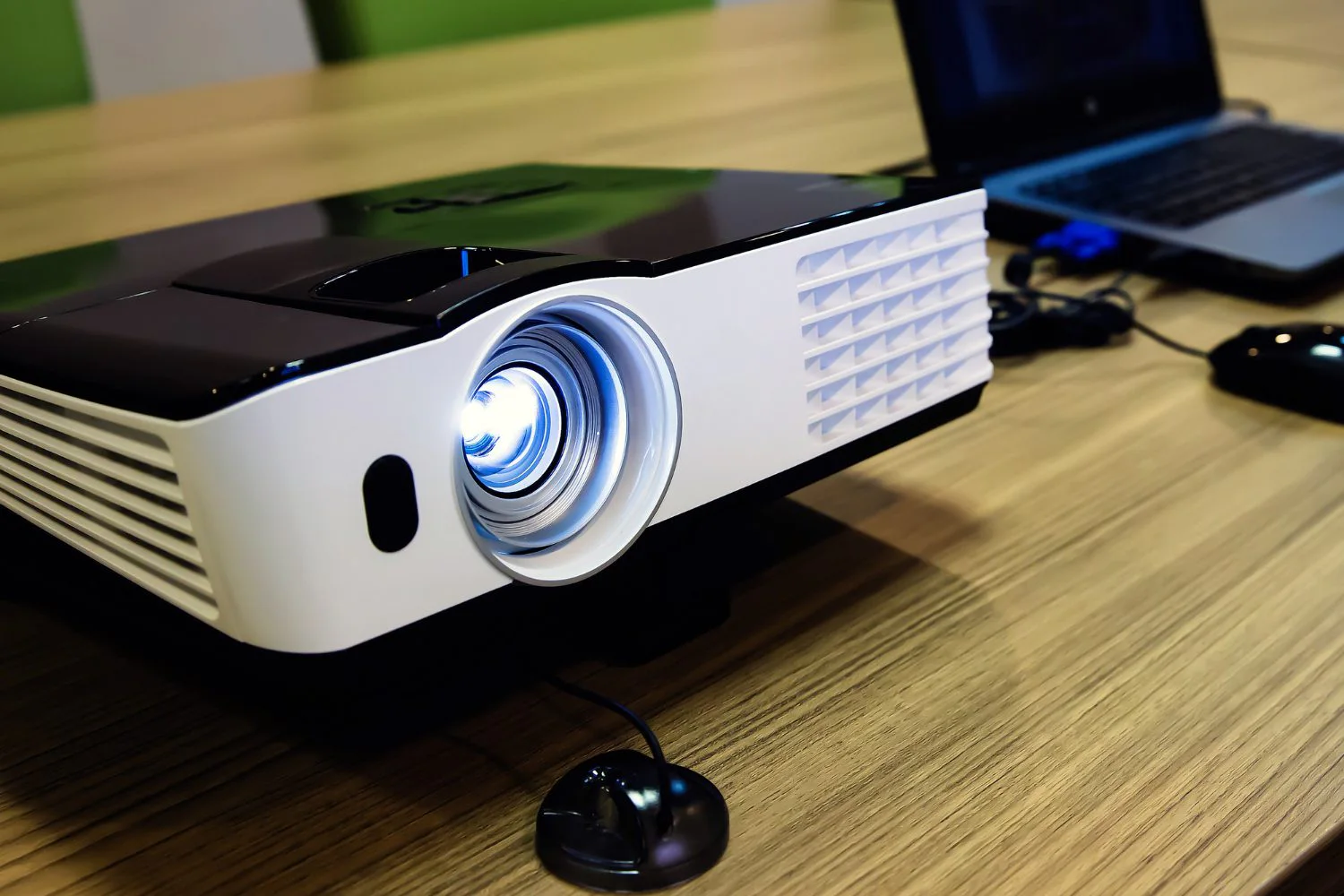
Use the clearances and orientation allowed for the model. A tabletop projector, an ultra-short-throw design and a venue projector may have different requirements. In an enclosure, warm exhaust needs a route away from the inlet. A large front cut-out can be insufficient if air recirculates behind the unit. Where an equipment cabinet has fans, include whether the cabinet fans are actually operating during projection. A photo showing the projector in place is often more useful than a close-up that hides the surrounding furniture.
Separate operating noise from a warning
A different picture mode can also change light output. On some equipment, a higher operating level increases cooling demand. Record the mode in use and compare with a familiar setting that the manufacturer's documentation describes. Where the projector shows no fault indication, a lower-output setting may be comfortable in a room with controlled lights. Check that the image is still readable from the normal seats before making such a change permanent.
When an approved operating configuration repeatedly triggers a warning or shutdown, the symptom warrants assessment even if a lower setting is quieter. Change only one setting at a time. Some models have a cooling or altitude option intended for particular environments. Consult the instructions for that equipment before experimenting. In a room that previously worked, record the old setting and what changed before the new symptom appeared.
Record the elapsed time and indicator sequence
Photograph an on-screen temperature warning and the external indicators when it is safe to do so. Note the model and the time from startup to the problem. Record whether the room lights were running, whether air conditioning was already active and whether the projector had been used for several consecutive sessions. Identifying which lamp was steady or flashing and what other lights appeared gives more information than reporting a red light without context. The exact colours and their meaning depend on the model.
Let the projector finish its normal shutdown and cooling sequence when appropriate. If it has already stopped in a fault condition, avoid forcing another start just to obtain footage. If you smell burning, see smoke or find visible electrical damage, stop using the equipment and consult the appropriate service team. Where a warning recurs after an obvious external obstruction has been addressed, send the full sequence to the repair centre. An issue that cannot be repeated until the machine has operated for some time requires a longer test than a cold start.
Follow the model manual for filter and vent work
Some units have a filter intended to be serviced by a user. Others use different ventilation or access arrangements. Read the maintenance section for the exact unit, including shutdown, disconnection and permitted cleaning procedures. At a school or venue, record who can perform the work safely, especially when the unit is mounted overhead. The room's dust exposure and working hours are useful alongside the manufacturer guidance.
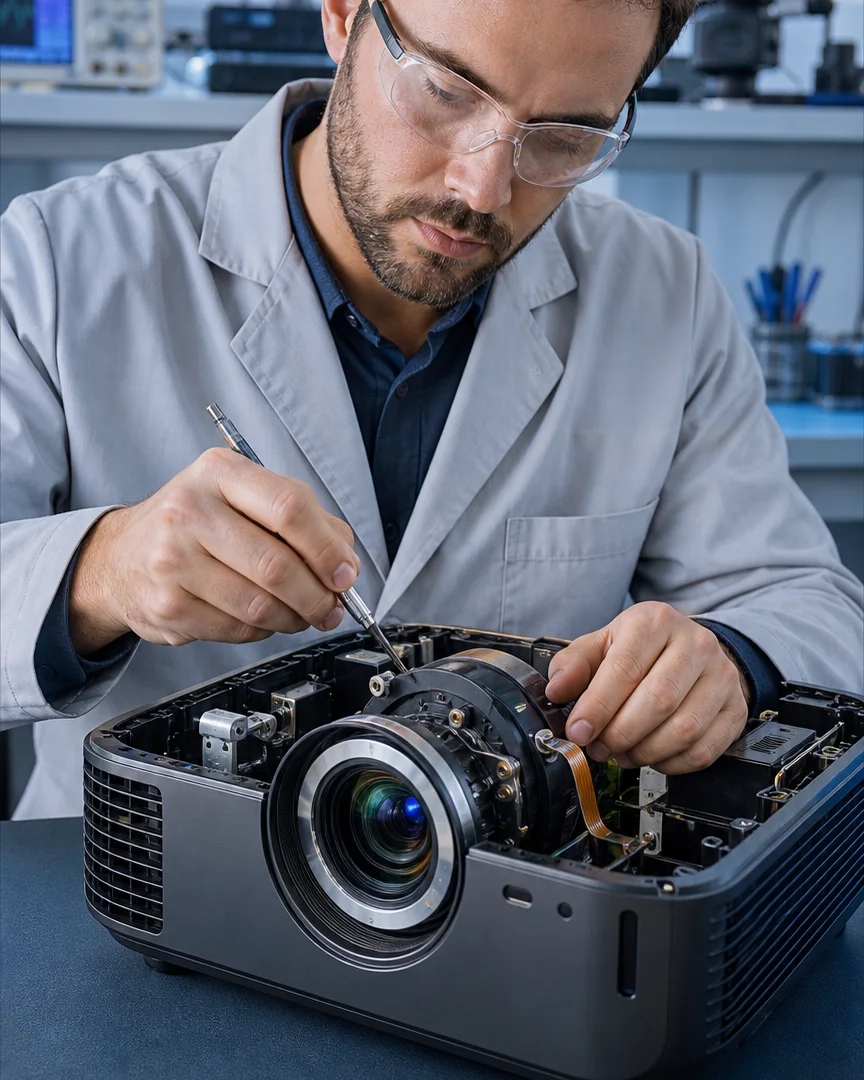
If approved maintenance does not clear the problem, document what was done and when the warning appeared again. Leave service covers and the fan assembly to technicians. A recurring warning or shutdown should be assessed even if the external surface looks clean. Resetting a reminder cannot remove a blockage. If the usual access panel is against furniture or the mount makes approved maintenance impractical, arrange access with installation staff before the next high-demand event.
Worked example from a venue with different evening conditions
Morning presentations in a hall take place without a complaint. In the evening, the fan becomes audible near the front row, the image goes off and a temperature warning appears. Staff note that the full stage lighting and a different ventilation schedule were in use. Before removing the unit, they compare the installation with the clearances documented in the manual and ask facilities staff to check the airflow and nearby heat sources. If a condition is outside the documented range, address it before evaluating whether repair is needed.
In a different case, a portable projector buzzes on a hollow shelf. In a permitted position on a stable table, it becomes much quieter under the same output setting and no indicator appears. That suggests that the supporting surface affects how the sound is heard. If the noise remains or an indicator appears, document it for service. Never block a vent or try to touch a rotating part to pinpoint a vibration.
Prepare a useful service handover
Include the projector model, active operating mode, time to the fault, a photo of the installation and the exact warning. State when approved maintenance last occurred and how long the machine remained operational after an attempted correction. If it happens only after consecutive events or at one light level, say how the technician can observe that situation. A room that remains in use also needs a clear appointment for testing and a backup display plan.
For a unit housed in furniture, record whether the cabinet position during the incident was its normal operating position. Mention if the unit had already behaved differently when the room was used with a permitted alternative setup. This can help identify airflow recirculation. Do not defeat a protective enclosure or alter public access to equipment just to reproduce a symptom.
Questions about projector fan noise and heat
Is it a fault if the fan runs after shutdown?
Check the documented cooling cycle for the model. Continued fan activity can be normal. A warning, a new mechanical noise or a repeatable shutdown during projection needs further assessment.
Will an extra fan solve a hot cabinet?
An installer should review both inlet and exhaust paths and the clearances required by the model. An extra fan positioned without considering airflow can leave heat trapped or return it to an intake.
What should I do if a temperature warning interrupts an event?
Use the model's shutdown and cooldown procedure. If the warning stays on or the issue returns, arrange an alternative display and contact service with the model, the warning and how long the machine had been running.