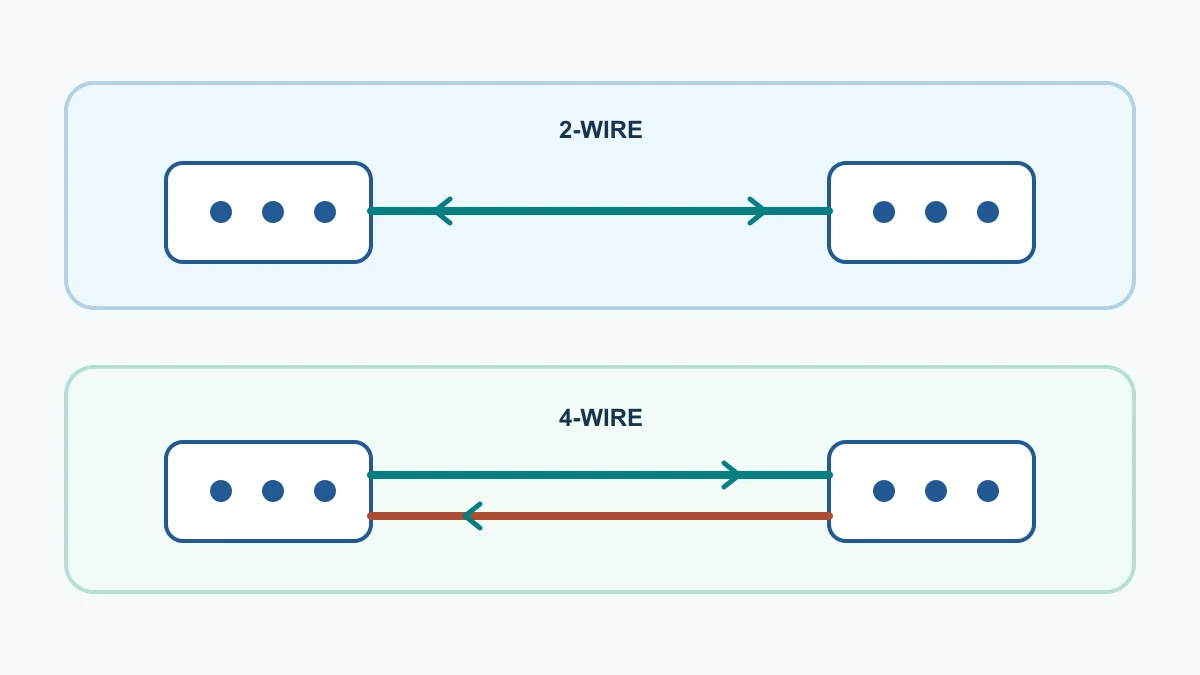
Map production roles before assigning ports
List the actual working positions. Director, stage manager, audio, cameras, video and lighting receive duties from the run of show. For each, record the calls they must receive, the calls they initiate, background material they need and conversations that would add distraction. Two staff members may cover the same job in different shifts. One person may also assume another role during rehearsal. Capture these changes before assigning panel keys.
Write the situations in sequence. During countdown, the director may call cameras, stage management may listen to the count and audio may need a separate warning about a microphone. Once the presentation is live, the director may need a private call to one operator without joining the camera group. A routing plan that describes these situations can be tested with the crew before the system goes live.
Assign groups, point-to-point calls and listen-only roles
A partyline is useful when several operators need to share one conversation. A point-to-point call works for a cue intended for an individual. Listen-only assignments can carry production context without adding a return voice from every position. Agree which groups remain available, which audio is heard in the background and how labels will appear on a small beltpack screen.
Separate intercom speech from programme audio and IFB. Programme audio can give an operator context for what is going to air or what the audience hears. An interruptible feedback route can let a person hear a programme feed that is dimmed or interrupted by a cue, depending on system design. Confirm who receives it and the expected interaction with normal calls. Test that a reply reaches the intended endpoint and that an audio feed does not enter an unintended return path.
Build panels around fast decisions
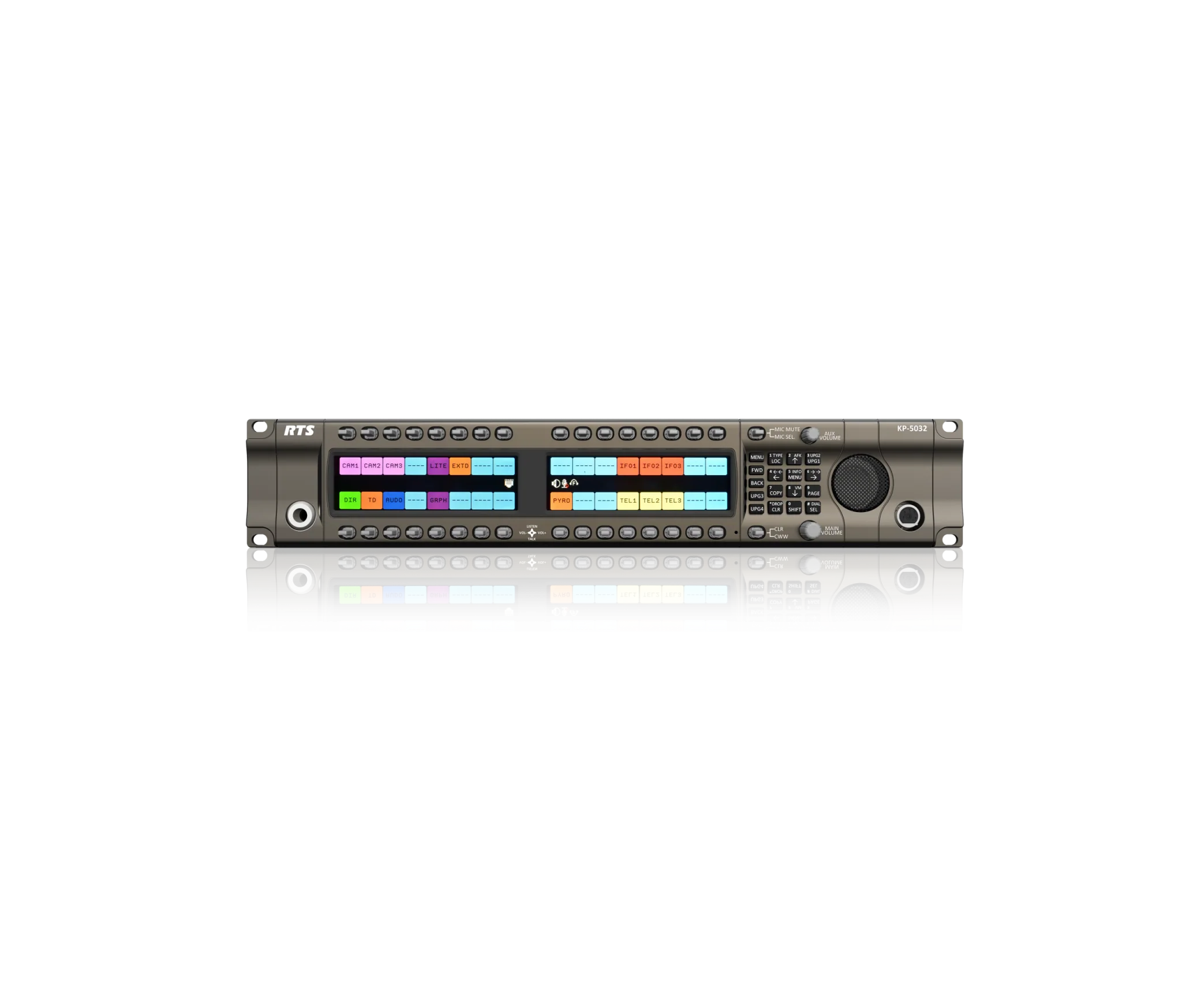
Use short, consistent labels for the main roles. If a role is called Stage on one panel, it should be immediately recognizable on another even if the display can show fewer characters. Keep frequent calls in the principal key layout and make the agreed urgent route easy to find. Have a new operator repeat a short rehearsal sequence without prompting. Difficulties recognizing an action may be resolved by the labeling and layout rather than by adding more endpoints.
Agree whether keys stay active only while pressed or remain latched under the configured behaviour. Specify how operators recognize an active microphone, who may alter assignments during a show and what the operator can do after an accidental group call. On colour displays use meaningful text as well. A low-light booth, different viewing angle or replacement device can make a colour-only scheme difficult to use.
Specify endpoint interfaces and shared dependencies
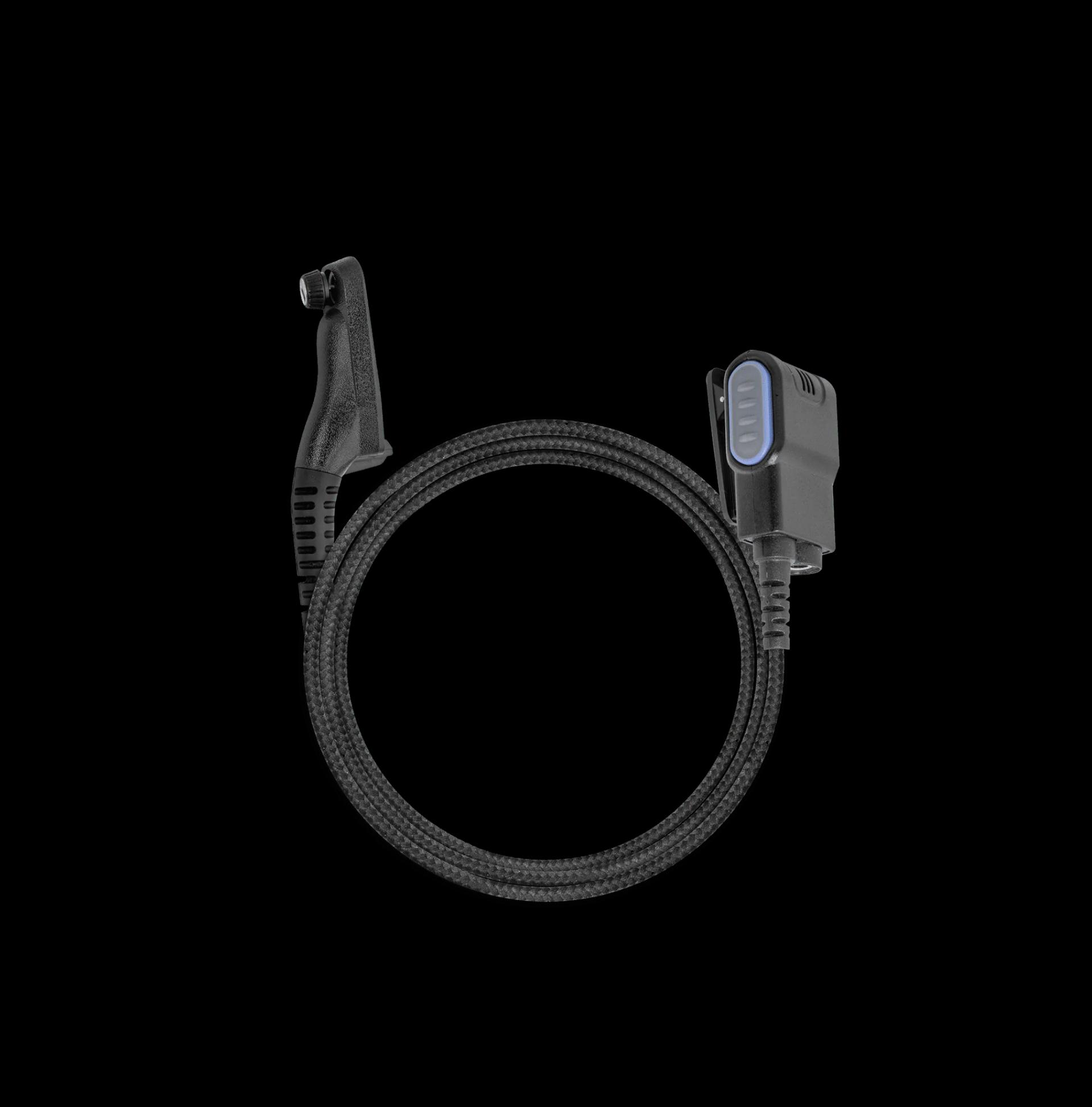
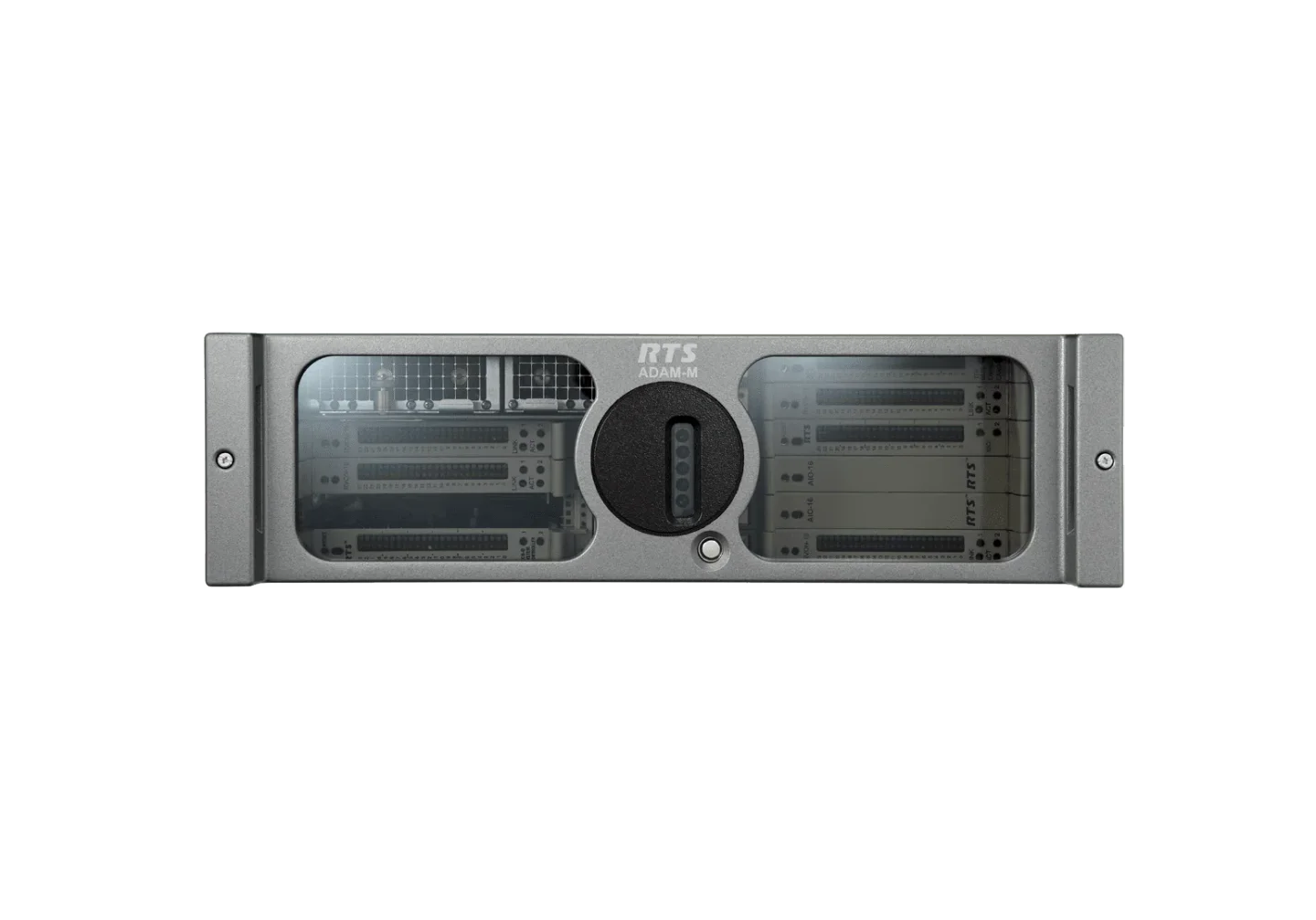
Identify the interface each role needs. A fixed position can use a panel, moving stage workers may use beltpacks and an outside production team may bring analogue partyline equipment. Record adaptation for each connected line. Allow ports and capacity for events where a visiting team adds positions. For networked equipment, agree configuration ownership and controlled service access with the relevant infrastructure team.
Document cable and power paths and components on which several paths depend. Two talk routes that use one network switch can both be affected when that switch fails. If fallback is required, identify exactly what survives loss of an endpoint, panel or switch. Demonstrate fallback through the same production positions and under a safe planned test rather than assuming the drawing establishes operational resilience.
Worked example from a broadcast with a visiting camera team
A venue adds a visiting camera crew with its own beltpacks. The director needs to call all cameras at the start of a segment, while issues from visiting operators should go to video engineering without interrupting the countdown. Define a shared camera group, a direct engineering call and the listen assignments the team needs. During the first trial, issue the changeover cue and confirm intended recipients. During the second, ask a visiting operator to reply and check that positions outside the route do not hear the answer.
During rehearsal the technician simulates loss of a visiting position in an agreed way that does not affect a live event. The crew verifies how to move the user to a working fallback and keep the required conversations. Record the sequence that worked. After the outside team leaves, agree who removes the temporary patch and restores the room's expected configuration for the next event.
Commission operations and prepare for recovery
Use scenarios from the run of show. Send a group cue and confirm who receives it. Verify talk and listen independently, programme audio, labels, any page changes and the behaviour of a spare position. For every test record the sending role, intended recipient and expected result. Where the action depends on a priority or key type, ask operators to use the configured action instead of following a verbal prompt from the tester.
Save an authorized configuration copy, revision date, port list and a role-based channel map. Document who can approve changes before rehearsal. Where restoring a configuration is necessary, plan a safe work window and record how restoration will affect the live state. After a change, repeat the primary production cases before going on air. A compact guide to director calls, fallback and support is easier for a relief operator to use than an unannotated numbered port list.
Record temporary changes
After adding a temporary role or key, record who requested it, the reason and the point at which it should be removed. Where presets are saved, the relief operator should be able to identify the active preset and find the validated configuration by room, date and show type.
Questions about a production intercom matrix
What differs between a matrix and a partyline?
A matrix routes separate or group conversations between positions. A partyline describes a shared group that can be implemented within a matrix or on a separate system.
How many ports should a brief specify?
Count fixed positions, mobile endpoints and interfaces according to the selected system. Add the actual guest and fallback scenarios. Separately document how many groups must be active at the same time.
What if an operator hears a role they should not hear?
Check listen assignments, groups and programme routing against the role map. Test with two senders and the affected position to identify which route introduces the unwanted speech.