What changes between the two ways to join?
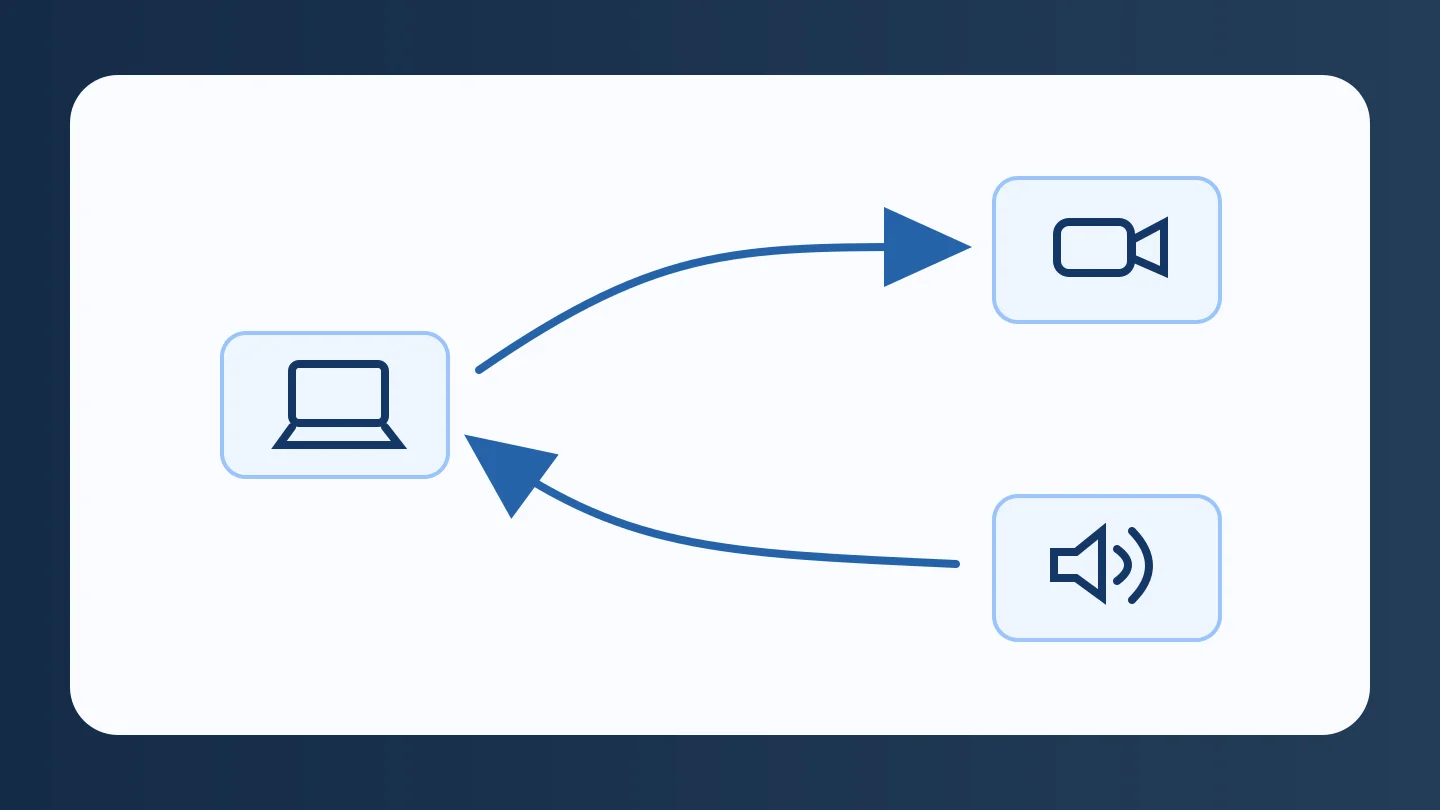
Bring Your Own Meeting means that the host launches the conference in the app or browser on their own computer. The host selects the room camera and audio devices after connecting to the meeting room's equipment. For a local presentation without a call, the connection may only send the picture and soundtrack to the room display. Convening a hybrid meeting adds the need to send camera and microphone signals to the people who joined remotely. Seeing a slide on the large screen does not establish that the conferencing route works.
A dedicated system uses a room computer or appliance designed for a conferencing platform selected by the organisation. It can offer a calendar, a join control and relatively consistent equipment settings. Where someone brings in a laptop, they may only use it to present content. Room operation depends on account policy, network, licensing and supported hardware. Some dedicated systems also offer guest connection options. An organisation can choose a primary room mode while retaining a clearly defined personal-device path for particular meetings.
When does BYOM fit everyday work?
If many meetings are external invitations on different platforms, demonstrate an organiser joining through their usual sign-in on a laptop and using the room peripherals without an additional account. Determine exactly what is needed to use the camera, sound and sharing inside the app that person normally opens. A dock, cable or wireless receiver can provide a connection depending on the design. A supported local app, an IT-approved dongle or a connection that carries both data and display may be required. An installer's laptop alone does not represent a guest using a managed device or a visitor network.
The first minute of a meeting exposes usability costs. Users may need to select a new display, camera, microphone and loudspeaker. A computer that prevents software installation or blocks certain peripherals can change the steps. A VPN and visitor network can also affect a particular wireless path. When calls run back to back, verify what happens to the room peripherals after the host leaves and how the next person gains access. The instruction card and a tested fallback can be as important as the hardware feature list.
When is a dedicated room worth managing?
Organisations that mostly use one conference platform and schedule meetings through a room account can avoid reselecting peripherals on every call. Support staff can manage rooms in a common system, plan updates and keep track of which devices belong to which physical space. Test with a booking created through the organisation's actual calendar and a host who walks into the room without the setup laptop. Try both an instant meeting and one that has been forwarded to the room.
The join button is one part of the experience. A room can join a meeting without supporting the same sharing capabilities, display layouts or camera controls available in a desktop app. Features vary across devices and versions. Compare the Microsoft Teams Rooms device feature comparison, documentation for the chosen model and the real invitation from an external service. Decide when staff can use the join button and when attaching a laptop is the right path.
A worked comparison of startup time and recovery
Imagine an eight-seat room with three common sessions. The internal team runs a scheduled status call. A sales group receives invitations from customers on different services. A visiting trainer occasionally brings a laptop with restricted permissions. To compare designs, prepare one example of each meeting and time how long it takes from room entry until an external listener gets both video and audio. Agree a result that fits local routines and log each step that requires technical assistance.
Ask the host to display slides, share a video with sound, hand over to another speaker and end the call. Record what happens if a second participant tries to claim the camera and microphones. Time how long the room takes to restore its welcome screen. Have the trainer connect without changing network policies or installing unapproved software. If a call requires assistance from IT, document the dependency. Start the internal meeting again after the guest leaves to check that the room has recovered and the earlier laptop is no longer holding a peripheral.
Requirements for a room with both modes
Identify the default mode based on actual meeting frequency. Specify the action that changes the room to laptop mode and the step that restores the console. For the acceptance test, start a dedicated room call, disconnect, bring a separate laptop and repeat the same tasks. Include the installed cable length and any extender. Record how audio and camera devices appear to the host. Assign an owner to maintain the receiver or switch, update the room application and revise guest instructions when the configuration changes. For a wireless conference system, confirm peripheral models and handoff with its manufacturer. The Barco ClickShare peripheral support guide illustrates why that model-specific check matters.
Think beyond a successful demonstration. A room that relies on guests bringing their own adapters has ongoing variability. A dedicated setup has accounts, licences and software cycles to manage. Document steps another installer would need in a year's time, such as restoring settings or renaming the room. An acceptance record containing connection type, application version and media-sharing results helps distinguish a functional change after an update from a simple power-on success.
For a site assessment, start with the operating systems people use, the meeting platforms and existing guest access paths. Bring a real external invitation and a typical visitor computer. Compare wireless BYOM solutions and meeting room solutions against those circumstances.
Compare the full cost of two proposals
The camera and microphone are only part of the comparison. Check connections to existing displays, licences, adapters, training, installation labour and a practical support route. Include any network work or spare computer required. Estimate support from a representative month of internal and external meetings. Measure steps needing assistance and the downtime for updates or repair. Update the cost comparison with evidence from the demonstration.
BYOM and dedicated room FAQ
Is wireless presentation automatically BYOM?
A wireless presentation device can send only a window, desktop or clip to the room screen. For video conferencing, verify that the meeting application on the host computer can select the room camera and microphone and can return remote speech to the intended loudspeakers.
Is a wired path worthwhile in a wireless room?
If guest devices, software or network access vary, an independently tested wired path can make a difference. Label the connector with what it provides, including whether it carries just the picture or also exposes the peripherals needed for a call.
How should a change of host be tested?
Disconnect the first host at the end of the meeting and have the next person start a separate conference without assistance. Check display, camera and microphone access, then see whether the previous mute state or meeting information can confuse the new user.