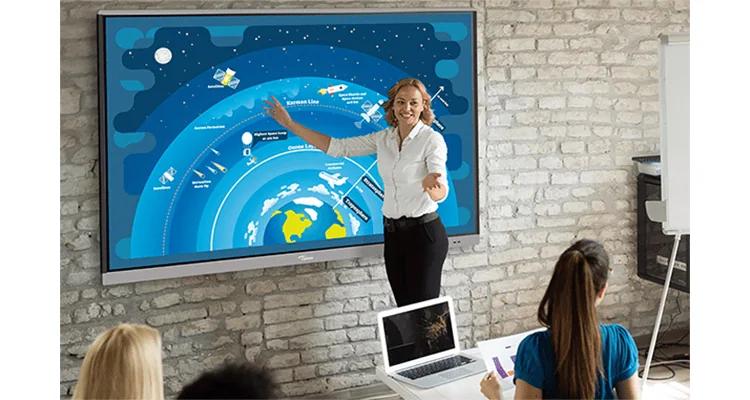
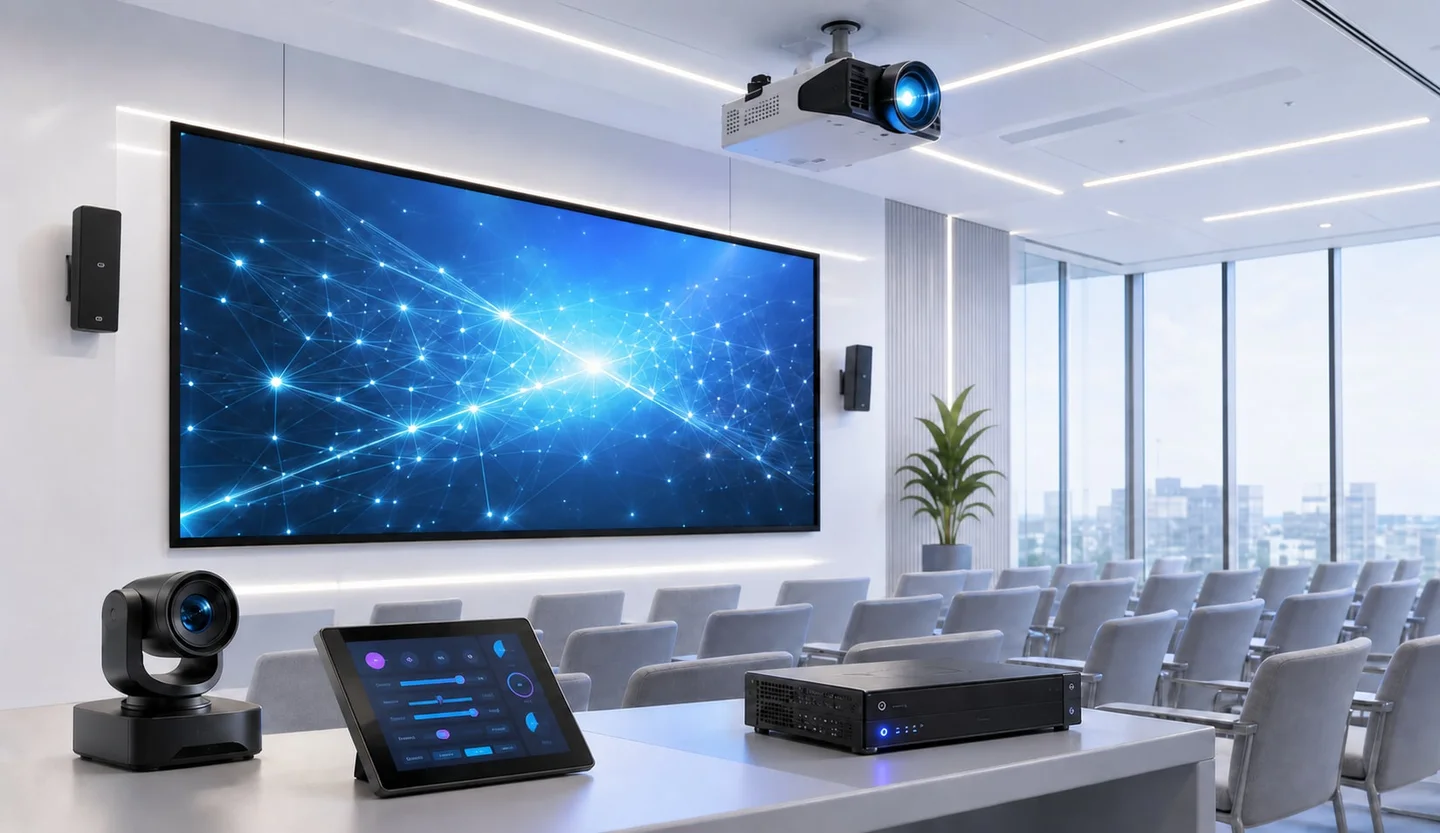
Define the teaching situations before specifying equipment
In a lecture, a teacher explains a worksheet and takes questions. During group work, the teacher moves between tables while both local and remote students need to know when they can speak. For a self-paced review, a recording might contain material and the teacher, subject to the school's instructions. List the scenarios, what remote students should see in each and who manages admission, questions and content. This leads to a practical learning environment rather than an equipment list based on seat count alone.
Ask how long teachers have to start a lesson, which meeting application is approved and who can help when a connection fails. Define what must work immediately and what can be added later. A teacher microphone and shared document may be essential, while an extra overhead view may be an enhancement. Test with a teacher who was not there when the system was installed. If someone else must operate camera views or moderate questions, confirm that person will actually be available during the lessons being designed.
Include teacher speech and the students who ask questions
Map audio around the teacher's desk, board, movement paths and seats from which questions commonly come. A microphone close to the teacher can help when they move away from their computer. For student questions, consider an area microphone, a shared handheld microphone or the teacher repeating the question before responding. The choice depends on the teaching method, permissions and the room's acoustics. Capturing only the teacher's speech can leave remote learners unable to follow the exchange.
Verify both directions of a real call. A remote participant should hear a sentence from the board and a question near the edge of the room. People in the classroom should also hear a remote answer. Turn ventilation and speakers to their ordinary settings. Have two people take turns and try a brief overlap. If echo appears, confirm the room uses a single agreed audio endpoint and compare the connection against the documented design. The meeting room audio acceptance test supplies a useful framework for speech and playback checks.
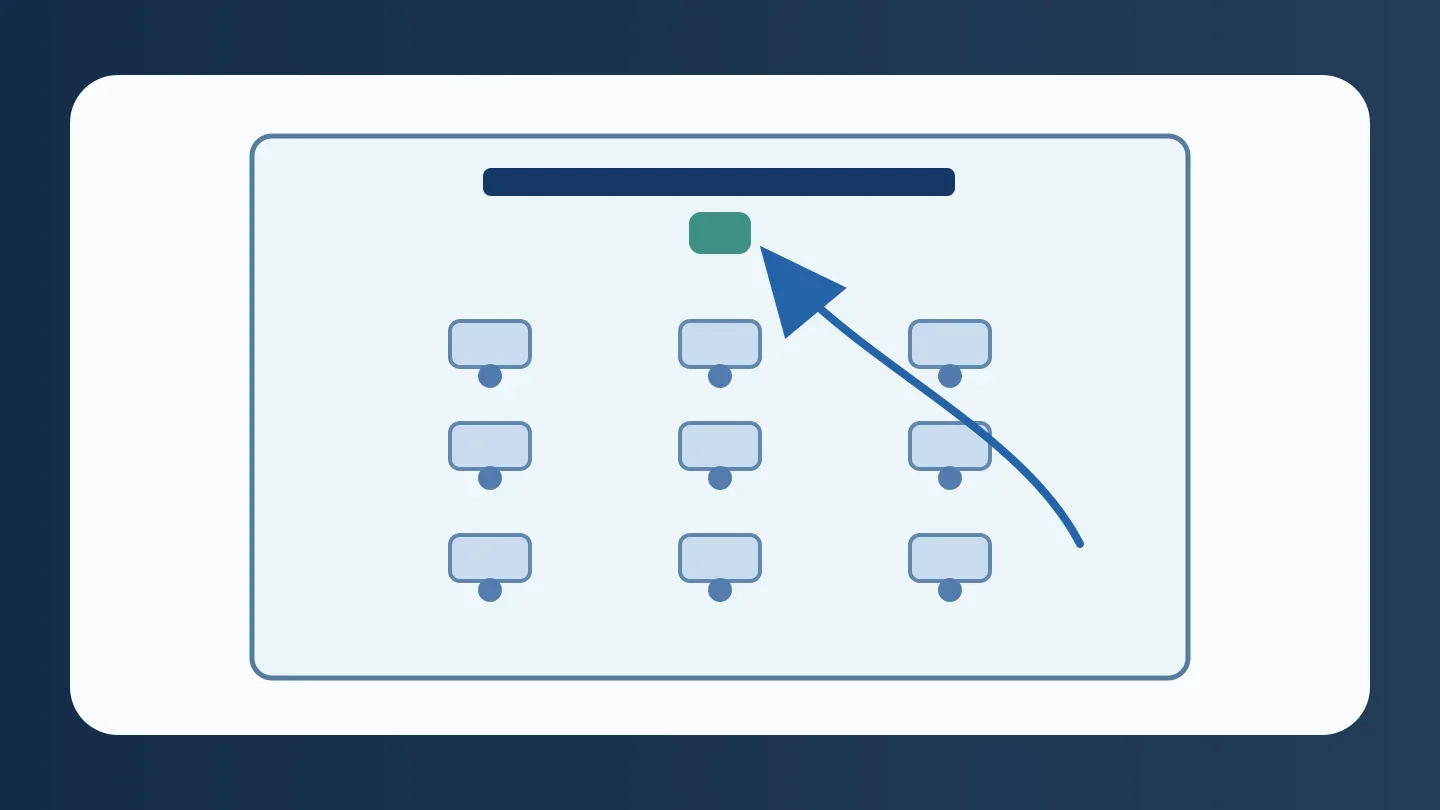
Match the camera view and content feed to the task
Decide whether the camera must show the teacher's face, activity near a board, an experiment or a specific part of the room. When students need to read handwriting or a formula, check what appears in the remote window rather than the local preview alone. Sharing the digital whiteboard or an application directly may produce a clearer image than framing all the text in a wide camera view. If the camera tracks speakers or automatically reframes, try the teacher's normal movement pattern. Have them explain at a desk, turn towards the writing area and answer a question. Observe when the picture changes during teaching.
Separate the material displayed locally from what the remote class receives. Open a file, share one window, play a clip with sound and have somebody outside the room verify every stage. Review how the teacher sees remote reactions or messages without covering a slide or stopping the presentation. Clear display roles let teachers see which material is visible to which group without repeatedly checking aloud.
Plan privacy, accessibility and recording before the lesson
Agree with the school which audio and video may be transmitted for each situation. It may be appropriate to frame the teacher, share learning material directly and repeat questions aloud rather than filming pupils. The Israeli Ministry of Education teacher portal provides guidance for blended digital learning and approved tools. Follow the instructions applicable to the institution and decide how learners and teachers are told when a stream or recording is underway. Recording capability by itself does not establish whether recording belongs in a given class.
For students who need accessible material, test captions in the appropriate language, access to a worksheet through an approved learning tool and explanations of information shown only on screen. A recorded lesson may also need a transcript or description of essential visual information. W3C's accessible media planning guide distinguishes those adaptations. Also check the result on a common home connection and small-screen device where relevant. A slide readable on a large room panel can be difficult in a shrunken video window.
Worked lesson-based acceptance test
A twenty-seat class teaches a calculation exercise and asks for responses from local and remote students. Begin by opening the session, showing the worksheet and explaining at the board. Have a student from the back row ask a sample question. Ask the remote participant to repeat its central idea. On a second run, have the teacher restate the question before answering and compare intelligibility and pace. Decide which approach should be the default under ordinary occupancy.
Then test a simple interruption such as moving to an approved alternative computer connection. Can the teacher continue with the material and sound? Confirm that presentation ends cleanly, the call closes and no different classroom appears as an unintended sharing destination. Ask the teacher to identify where instructions were ambiguous and add one short step to the operating card. Assign any issue found a clear owner before the first live lesson.
Infrastructure and instructions the school can maintain
Decide who manages the room account, software updates, material access and support during lessons. Keep a room signal drawing, source list, microphone selection and guidance to restore the setup after a disconnection. If there is a permanent teaching station, place frequent controls together and label join, share, mute and finish. Check which functions are available away from the board for a teacher or student who needs alternate controls. See education solutions and smart podiums for examples of how a teaching position can support these tasks.
Let remote questions become part of the lesson
Agree how a remote student asks to speak, such as raising a virtual hand, posting a written question or using a pause after an explanation. Test where the teacher sees the request while sharing content and whether they can respond without interrupting every local activity. During group work, agree who starts and ends the activity and where both groups find the instructions. If the remote students need a different group arrangement, plan it through the approved learning tool before deciding which room controls have to support that mode.
Hybrid classroom FAQ
Is one camera enough?
It may be enough if teaching takes place in one defined area. If learners need both an experiment and the teacher's movement, compare a separate content source or a different camera angle under the approved classroom policy.
Can remote students hear questions without microphones at every desk?
Try the teacher repeating the question, a shared microphone or pickup zones according to the lesson. Ask the remote listener to demonstrate what they understood rather than merely report that sound is present.
What if the live stream cannot continue?
Arrange a tested alternative or a way to distribute lesson material under the school's rules. After service is restored, reproduce the specific action that failed so the team can diagnose the issue before the next session.