Start with three representative event modes
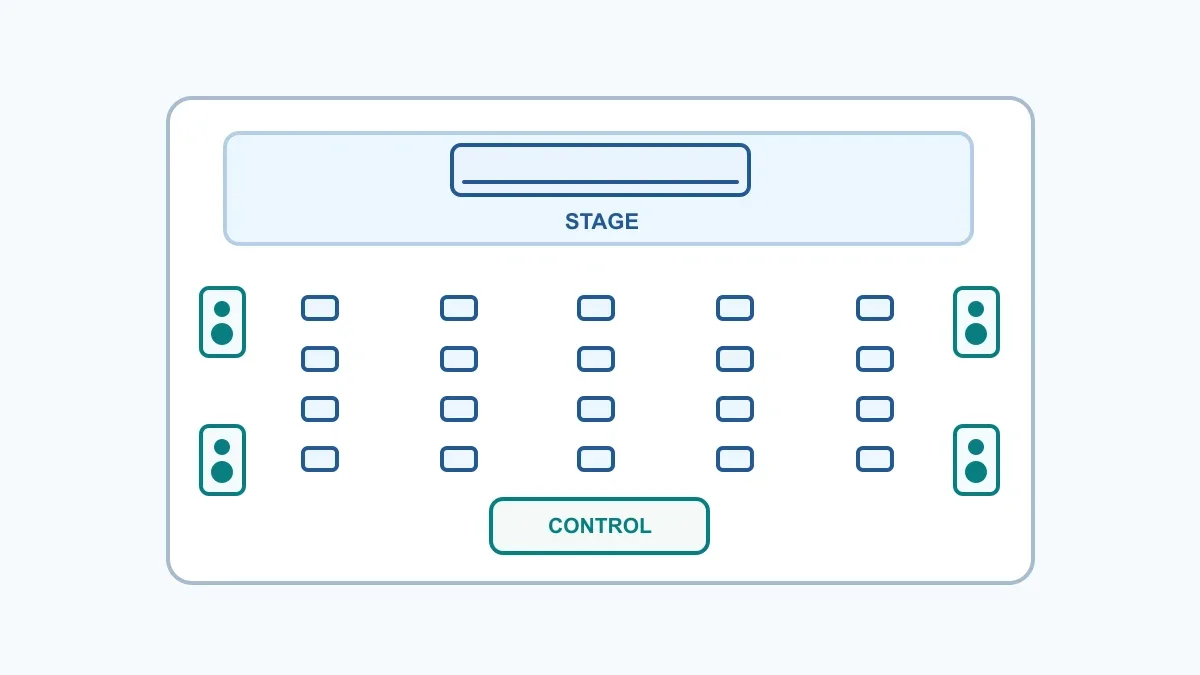
Describe a lecture, a panel and a hybrid conference with remote participation. For each, add audience layout, picture sources, microphones and the person operating the room. A single-speaker lecture needs a reliable path from the lectern to the screen and loudspeakers. A panel needs to capture different seats and handle an audience microphone. In a hybrid discussion, remote participants must hear room questions without an uncontrolled return of their own audio.
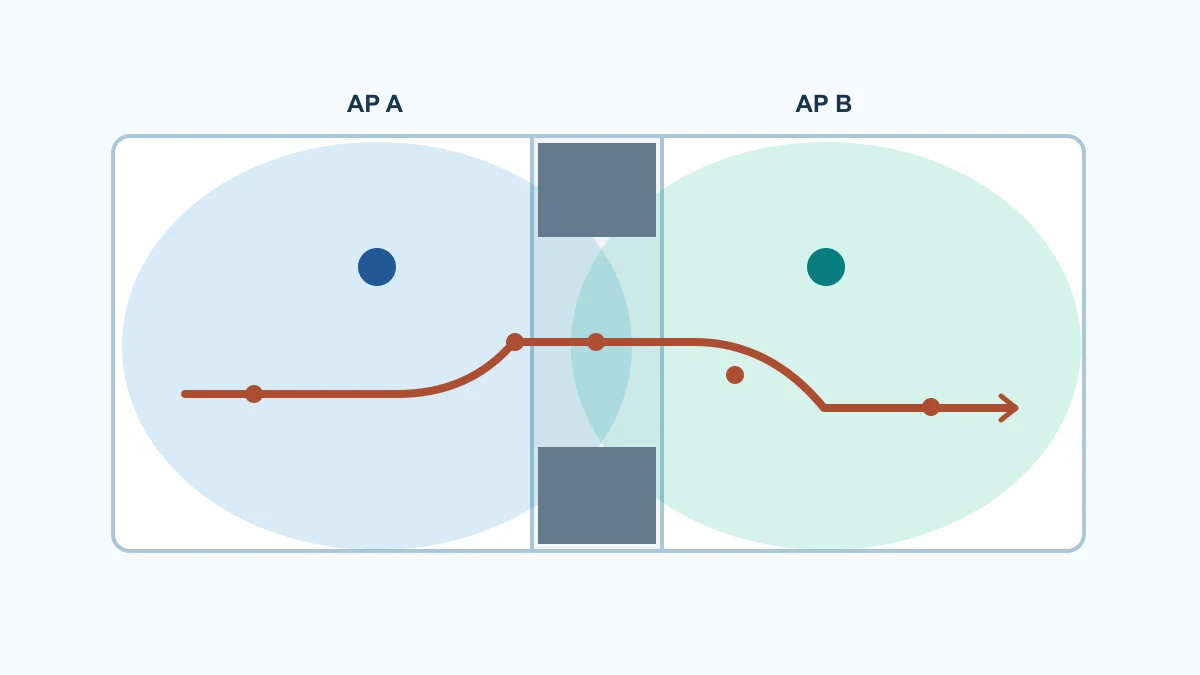
Include intermittent uses that recur often enough to justify design effort. A room separated by a movable partition may run two presentations and two audio systems at the same time. Document the combined mode, each divided mode and the displayed indication of which is active. Define a simple workflow for routine use and a specialist mode for productions that require additional control.
Size the visible image to the audience and material
Measure the farthest row, a near side seat and accessible seating positions. Record stage and screen height and confirm the sightlines to captions, labels and small slide text. Where some seats are behind a column or below a floor level, consider whether to adjust the display position or provide a suitable additional view. State the active image height for each source. The total size of the screen surface is different from the visible material when layouts leave margins.
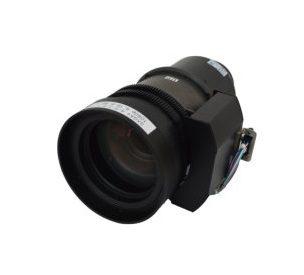
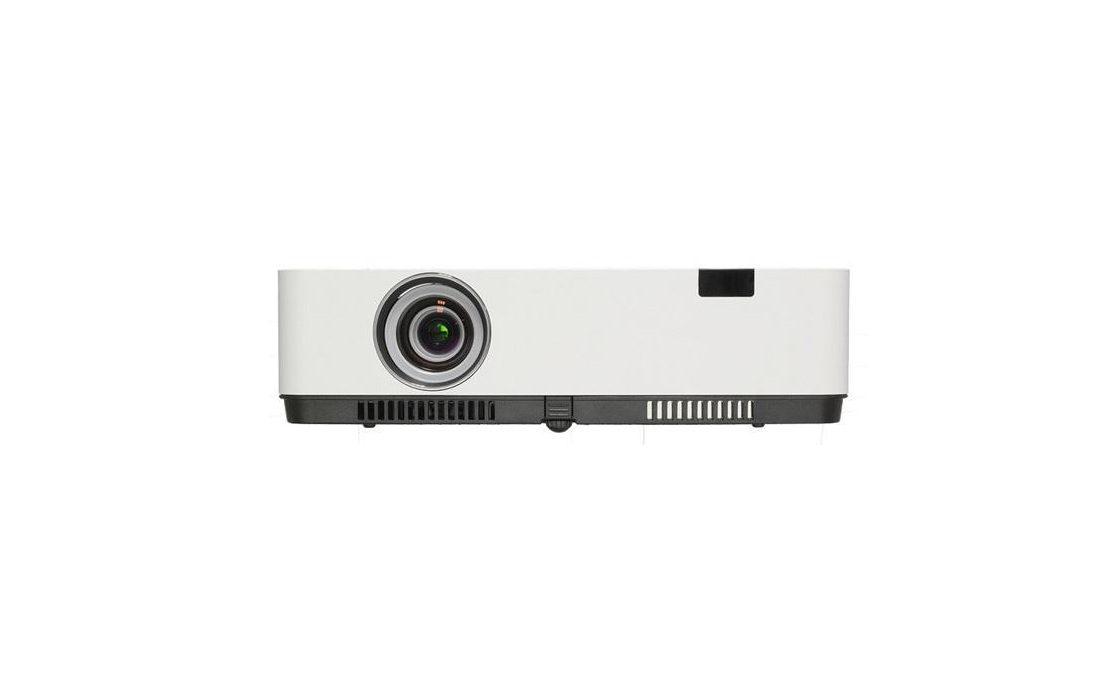
Select a reference file containing the smallest text or diagram the audience must understand. AVIXA's image size guidance can help relate the content and viewing position, followed by a check with the actual material. For projection, confirm the selected lens, throw distance, surrounding lighting and service access. For flat panels or LED walls, verify the experience from the near and rear positions. Set the image and lighting conditions according to the content and seating, not just the largest surface that fits on the wall.
Plan speech intelligibility before specifying more level
Identify where people speak. In a lecture, the instructor may move between the lectern and centre stage. Panelists may need individual microphones, and questions need a path from the audience. Give the design a practical test in which someone at the back and at the edge can understand ordinary speech at a comfortable level. Consider loudspeaker coverage, overlap, HVAC noise and room reflections. Increasing overall level can make the front rows louder without resolving poor intelligibility elsewhere.
For each use, document audio routing. The room mix serves those seated in the hall. Remote participants, a livestream, a recording and an assistive listening system can have different requirements. Coordinate the required accommodations with the site's accessibility specialists and check the intended receivers where provided. Where captioning or interpretation will be shown on screen, verify sightlines and confirm that neither presentation material nor the captions become unreadable.
Design infrastructure, controls and a fallback route
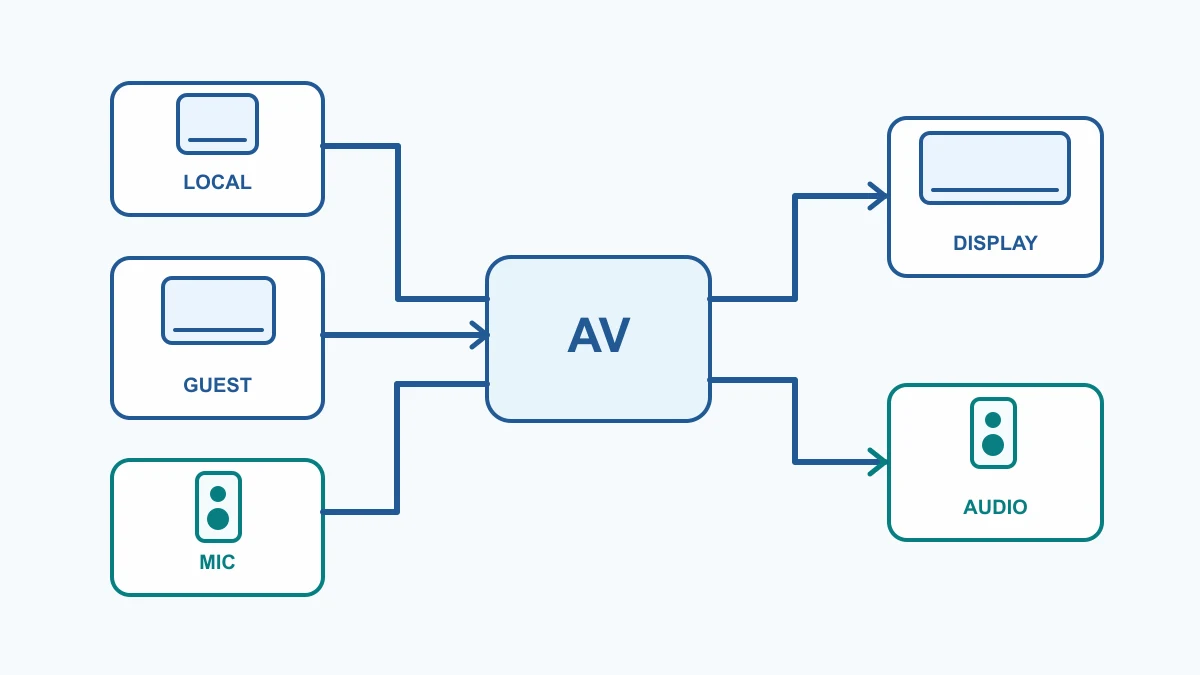
Mark the operator position, cable routes, power, network and service openings on the venue plan. Identify intermediate equipment. One critical point is often the guest input. Trial it with a representative permitted laptop, including video and sound. If remote participants should see both a presenter and slides, identify who selects the camera view and what the operator does if one camera becomes unavailable.
Define presets that staff can explain. A lecture preset may display the chosen source and set the intended room audio route. In a panel mode, the operator should be able to identify which microphones are active. Pretest a backup presentation source and an alternative microphone. Specify who decides to move to fallback and how the programme continues for room and remote participants while support staff assess the problem.
Worked example for a hall with lecture and panel use
Consider a hall that runs staff lectures, a four-person panel and hybrid conferences. One supplier proposes projection on an existing screen. Another includes a separate display area for remote participation. Ask both to show the same text slide from the rear row, run a panel cue, accept an audience question and communicate with a remote presenter. Confirm whether captions or transcripts can be shown without displacing the essential parts of the presentation.
These tests reveal whether another display solves a real viewing problem and whether someone must be dedicated to operations. A presenter who looks clear while remote participants cannot hear the audience points to an audio routing or pickup issue. Ask the supplier to record the observed result, the modification proposed and the acceptance steps to repeat after the change.
Accept the system in conditions that represent real events
Write acceptance scenarios by operator role. Someone starts a presentation from the local source, a host connects a guest device, audio staff swap a microphone and a technician checks remote sound and a test recording. State what can be safely changed as part of the test and avoid disrupting an actual event. Run critical comparisons with event lights and ordinary HVAC in use. Test the difficult seating and operating positions, including side and rear seats and accessible locations with different sightlines.
At handover, obtain the connection diagrams, concise instructions for each event mode, service details and equipment and configuration records per scope. Name the team responsible for network, audio and installation problems. Keep the test records for comparison after a component replacement, layout change or new production workflow. Give any open issue affecting an event an owner and a retest appointment before closing the job.
Accept both sides of a divisible room
Test a video with sound on one side while a private discussion runs on the other. Check whether displays, microphones or conferencing endpoints are shared, which control state is visible in each room and what happens on return to the combined setup. Repeat the content and audio tests after combining the room.
Questions about conference hall multimedia
How can I tell whether the display is large enough?
Compare the active image area and the smallest content detail with representative seating positions. Include sightlines and event lighting in the observation.
Does another microphone help if a panel cannot be understood?
First establish where speech becomes difficult to hear. Coverage, acoustics, speaker position and audio routing can all affect it. Demonstrate the panel and audience questions before specifying another microphone.
What should be checked for hybrid conferences?
Verify two-way speech, shared content, room questions and what happens if a guest source or camera stops working. Run a short test recording where authorized so the production output can be checked.