Give the repair team the context before transport
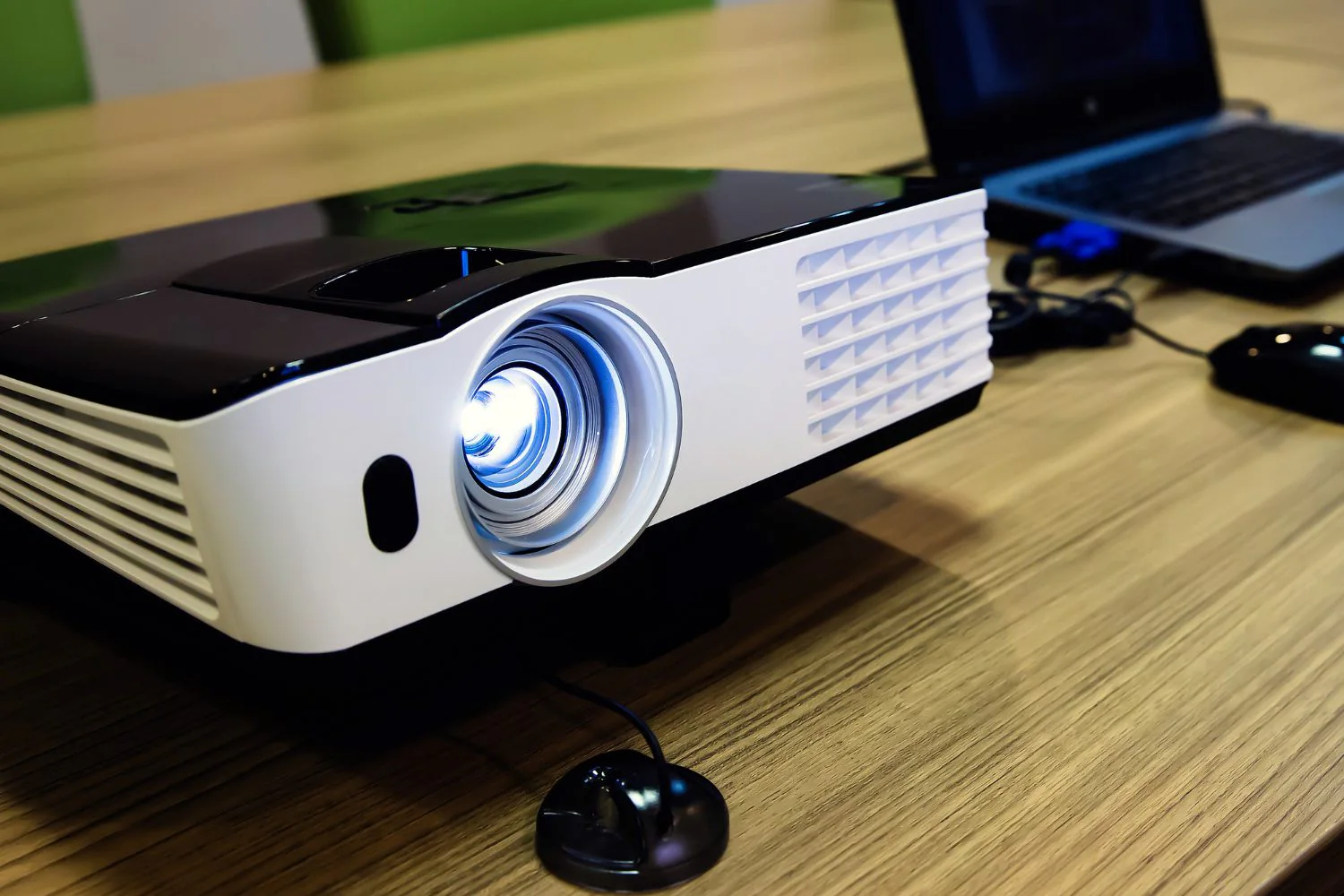
Provide the full model, ordinary use and when the room or projector is needed again. If the unit belongs to an auditorium, classroom or meeting room, explain whether the issue occurs only in that installation. Identify a switcher, AV receiver or extender that is normally in the signal path. If the projector works on a short cable outside the room, tell the repair centre before the unit is disconnected. In some cases an on-site comparison preserves conditions that a bench test cannot reproduce.
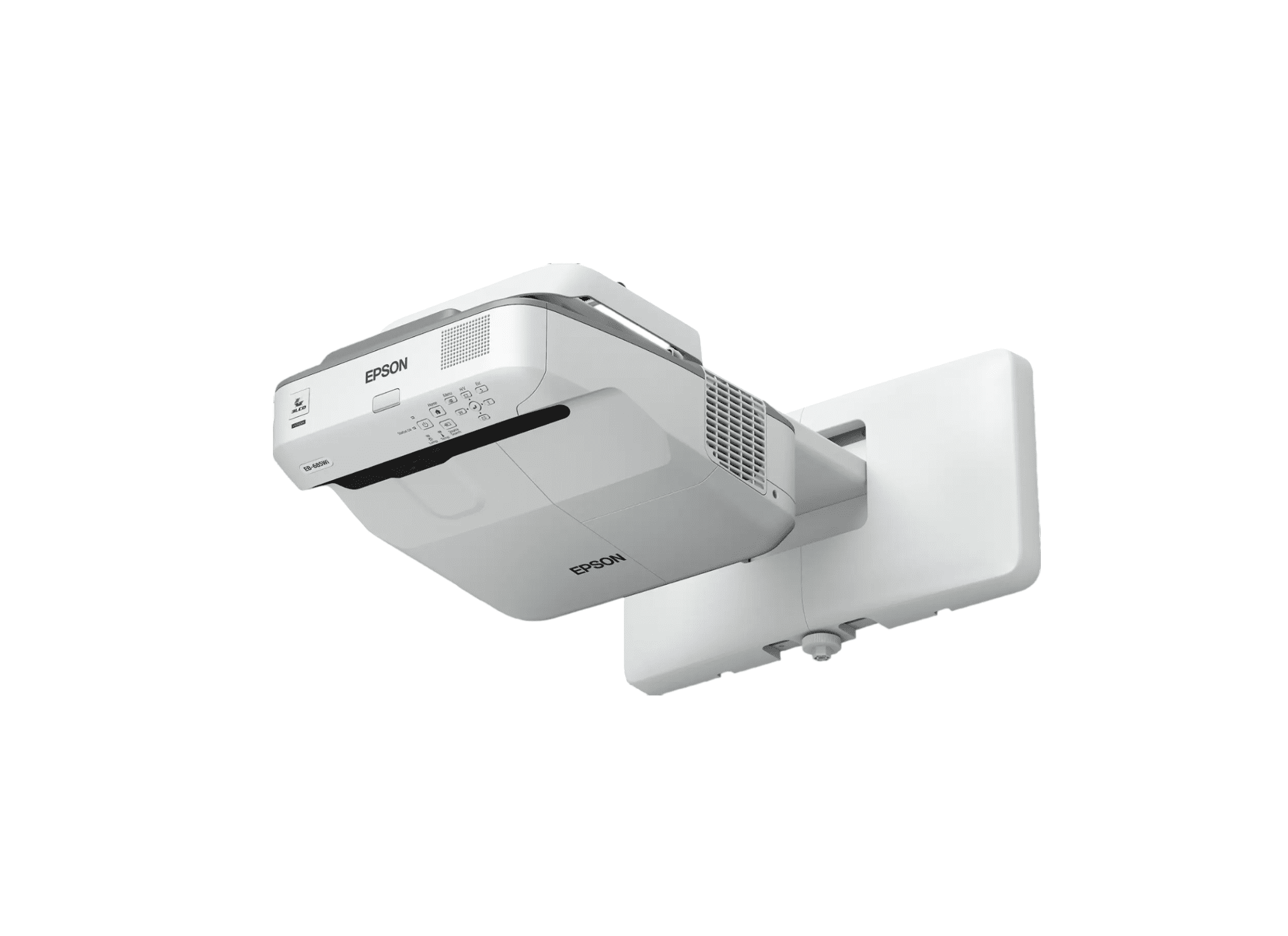
Ask who should arrange removal and transport, which accessories can help and how the repair reference should be marked. For a heavy or overhead projector, plan safe access and a workable temporary display before moving it. Where there has been an electrical fault, a burning odour, liquid exposure or impact, stop use and describe what happened. Do not power it again just to create a recording.
Give a repeatable sequence of events
A repeatable description is more useful than a list of possible failed parts. For example, the projector starts normally, the image disappears after around twenty minutes and the fans continue to run. The computer is connected to one HDMI input and the presentation was also tested on another. State what message or indicator appeared, when it appeared and what happened after that. Ask the person who saw the event to document it before any settings are adjusted.
For an intermittent fault record what differed between sessions. It might follow a closed cabinet, a source change or a specific operating mode. A short video can show the indicator sequence and timing. Use an authorized test file where needed. A neutral clip or slide deck can reproduce the output format without exposing confidential training material or client content from the actual session.
Include the accessories that make the test possible
If the fault follows an external supply, remote, proprietary adapter or lens, check in advance what the centre needs. Keep a list of everything handed over and record distinguishing labels where important. For a room normally operated by a fixed controller, a model number or photo of its approved settings may be more useful than sending unrelated parts. Leave the normal room cables in place unless they are part of the planned test or service asks for them.
Send the model and serial reference privately in the format the service centre uses. Include prior repairs, a known lamp replacement date and any special installed part. Tell the repair provider if settings must be preserved. Avoid ordinary fault reports containing network passwords or personal account details. If an authorized specialist needs to observe a specific source configuration, arrange that test without giving access to unrelated systems.
Protect the projector during handling and transport
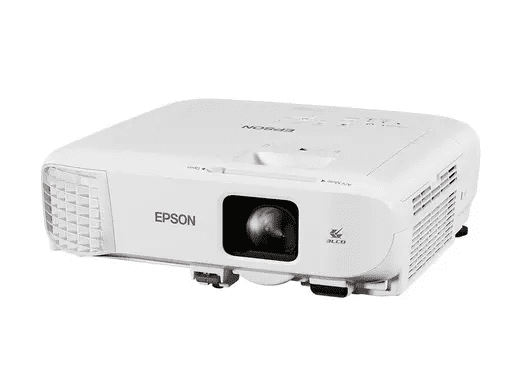
Follow the model's transport and storage guidance, including covers, lens protection and packing. Instructions can differ even within one manufacturer's range. One lens may stay fitted with a protective pad while another may need to be removed by service before transport. Ask an installer about safe removal of mounted or heavy equipment. Avoid lifting from connector panels or parts of the enclosure not identified as handling points.
Before handover, photograph the condition of the case and label and document the supplied accessories. Where available and suitable for the lens and model, the original protective packing can be useful. If a different case is needed, agree the size, cushioning and lens protection with the repair provider. Keep loose adapters and metal accessories from contacting the unit in transit. When the equipment comes back, confirm the accessory list and report any new visible damage before installation.

Agree who authorizes diagnostics, repair and return
The work order should identify who can approve diagnostics, who receives the report and who can authorize any quoted work. Ask about the assessment fee, whether it may be credited toward a repair, and the process if the fault cannot be reproduced. Include dates for upcoming events where service time affects room use. This allows the team to estimate parts, repair, return and the date a system can actually be used.
If a quote lists a replaced component, ask how the finding explains the original symptom and what test established it. Agree how long the equipment should run after the work, which input should be used and who will reinstall it when necessary. A fixed room also needs testing of normal controller, input selection and screen operation. A projector that passes bench checks and a room that can resume lectures are related outcomes with different acceptance steps.
Worked example from a classroom with an intermittent issue
Suppose a projector starts at the beginning of a class and loses its picture fifteen to thirty minutes later. A teacher reports that it shuts down, but a video shows that its own menu remains available after the image disappears. The technician needs the source route and repeatable content. If a direct connection works even after the problem repeats through the wall path, it may make sense to test intermediate equipment or inspect the classroom before unmounting the projector.
In another classroom the unit stops and displays a temperature indicator when running on a direct source under its approved setup. The useful record here includes the status sequence, elapsed running time and a photo of the installation. Once the fault has been documented, avoid repeated forced restarts. The difference between the two cases helps service plan a test that is more likely to reproduce the actual interruption.
Save a closure note for the next request
Keep the work reference, intake date, equipment identity and tested symptom in the room record. Retire the temporary display only after the returned unit passes the relevant scenario. Record any warranty terms where the room owner can find them. If a different issue appears during reinstallation, document it separately. A heat warning may be resolved while a screen preset or room input still needs restoring. Separate records help staff route the two jobs correctly.
Questions about bringing a projector for repair
Do I need to bring the remote and every cable?
Confirm the accessory list based on the reported problem. If local controls work and the remote does not, the remote helps. If only one room input is affected, explain the direct cable comparison and identify any special adapter first.
Can I reset it before the handover?
Document the configuration in which the problem occurred before altering it. For a calibrated or managed installation, identify what must remain and who is allowed to restore settings. Confirm any reset with the service provider.
What should I test when the projector returns?
Check the approved quotation against the returned items, then repeat the original scenario with the display and signal chain normally used. If the fault appeared after a period of operation, the startup image alone does not verify the repair.