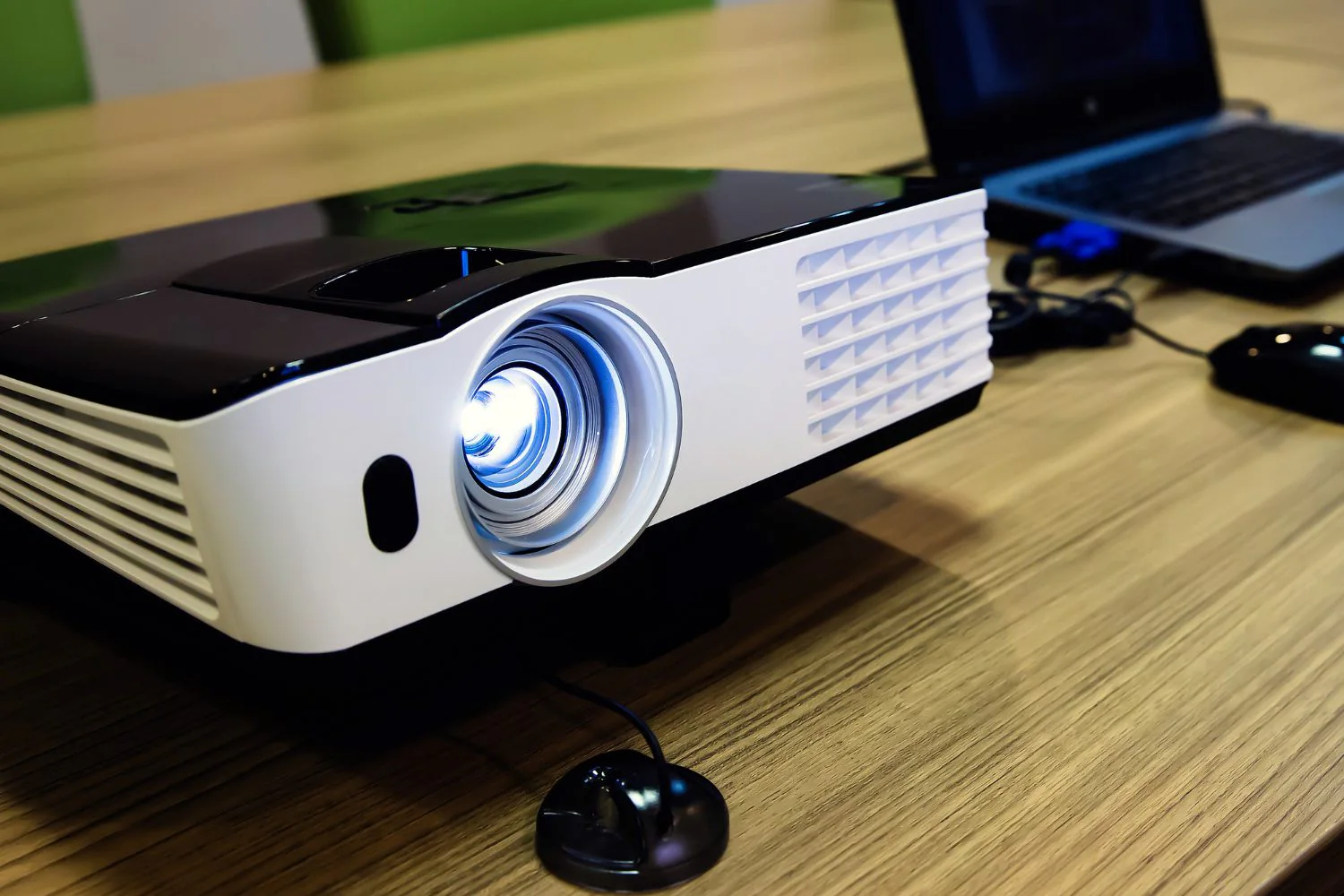
Inventory each room before making the calendar
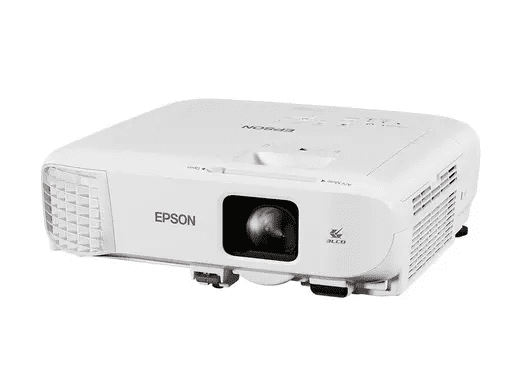
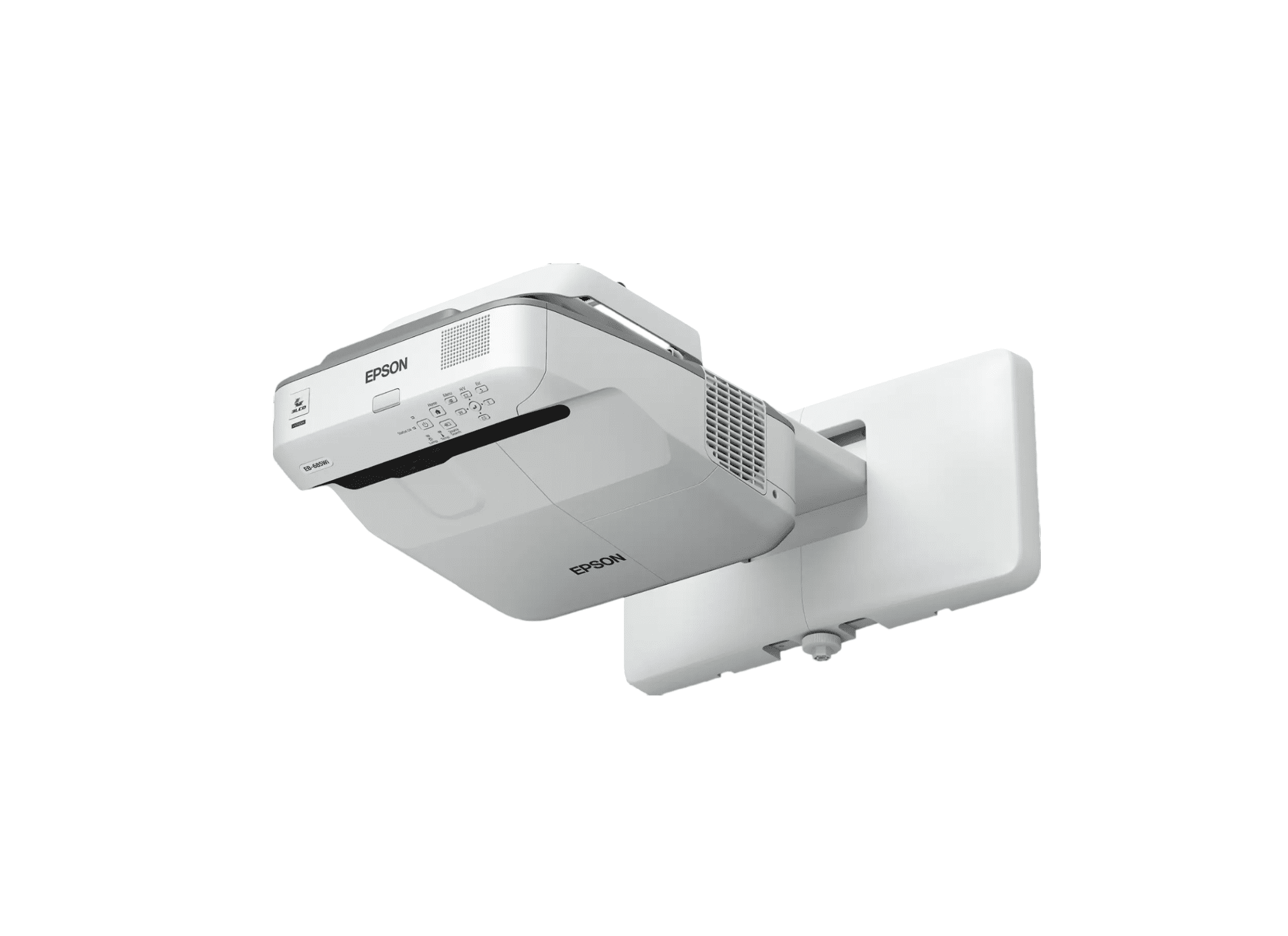
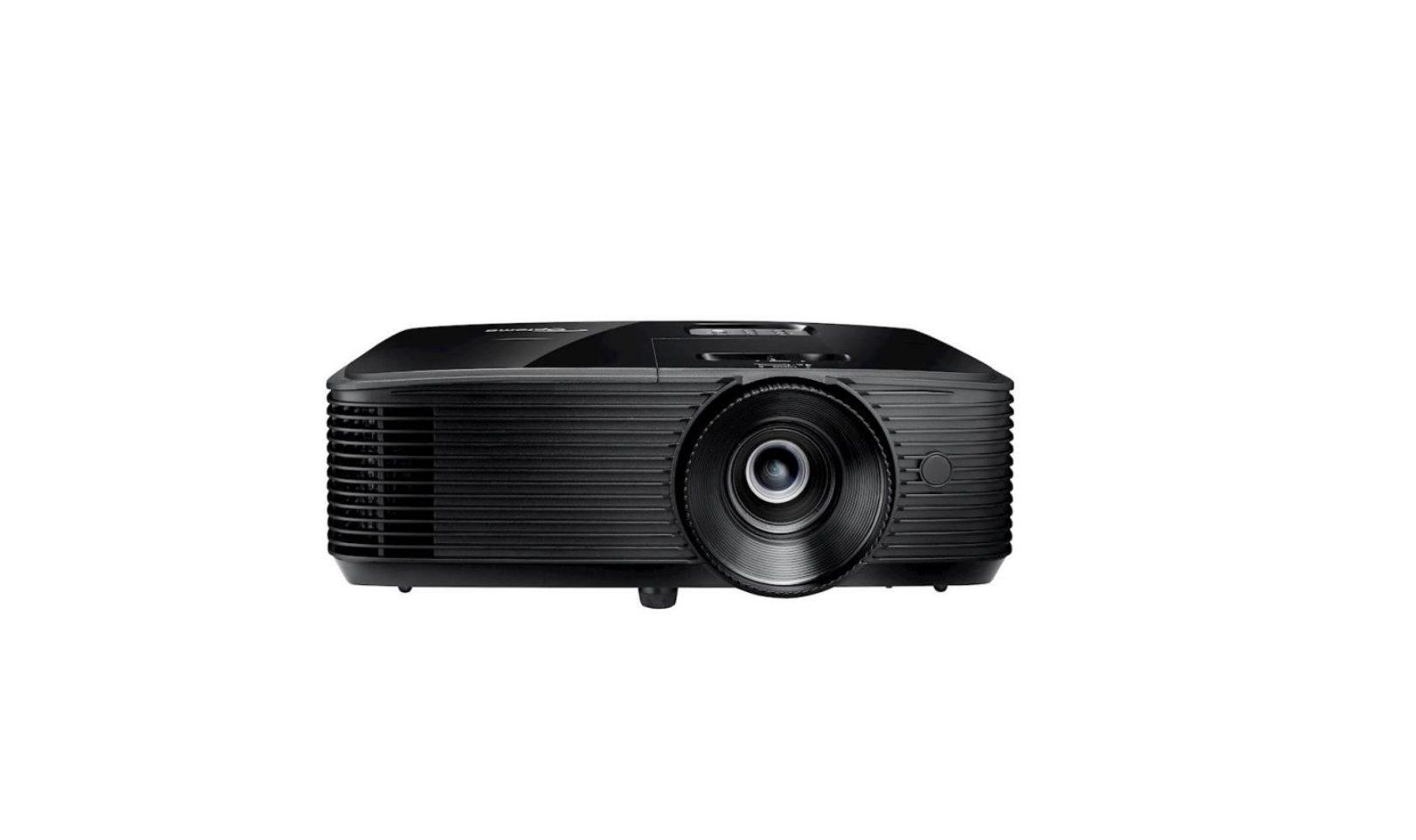
Create one record that identifies the room, asset tag, exact model, installation type and service contact for each projector. Add the screen size, usual source, input and approved guest connection. If a menu provides lamp or light-source hours, record how to find them and who can change settings. Flag ceiling units or equipment with restricted access. That keeps the inventory useful even when a teacher cannot see the model label from the floor.
Keep the manufacturer manual for each family alongside the calendar. Projectors can have different filters, warnings, mount clearances and light sources. Where previous maintenance is unknown, run a straightforward reference check covering the menu, a familiar picture and the normal input. Write down the date and conditions so later checks can use the same baseline. A calendar built around the equipment actually installed is more dependable than a single copied service interval for every room.
Design an opening check around an ordinary lesson
The simplest useful test starts the room normally, selects the teaching input and displays a reference slide with a title, small text and a light background. Confirm that it is legible from the back row and look for an obvious colour change on one side. If the room plays audio through the projector or the control system, play a short local file on the normal signal route. Where the room supports assessments, test with the permitted exam source as well.
A teaching check should not require access to an overhead projector or internal parts. Place clear instructions at the front of the room showing the normal input, where the approved backup cable is and what to record when something fails. Ask staff to distinguish a black screen, No Signal, a dim picture and a projector that shuts down after part of a session. Each can interrupt the class while pointing to a different investigation.
Schedule checks around exams, dust and usage
Plan a baseline for the start of term and another before important exam or event dates. Include an additional check after building work or a classroom relocation. Service intervals for a physical item should reflect the model instructions and usage. A dusty workshop and a shared room used for one weekly meeting can have different maintenance needs. Record light-source hours where they are accessible and note when the reading was taken. If the school's timetable gives only an estimate, label it as such.
A scheduled inspection need not mean automatic parts replacement. Assign exterior condition, image and input checks to the appropriate team, and list any routine user maintenance expressly described by the manufacturer. Work at height, electrical access and service cover removal belong with qualified staff. Where the unit has limited cabinet or ceiling access, agree the work window in advance and identify the installer who can carry it out safely.
Include the screen, remote and source equipment
Identify which screen sits in each room and who supports it if the motorized mechanism does not lower. Check the remote, its batteries, the known working spare cable and accessible connectors at the lectern. A screen that is out of position or a new light directed at it can produce a report of a faulty projector. If the issue occurs only through the wall or desk connection, an approved direct reference test can help preserve working equipment in service.
When the school changes teacher laptops, room presets or docks, test the new combination in representative classrooms. Keep the working route and backup method in the classroom instructions. This prevents teams treating a shared compatibility issue as several unrelated breakdowns. After painting or lighting changes, repeat the reference slide in the new conditions and compare legibility from the same seats.
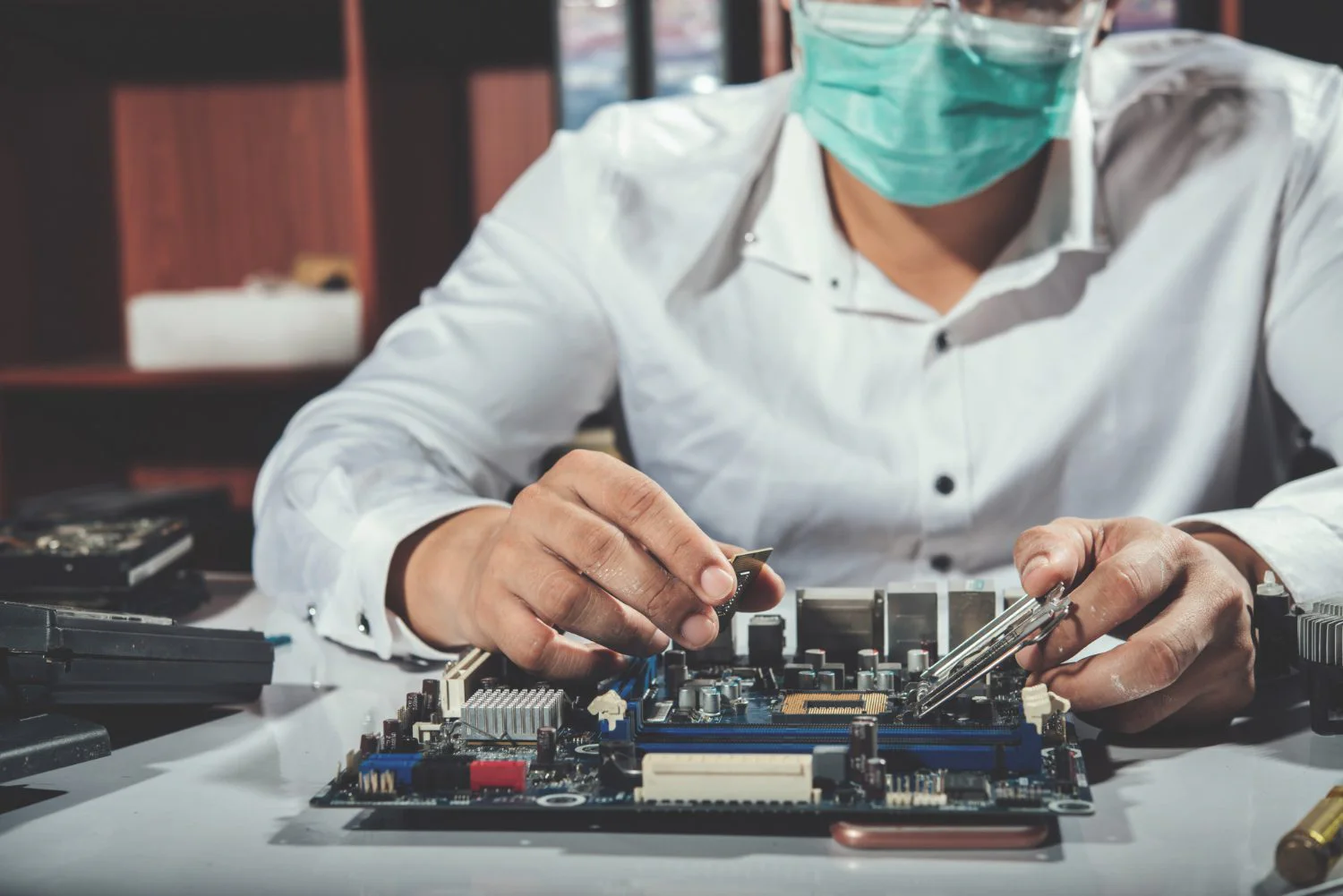
Worked example before an exam week
Suppose a school has ordinary classrooms, two computer labs and a hall that is booked for examinations. Give the hall an early check because an immediate substitute may be difficult. Display the planned content a week before the exams and use the inputs and controls that invigilators will have on the day. A simple sheet with room, tested item, outcome and required action gives the facilities team time to arrange alternatives.
In one classroom, an image disappears only with a visitor laptop. Keep a verified source available and test the adapter before requesting projector repair. In the exam hall, suppose there is a thermal warning after a fixed running time. Record the conditions, follow the manufacturer instructions for stopping use and arrange a proven fallback with service. Both issues are reported using the same sheet, but the different observations produce different priorities and equipment needs.
Close the job with a room acceptance check
After maintenance, start the projector using the normal source, controller and screen in its room. Test a familiar slide from the farthest seat, switch between two required inputs and check normal shutdown. If the original problem took time to occur, agree a representative runtime test with service. Update the room record with the repair, test date and any new part or configuration information. Restore any room instruction labels that changed during the work.
Keep track of recurring symptoms and whether they follow one projector or stay with one room. If two devices give the same symptom in the same installation, review that room's source route and infrastructure. If the symptom moves with a device, tell the repair provider where it was observed. This simple record can maintain continuity when responsibilities change and can identify rooms that need an infrastructure upgrade rather than repeated part replacement.
Questions from teaching and facilities staff
Does every projector need to be cleaned monthly?
Use the manufacturer's maintenance instructions and account for the room and operating hours. A term or event check can include image and control functions even when the model does not require a cleaning step.
What should a teacher include in a fault report?
Give the room number, symptom, time of onset, selected source and result from the known fallback. If an indicator or message is visible, a photo from floor level gives service useful information without requiring access to the equipment.
Can one projector be held as a spare for the whole school?
A spare should have a safe, documented setup and compatible sources and screen geometry. Check in advance which classrooms the model can serve and which spaces need a separate fallback plan.