



Knowledge that leads to a more precise choice.
Professional articles and guides from Goldtec for selecting equipment, planning spaces and making technology decisions.
92 knowledge items found
How to Find and Fix Echo in a Video Meeting Room
When someone hears a delayed return of their own voice, disconnect audio on every device in the room except one. If the echo remains, isolate one endpoint at a time and check both the selected microphone and the loudspeaker path.
ANSI lumens in projectors: compare light output in a real room
Compare projectors rated by the same measurement method and in similar operating modes first, then demonstrate them at the same screen size and room lighting. The lumen figure describes measured light output; image readability also depends on area, surface and the light falling on the screen.
Projector Will Not Power On: What to Check
Check a working outlet, the specified power lead and the projector's own power button. If an indicator lights up, record its colour and behaviour and consult the exact model manual. A unit that starts and shuts down needs a different assessment from one with no power indication.
Lighting a meeting room for projection and video calls
Separate the light reaching the screen from the light people need at the table. Test windows and fittings during real meeting hours, reduce direct light on the image and keep soft, even light on faces. Save distinct settings for slides, video calls and dark video content.
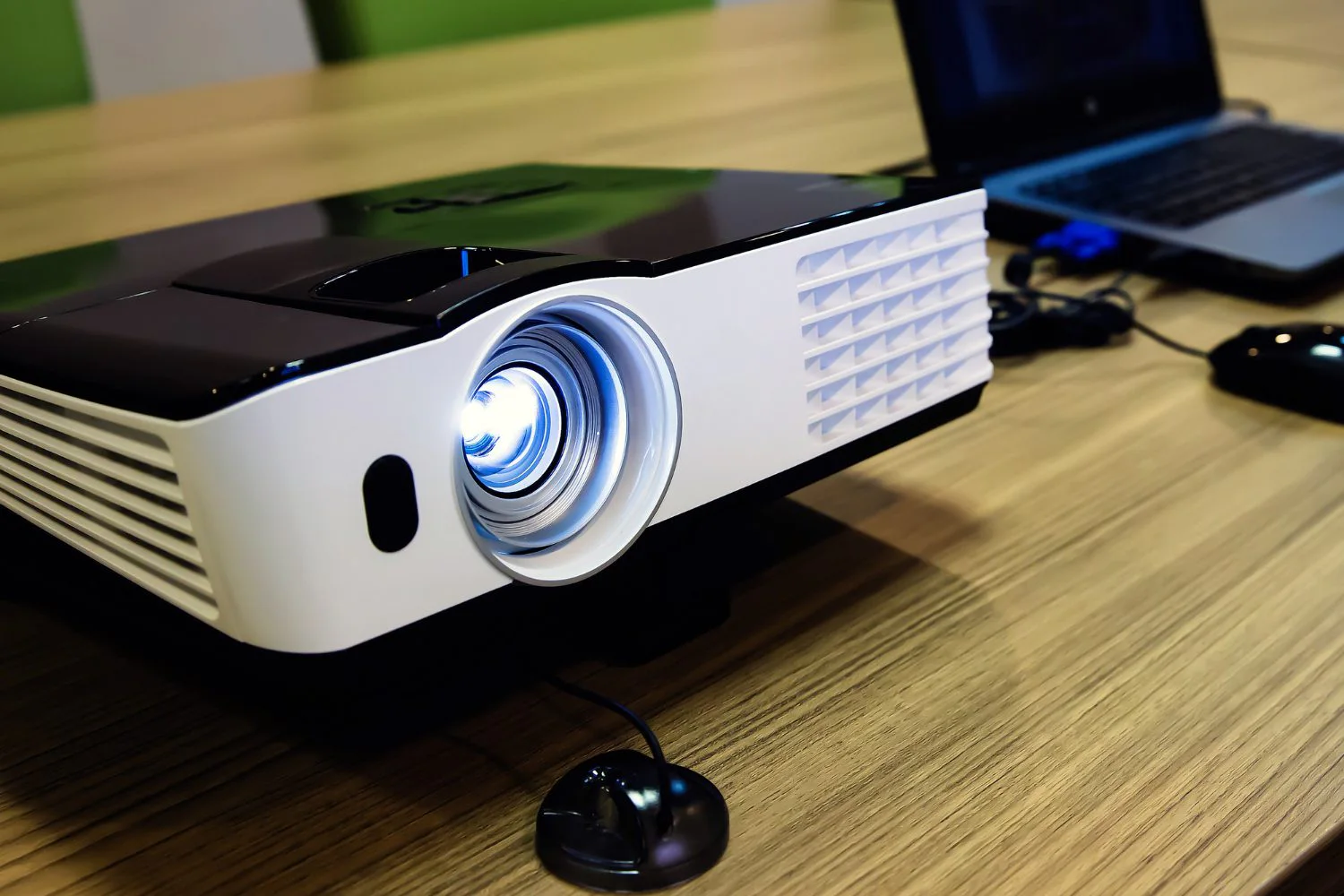
How to Diagnose a Dim Projector Image
Compare the picture at the same size, input and room lighting. Check whether the projector's own menu looks dim and whether the change affects the whole image. Those comparisons help separate picture settings, ambient light, light-source decline and an optical problem.
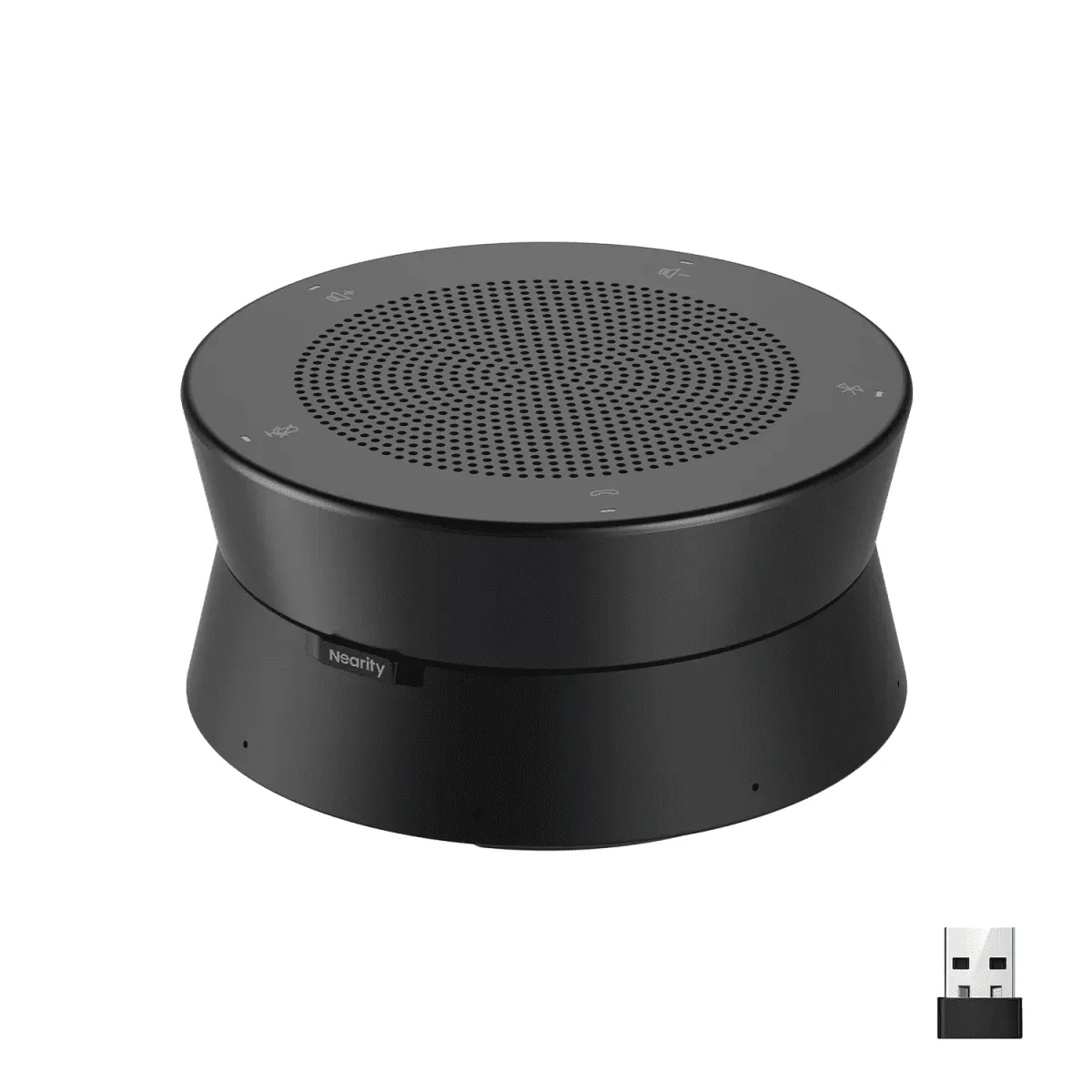
Meeting Room Audio Acceptance Testing - A Practical Protocol
Meeting room audio passes when remote participants can understand ordinary speech from every intended seat and people in the room can hear the far end clearly. Test mute, shared media and guest laptop connections before accepting the installation.
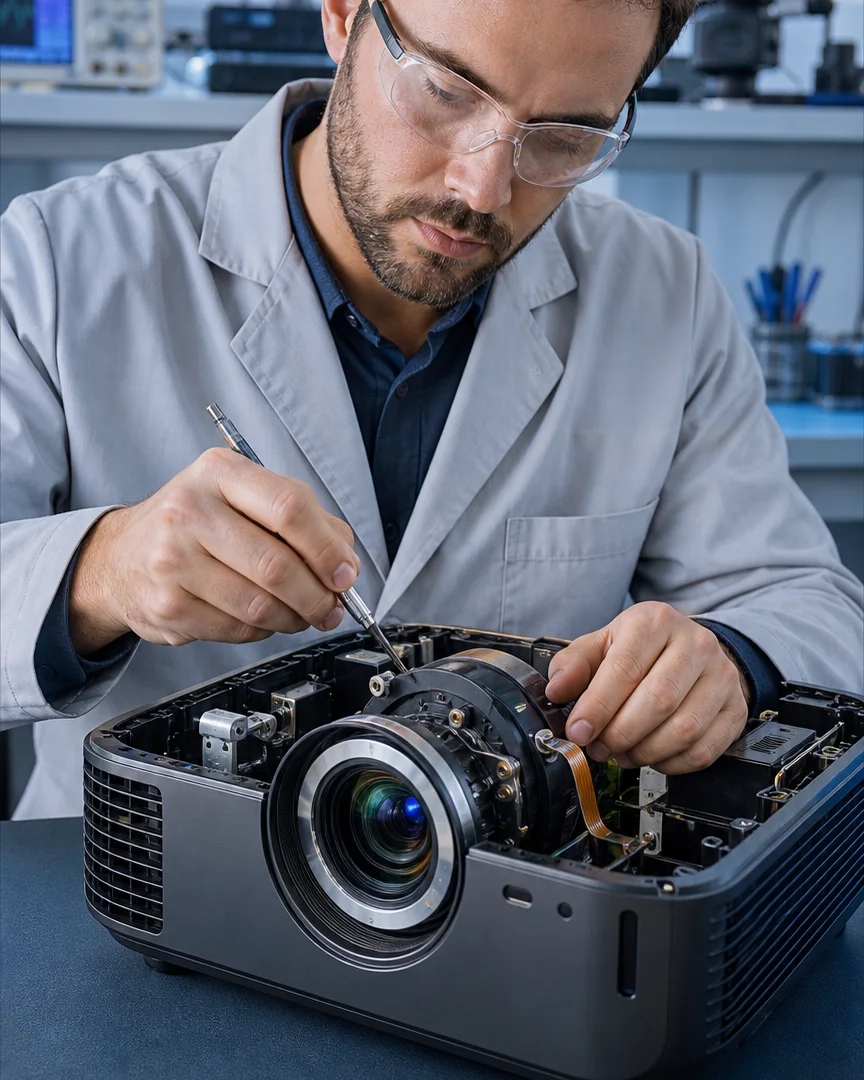
Projector Fan Noise and Overheating Checks
Compare the noise during startup, projection and cooldown. Check external ventilation and read the indicator pattern in the model manual. Repeated shutdown, a heat warning or a new mechanical sound deserves a documented service assessment.
Lens shift vs keystone correction in projectors
Lens shift moves an image optically while the projector remains level. Keystone digitally reshapes the image when the projector sits at an angle. For permanent installation, align the projector with the screen, check the supported shift envelope, and use minimal digital correction if needed.
BYOM or Dedicated Meeting Room System - A Selection Guide
With Bring Your Own Meeting, the host runs the meeting on a personal computer while using the room camera and sound. A dedicated system can join from the room console. Compare meeting types, IT requirements and the time users need to start and finish calls.
Projector On but No Picture Over HDMI
Open the projector menu and select the intended HDMI input. If the menu appears, connect a known working source using a short cable and a supported format. That test helps locate the fault in the source, cable, intermediate equipment or input.
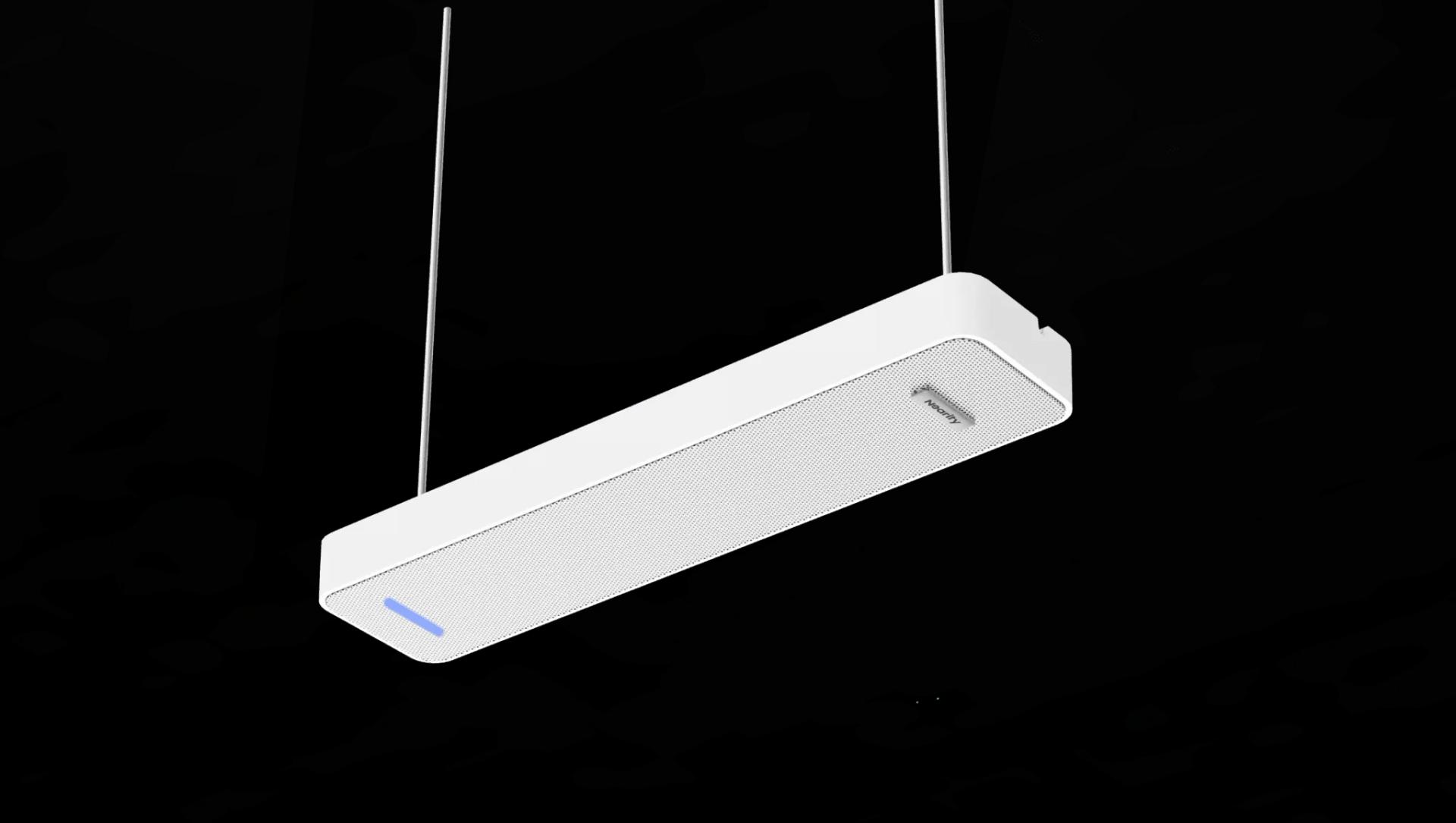
Ceiling Microphones for Meeting Rooms - Survey and Installation
A ceiling microphone suits a meeting room that needs a clear table or flexible furniture, provided the acoustics and installed position allow clear pickup. Begin with speaking positions, compare them with the ceiling plan, and verify performance through a real call.
Projector throw distance calculator by screen width
Multiply the active image width by the lens throw ratio to estimate the lens-to-screen distance. A 100-inch 16:9 screen and a 1.20-1.50 lens need approximately 2.66-3.32 metres. Confirm the exact lens reference point, zoom range and image offset in the model documentation before marking the mount.
